Design · All levels
Learn to build film-style visual effects from start to finish
A practical course that follows complete VFX scenes through tracking, 3D, compositing, lighting and colour, using the tools studios rely on.
- 17 video lessons
- After Effects, Blender, Unreal Engine 5
- Curator support
- 14-day refund policy
Why visual effects feel so hard to learn
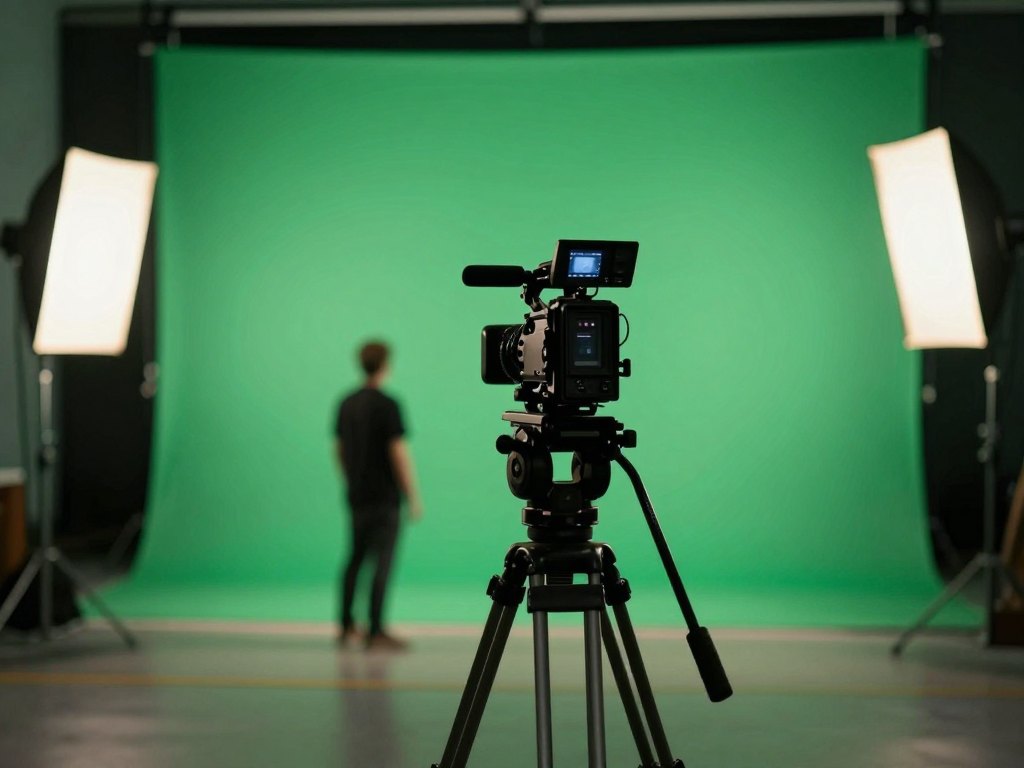
Visual effects look like magic on screen, but behind every shot there is a chain of ordinary steps: tracking the camera, cutting out the subject, adding 3D elements, matching light and finishing the colour. Most beginners meet these steps one by one, in separate tutorials, and never see how they fit together.
The result is a pile of half-understood techniques. You may know how to place a title in After Effects, yet have no idea how a 3D object ends up convincingly standing in a real shot. Programs such as Blender and Unreal Engine 5 can seem like a different planet.
This course takes a different route. Instead of teaching every button in every program, it works through complete scenes and shows each stage of the process in the order a real project follows. You see why a step is needed, which tool suits it, and what the shot looks like before and after.
By the end, you understand the whole path from raw footage to a finished effect. That is the foundation of working as a VFX specialist, whether you want to start a career in computer graphics or simply make better video.
What you will be able to do
Skills you practise on real scenes during the course.
- Set up your VFX workspace
Install the programs and plugins used in the lessons and organise your working materials.
- Track camera movement in footage
Make added elements stay locked to the shot with tracking in After Effects.
- Separate a subject from its background
Use rotoscoping and keying to cut out people and objects cleanly.
- Create 3D hair in Blender
Build a 3D element from scratch and prepare it for use in a shot.
- Composite layers into one believable image
Combine footage, 3D and effects with After Effects and Mocha Pro.
- Light a scene so that elements match
Create lighting that makes added effects belong in the frame.
- Colour-correct a finished shot
Bring the whole scene to a consistent, polished look.
- Build a 3D location in Unreal Engine 5
Create an environment for a destruction scene and understand how it joins the rest of the shot.
- Understand the full effects pipeline
Know which stage comes next and which program to open for it.
- 17
- video lessons in the full package
- 5
- chapters
- 3
- main programs: After Effects, Blender, Unreal Engine 5
- 2
- complete practice scenes
The tools you will work with
The course is built around three professional programs. Adobe After Effects is the centre of the work: tracking, rotoscoping, keying, compositing, lighting and colour all happen there. Blender 3D is used for creating 3D elements, and Unreal Engine 5 for building 3D locations and scenes.
On top of that, the lessons use additional plugins that are widely used in the film industry, including Mocha Pro for tracking and compositing work. The first lessons show you how to install everything, so you do not need to hunt for setup instructions elsewhere.
You do not need to master all of these programs before you begin. Each is introduced at the moment you need it, and always in the context of a concrete task on screen.

How the course works
The course is a library of recorded video lessons that you take at your own pace. You can watch a lesson, pause, repeat the steps in your own copy of the project, and come back whenever it suits you. There are no fixed weekly deadlines.
The material is organised in chapters. You begin with an overview and installation, then get acquainted with the interface, and then work through two scenes: a witch flying in the sky and a witch destroying a village. Each stage is shown in the program best suited to it.
The full package includes help from a curator, so you are not left alone when something does not work. An extended package adds more advanced lessons and a closed chat for students; see the list of what you get below.
The programme
The full package contains 17 lessons across the chapters below. Chapter 5 is the additional material of the extended package.
1Chapter 1 and 2 — Introduction and the interfaceGet your materials and software ready and find your way around the workspace.3 lessons
- Overview of the working materials
- Installing the programs and plugins
- Getting to know the interface
2Chapter 3, part 1 — The witch in the sky: preparing the shotWork with the footage and create the first 3D element.3 lessons
- Tracking the shot in After Effects
- Rotoscoping and keying in After Effects
- Creating 3D hair in Blender
3Chapter 3, part 2 — The witch in the sky: finishing the shotBring all layers together and give the scene its final look.3 lessons
- Compositing with After Effects and Mocha Pro
- Creating lighting in After Effects
- Colour correction in After Effects
4Chapter 4 — The witch destroys the villageBuild a 3D environment for a larger effects scene.2 lessons
- Creating the 3D location in Unreal Engine 5
- Fitting the location into the destruction scene
5Chapter 5 — Additional materials (extended package)Five complex lessons for those who want to go further.5 lessons
- Creating a 3D location in Unreal Engine 5
- Creating a 3D video in Unreal Engine 5
- Recreating a scene inspired by a Spider-Man film in Blender and After Effects
- Full overview of the Element 3D plugin for After Effects
- Face replacement with neural networks in After Effects
What you get
Everything included with the course.
- Access to all course materials
The full package contains 17 video lessons.
- A bonus introductory course
The full package includes an earlier VFX course as a gift.
- Help from a curator
Ask for support when you get stuck in a lesson.
- Practice scenes
Two complete scenes to follow and rebuild yourself.
- Learning at your own pace
Watch lessons when it suits you and repeat any step.
- Optional extended package
Five extra lessons and a closed student chat, available as a higher tariff.
Is this course for you?
This course is for you if…
- You are a complete beginner who wants to start in visual effects and computer graphics.
- You already edit video and want to add effects to your skills.
- You have some VFX experience and want to see the full process in one place.
- You want to learn After Effects, Blender and Unreal Engine 5 through real scenes rather than isolated tricks.
Probably not a fit if…
- You are looking for personal one-to-one tuition rather than recorded lessons.
- You want a quick shortcut that avoids practising in the programs.
- You do not have a computer that can run 3D software.
After the course
When you finish, you will understand how a visual effects shot is made from the first tracking point to the final colour adjustment. You will know which tool to use at each stage and why.
You will also have worked through two complete scenes, which gives you practical material to build on. From here you can continue with your own footage, develop your own effects and keep strengthening the areas that interest you most.
The course gives you the foundations and a clear process. How far you take it depends on the practice you put in afterwards.
Questions before you buy
How much time do I need each week?
There is no fixed schedule. Plan a few hours a week to watch lessons and repeat the steps in your own projects. Working steadily gives better results than rushing.
Do I need any experience?
No. The course suits complete beginners as well as people who already have some experience. The first lessons cover materials, installation and the interface.
What do I need to take the course?
A computer able to run After Effects, Blender and Unreal Engine 5. The lessons show how to install the programs and plugins used.
How does access work after payment?
After you pay, you receive access to the course materials through the learning platform and can start straight away.
What is the difference between the packages?
The full package gives access to all 17 course lessons, a bonus introductory course and curator help. The extended package adds five complex lessons and a closed student chat.
What format are the lessons?
Recorded video lessons that you watch at your own pace, working in the programs alongside them.
Will the material stay available?
Yes. The lessons stay available so you can return to any topic whenever you need it.
What is the refund policy?
You can request a refund within 14 days of purchase.
Start building your first effects
Join the course and follow two complete VFX scenes from raw footage to the final shot.