Photography · Intermediate
Style commercial shoots so every frame looks intentional
Pre-recorded video lessons and practical assignments that teach you how to plan, style and finish commercial photographs clients are glad to pay for.
- Pre-recorded video lessons
- Practical assignment in every module
- Teacher feedback on your work
- Watch as often as you like
- 14-day refund policy
Why good photographs still fall flat in commercial work
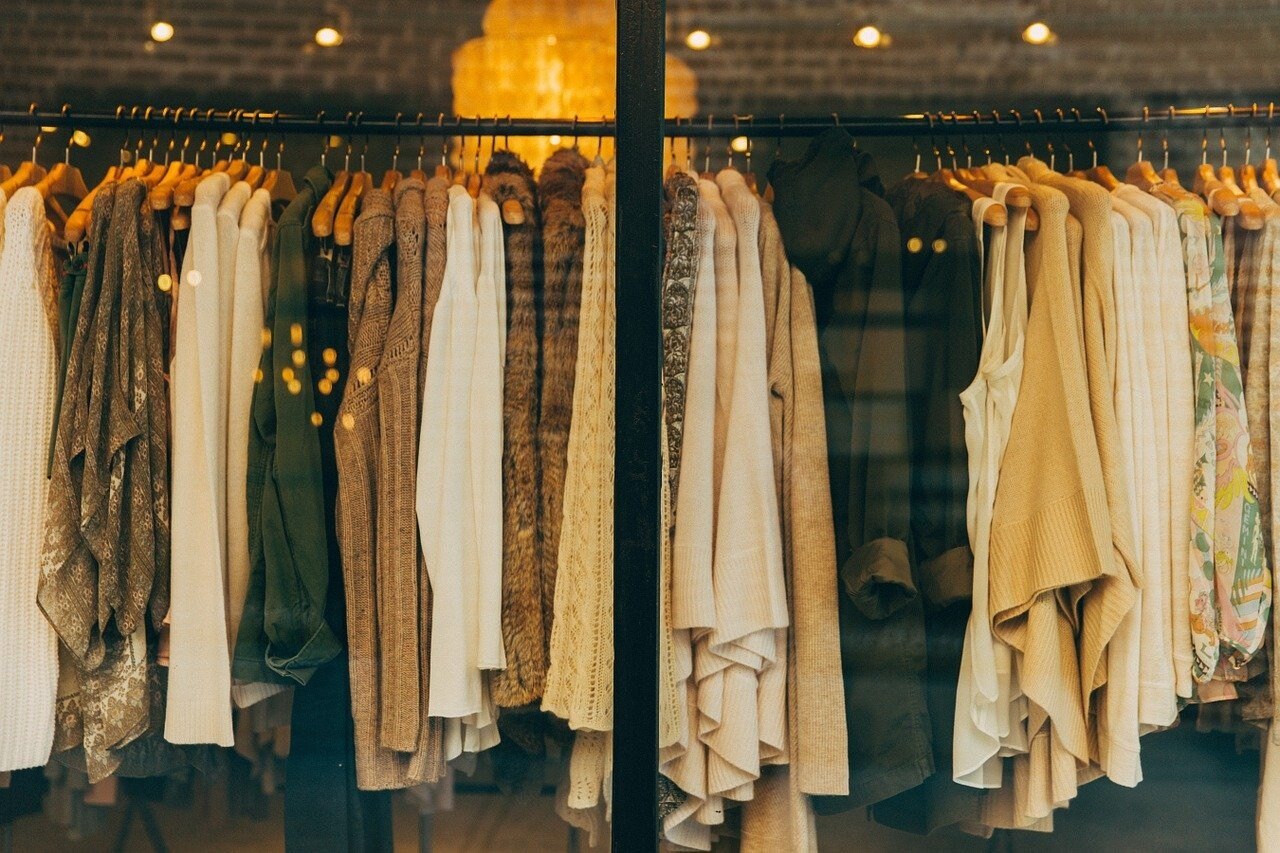
Many photographers know their camera, their lights and their editing software well, yet commercial clients still send images back. The problem is rarely technical. It is usually what stands in front of the lens: clothes that hang awkwardly, colours that fight each other, props that distract, and a set that does not say anything about the brand.
In commercial photography the picture has a job. It has to present a product, a collection or a space in a way that makes someone want it. Styling is the craft that makes this happen. It decides what is in the frame, how it is arranged and how it feels. Without it, even a sharp, well-exposed image can look flat and generic.
This programme is built for photographers who want to take control of that part of the work. Instead of hoping a stylist will be on the budget, or improvising on the day, you learn a repeatable way to think about a shoot before you pick up the camera.
The lessons move from the basics of reading a brief to advanced methods for building a consistent, recognisable look across a whole series of images. Each module ends with a practical task, so you apply every idea to real material rather than just watching.
What you will be able to do
By the end of the programme you will be able to:
- Read a commercial brief and turn it into a styling plan
You will translate brand wishes into a clear visual direction before the shoot.
- Build a mood board that guides every decision
A simple, reusable method for aligning yourself and your client.
- Choose and combine colours with intent
You will create palettes that support the product instead of competing with it.
- Handle garments and soft fabrics on set
Knitwear, layers and textured materials will look tidy and natural in front of the lens.
- Select props and backgrounds that add meaning
Every object in the frame will have a reason to be there.
- Compose styled frames with balance and space
You will use proportion, repetition and empty space to guide the viewer's eye.
- Adjust styling quickly between frames
You will spot and fix small problems while the shoot is running.
- Assemble a consistent series for a client or portfolio
Your images will share one recognisable look from the first frame to the last.
- Present your styling skills when you pitch to clients
You will describe what you offer in clear, professional terms.
- 6
- modules
- 24
- video lesson topics
- 6
- practical assignments
- 14 days
- refund window
The method: plan first, then shoot
The programme is organised around one simple idea: most styling problems are solved before the shoot begins. If you know what the brand wants to say, which colours and textures support that message, and what each object in the frame is for, the day on set becomes far calmer and faster.
So the early modules focus on thinking and preparation: understanding the brief, building a visual reference, and planning a shot list. Only then do the lessons move to the physical work of handling fabrics, arranging props and refining the frame.
Later lessons introduce more advanced techniques. They help you refine the details that separate an acceptable image from a polished one, and show you how to keep a series consistent when you are shooting many items in one session.
Throughout, the emphasis is on practice. The programme assumes you already know how to use your camera. It does not try to teach you photography from zero; it teaches you to make better decisions about what you are photographing.
How the course works
The main lessons are video recordings made in advance. You can watch them at any time and as many times as you like, which makes it easy to fit the programme around client work and your own schedule.
Lessons contain practical assignments. You complete the task, attach your result to your answer in the lesson, and the teacher reviews it. You receive comments on what works and what needs to be corrected. The next lessons open once the task is done, so the programme builds step by step instead of becoming a pile of unwatched videos.
If you have a question, you can ask it in the comments under the lesson. Additional sessions may be held online as webinars, and recordings are made available afterwards, so you do not miss anything if you cannot attend live.
The programme
Six modules take you from planning a styled shoot to presenting finished work.
1Module 1 — From brief to styling planUnderstand what the client needs and prepare before the shoot.4 lessons
- What styling adds to a commercial image
- Reading a brief and the brand behind it
- Building a mood board that guides the shoot
- Planning a shot list and a styling checklist
2Module 2 — Colour and paletteUse colour deliberately so the product stays the focus.4 lessons
- How colours relate to each other in a frame
- Building a palette around a product
- Working with neutral and tonal schemes
- Spotting and fixing colour clashes
3Module 3 — Fabric, texture and garmentsMake clothing and soft materials look their best.4 lessons
- Handling knitwear and soft fabrics
- Steaming, pinning and clipping for a clean shape
- Layering and proportion in a styled look
- Preparing items before the shoot day
4Module 4 — Props, surfaces and setChoose supporting elements that add meaning, not noise.4 lessons
- Choosing props that support the product
- Backgrounds and surfaces that suit the brand
- Composing with props and negative space
- Keeping a set simple and consistent
5Module 5 — Working on setAdvanced methods for styling during the shoot itself.4 lessons
- Styling for models and for flat or hanging displays
- Making small adjustments between frames
- Communicating with the client during the shoot
- Keeping a series visually consistent
6Module 6 — Finishing and presenting your workReview your results and present them professionally.4 lessons
- Critically reviewing styled images
- Selecting and sequencing a styled series
- Showing your styling skills in a client pitch
- Planning your next styled projects
What you get
- Pre-recorded video lessons
Watch them as many times as you need.
- Practical assignments
Each module includes tasks that apply the ideas to real material.
- Teacher feedback
Your submitted results are reviewed with comments on what to improve.
- Comment-based support
Ask questions under any lesson.
- Additional online sessions
Webinars may be held, and recordings are posted afterwards.
- A clear step-by-step path
Tasks unlock the next lessons, so you keep moving.
- Ongoing access
The materials stay available to you after you finish.
Is this course for you?
This course is for you if…
- Photographers who shoot commercial work such as clothing, products or lookbooks and want to improve the styling
- Creative people who already know how to use a camera and want practical, repeatable techniques
- Freelancers who want to offer clients more than just technically good pictures
- Learners who prefer clear assignments and feedback over passive watching
Probably not a fit if…
- Complete beginners who have never used a camera
- Anyone looking for a quick fix with no practice involved
- Those who want a course on camera settings, lighting or editing software
- Learners who do not plan to complete the assignments
After the course
When you finish the programme, you will approach a commercial shoot differently. Instead of arriving with a camera and hoping the scene comes together, you will arrive with a plan: a brief you understand, a mood board, a palette and a shot list.
On set, you will notice details earlier. A crooked sleeve, a prop that pulls attention, a colour that does not belong: you will know what to look for and how to fix it quickly.
You will also have a set of styled images created through the assignments. These can form the beginning of a portfolio that shows clients how you think about their products, not only how you light them.
The results depend on your starting point and on the practice you put in. The programme gives you the method and the feedback; the progress comes from applying it to your own shoots.
Questions before you buy
How much time do I need each week?
There is no fixed timetable. Many learners set aside a few hours a week for watching lessons and completing assignments, but you can go faster or slower depending on your schedule.
Do I need any experience?
You should be comfortable using a camera and have some experience of shooting. The programme does not teach photography from the beginning; it focuses on styling for commercial work.
How does access work after I pay?
Once your payment is confirmed, you receive access to the programme on the learning platform and can begin with the first module straight away.
What is the refund policy?
You can request a refund within 14 days of purchase. If the programme is not what you expected, contact our support team within that period.
What format are the lessons in?
The main lessons are pre-recorded videos that you can watch whenever you like. Each comes with a practical assignment, and additional sessions may be held online with recordings posted afterwards.
Will I get feedback on my work?
Yes. You attach the result of each assignment to your answer in the lesson, and the teacher reviews it and comments on what to correct.
Can I skip ahead to later lessons?
Lessons are designed to be completed in order. Finishing the assignment in a lesson opens the next one, which keeps the learning step by step.
Does the material stay available?
Yes. The lessons remain available to you after payment, so you can return to them before future shoots.
Start styling with intent
Join the programme and turn your next commercial shoot into a planned, polished piece of work.