Design · Beginner
Model parts and assemblies in SolidWorks, then document them properly
A structured, simple-to-complex programme that takes you from the interface tour to finished 3D models, drawings and bills of materials.
- 6 modules, 23 lessons
- From simple to complex
- Parts, assemblies, drawings
- Practice tasks included
- 14-day refund policy
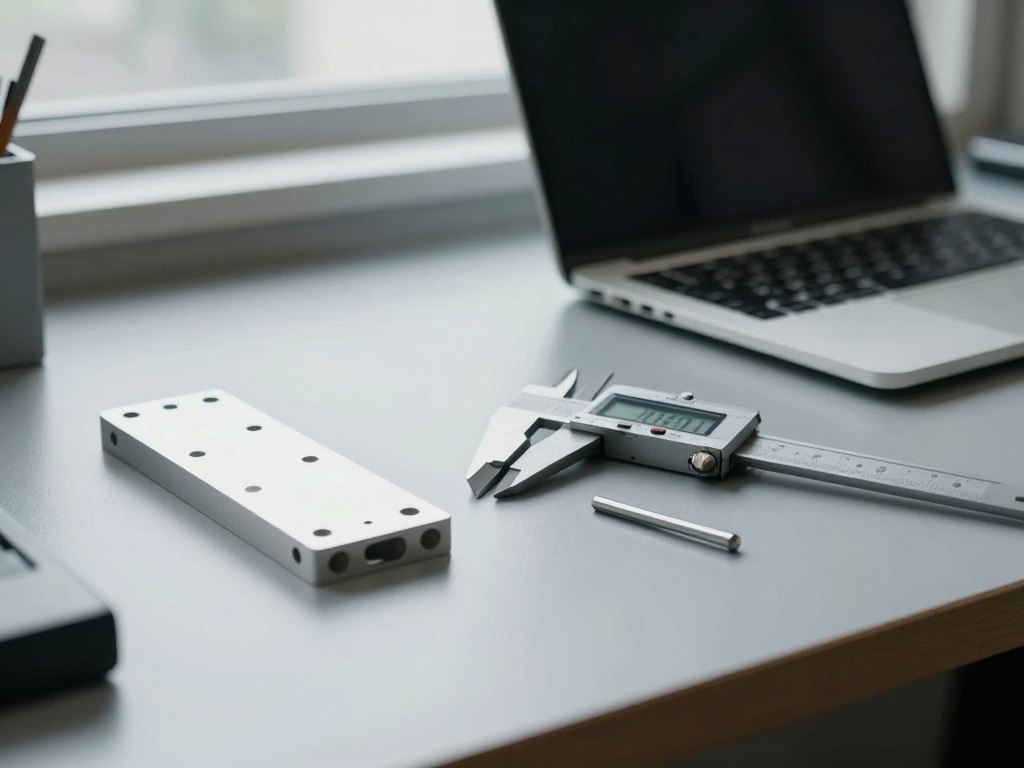
Why learning SolidWorks piece by piece is slow
Many engineers meet SolidWorks on the job. Someone shows them a few commands, they build a model, and they move on to the next deadline. Months later they still work around the same limitations, because they never learned why a sketch behaves the way it does or how a feature tree should be organised.
Self-study makes this worse. Videos found at random each cover a different corner of the program, in a different order, with different habits. You end up with a patchwork of knowledge: some advanced tricks, but gaps in the fundamentals such as sketch relations, mates and drawing settings.
This programme is built to close those gaps. It is designed for engineers who have never opened SolidWorks, and also for those who have been learning on their own and want to organise what they already know into one coherent system.
The lessons follow the principle of moving from simple to complex. The first lesson is an overview of the interface and the basic commands. By the end you will be able to create 3D models of parts and assemblies, build configurations, and produce drawings and bills of materials.
What you will be able to do
After completing the programme you will be able to work through the whole basic design cycle in SolidWorks.
- Navigate the interface with confidence
Find commands quickly, set up the workspace and use document templates.
- Build fully defined sketches
Apply dimensions and relations so that your models stay stable when you edit them.
- Create 3D parts from basic features
Combine extrudes, revolves, cuts, fillets, holes and patterns into clean models.
- Keep a tidy feature tree
Edit and reorder features without breaking the model.
- Assemble components with mates
Put parts and sub-assemblies together and check that they fit and move as intended.
- Create configurations of parts and assemblies
Keep several variants of a product in a single file.
- Prepare drawings of parts and assemblies
Set up sheets, add views, dimensions and annotations.
- Generate bills of materials
Produce specifications for your products directly from the assembly model.
- 6
- modules
- 23
- lessons
- 3
- core outputs: parts, assemblies, drawings
Built around real engineering work
The programme is aimed at working engineers and technical students, so the examples are about the things you will actually make: mechanical parts, assemblies of several components, and the documents that go to production.
Each module builds on the previous one. You learn to sketch before you model, to model before you assemble, and to assemble before you draw. This order means that every new topic rests on something you have already practised, and you are never asked to use a command that has not been explained.
Lessons stay focused. There are no long detours and no repeated explanations, so you can cover the material at your own speed and return to any lesson when a similar task appears at work.
How the course works
The course is delivered online as self-paced video lessons with accompanying materials. You can start immediately after payment and work through the modules in order, in whatever time you have available.
Each lesson shows the commands on screen and explains the reasoning behind them. After the lesson you repeat the steps yourself in SolidWorks and complete practice tasks, so the skills move from your screen to your hands. Rewatching a lesson before attempting a task is a normal and effective way to study.
You will need a computer with SolidWorks installed. The lessons assume no previous experience with the program, so you can begin from zero. Plan for a few hours a week for a steady pace, or study in longer sessions if you prefer.
The programme
Six modules that follow the natural order of design work, from the first sketch to the finished drawing.
1Module 1 — Interface and first stepsGet comfortable in the program and understand how a project is organised.4 lessons
- A tour of the SolidWorks interface
- Basic commands and view navigation
- Document templates and units
- Your first part from start to finish
2Module 2 — SketchingLearn to draw sketches that are stable and easy to edit.3 lessons
- Sketch tools and geometric relations
- Dimensions and fully defined sketches
- Finding and fixing common sketch errors
3Module 3 — Building 3D partsTurn sketches into solid models using the core features.5 lessons
- Extruded and revolved bosses and cuts
- Fillets, chamfers and holes
- Linear and circular patterns, mirroring
- Reference planes and axes
- Editing the feature tree without breaking the model
4Module 4 — AssembliesCombine parts into working assemblies.4 lessons
- Inserting components and applying mates
- Working with sub-assemblies
- Checking interference and motion
- Creating exploded views
5Module 5 — ConfigurationsManage several variants of a part or product in a single model.3 lessons
- Creating configurations of a part
- Configurations in assemblies
- Choosing the right variant for each use
6Module 6 — Drawings and bills of materialsDocument your models for production.4 lessons
- Sheet setup and standard views
- Dimensions and annotations
- Drawings of assemblies
- Bills of materials and balloons
What you get
- Self-paced video lessons
Recorded screen demonstrations that you can pause, rewind and rewatch.
- Practice tasks
Exercises that let you apply each topic to a model of your own.
- A clear learning path
Six modules in a logical order, so you always know what comes next.
- Coverage of the full basic cycle
Parts, assemblies, configurations, drawings and specifications in one programme.
- Access on any schedule
Study in the evenings, at weekends or in short breaks during the day.
- Ongoing availability
The material stays available so you can return to it whenever you need a refresher.
Is this course for you?
This course is for you if…
- Engineers who have never worked in SolidWorks
- Self-taught users who want to organise and fill gaps in their knowledge
- Designers who need to produce drawings and bills of materials
- Students of technical subjects preparing for engineering work
Probably not a fit if…
- Users who already work confidently with surfaces, sheet metal and top-down assembly design
- Anyone looking for a programme focused on finite element analysis
- Learners who do not have access to SolidWorks on their computer
- People who want a passive course without any hands-on practice
After the course
When you finish, SolidWorks stops being a collection of menus and becomes a toolset you understand. You can open a blank file, sketch with intent and build a part whose feature tree makes sense to a colleague who opens it later.
You can put several components together into an assembly, check how they fit and produce variants of the same product through configurations. You can then turn these models into drawings and bills of materials that are ready to hand over.
Just as importantly, you have the foundation needed to move on to more advanced topics such as complex geometry, sheet metal or simulation, because the basics are no longer in your way.
Questions before you buy
How much time do I need per week?
There is no fixed schedule. Many learners set aside a few hours a week for watching lessons and doing the practice tasks, but you can go faster or slower as your work allows.
Do I need any experience with SolidWorks?
No. The first lesson starts with the interface and basic commands. Some general engineering background is helpful, but the programme explains each step as it goes.
What do I need to take part?
You need a computer with SolidWorks installed so that you can repeat the steps and complete the practice tasks.
How does access work after payment?
After you pay, the course is added to your account and you can start straight away. You log in and continue from where you left off.
What is the refund policy?
You can request a refund within 14 days of purchase if the course is not what you expected.
What format are the lessons in?
The lessons are recorded video with on-screen demonstrations, supported by practice tasks and materials.
Will the material stay available?
Yes. The lessons stay available so you can return to any topic whenever you need it.
Does the course cover advanced topics like surfaces or simulation?
No. This programme covers the fundamentals: sketches, parts, assemblies, configurations and drawings. It prepares you to continue with more advanced subjects afterwards.
Start modelling this week
Open the first lesson today and build your first part before the weekend.