Design · Beginner
Design social media pages and graphics that look professional
A practical programme on styling business profiles and preparing the graphic materials they need, from the first sketch to the finished post.
- 6 modules
- 24 video lessons
- Practical assignments
- Self-paced access
- 14-day refund
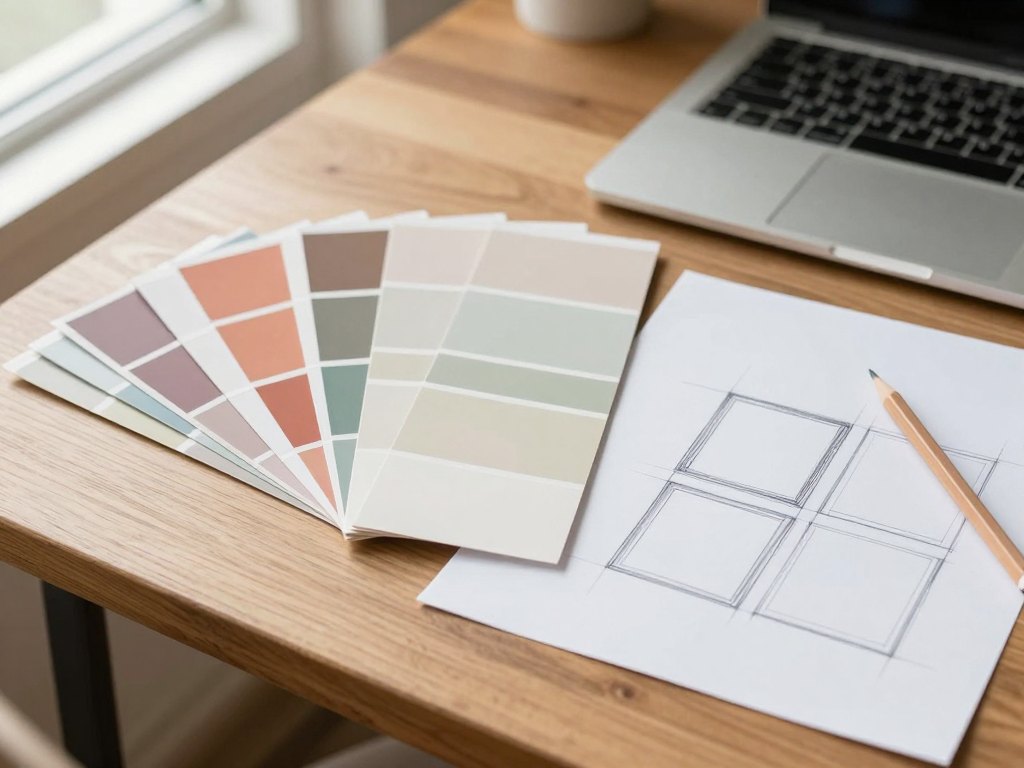
Why most business profiles look unfinished
Open ten business pages on any social network and you will notice the same problems. The cover does not match the avatar, the posts use three different fonts, and the banners are stretched or cropped in the wrong place. The owner usually knows something is off, but cannot say what.
The cause is rarely a lack of talent. Most people never learned the small set of rules behind good social media design: how to build a visual style, how to choose sizes for each placement, and how to prepare graphics so they work on a phone screen.
This programme turns those rules into a clear working process. You learn how a business profile is organised, which graphic materials it needs, and how to produce them in a consistent style that people recognise and trust.
The course is built around the practical task of styling social networks and preparing graphics for business. You can use it to improve your own project, to serve clients, or to start offering design as a service.
What you will be able to do
- Plan the visual style of a business profile
Choose colours, fonts and layout principles that fit the brand and the audience.
- Prepare covers, avatars and banners in the right sizes
Know what each placement needs so nothing is cropped or blurred.
- Design posts and stories as a consistent series
Build templates once and reuse them for every new publication.
- Create menus, buttons and promotional graphics
Present products, prices and offers clearly inside a profile.
- Write a clear design brief for a project
Ask the right questions before you open a design tool.
- Check your work against a practical quality list
Spot weak contrast, cluttered layouts and unreadable text before publishing.
- Organise files and deliver them to a client
Name, export and hand over materials so they are easy to use.
- Present your finished work as a portfolio piece
Show the result of a project in a way that explains its value.
- 6
- modules
- 24
- video lessons
- 6
- practical assignments
- 14 days
- refund window
Learn by styling a real profile
Throughout the programme you work on one project of your choice: your own page, a friend's small business or an imaginary brand. Each module ends with an assignment that adds a new layer to that project.
By the final lesson you have a complete set of graphics for a profile, built in a single consistent style. Because every step is applied to something real, the rules stick and you finish with work you can show.
One project from start to finish. Assignments tied to every module. A reusable checklist for future projects. Work you can add to a portfolio.

How the course works
The programme is delivered online as video lessons that you can watch at your own pace. Each module groups lessons around one stage of the work, so you can move from the basics of visual style to finished materials in a logical order.
Every lesson is short and focused on one skill. You watch, then apply it straight away to your project. The assignments are optional in the sense that nobody forces you to submit them, but they are what turns viewing into a real skill.
Plan on a few hours a week if you want a steady pace. If you have a project with a deadline you can move faster, and if your schedule is full you can pause and return later without losing anything.
The programme
Six modules take you from the principles of visual style to a finished set of materials.
1Module 1 — Foundations of social media designHow a business profile is built and what good design has to achieve.4 lessons
- What visual design does for a business profile
- Anatomy of a social network page
- Common mistakes that make a profile look amateur
- Collecting references and defining the task
2Module 2 — Visual styleTurn a brand idea into rules you can apply every time.4 lessons
- Choosing a colour palette that fits the audience
- Pairing fonts and setting text hierarchy
- Composition, spacing and contrast
- Writing a short style guide for one project
3Module 3 — Profile identityDesign the elements people see first.4 lessons
- Avatars that stay readable at small sizes
- Covers and header graphics for different placements
- Pinned posts and welcome materials
- Checking how a profile looks on phone and desktop
4Module 4 — Content graphicsBuild templates for posts, stories and carousels.4 lessons
- Designing a post template system
- Stories and short vertical formats
- Carousels and step-by-step graphics
- Adapting one design to several formats
5Module 5 — Commercial materialsPresent products and offers clearly.4 lessons
- Product cards and catalogue graphics
- Menus, buttons and navigation elements
- Banners for promotions and announcements
- Working with photos, cut-outs and simple retouching
6Module 6 — Delivery and portfolioPrepare files, hand over work and show the result.4 lessons
- Writing a design brief and agreeing the scope
- Exporting, naming and organising files
- Self-review with a quality checklist
- Presenting the finished project as a portfolio piece
What you get
- 24 video lessons
Short, focused lessons organised in six modules.
- Practical assignments
A task at the end of each module that builds your project step by step.
- Checklists and working materials
Reusable lists you can apply to any new profile.
- Access on any device
Watch on a laptop, tablet or phone whenever it suits you.
- Self-paced learning
No fixed schedule and no deadlines to chase.
- Ongoing access to the material
Return to any lesson when you start a new project.
- 14-day refund policy
If the programme is not right for you, ask for a refund within 14 days.
Is this course for you?
This course is for you if…
- Beginners who want to start working with social media design
- Small business owners who style their own profiles
- Marketers and community managers who prepare graphics regularly
- Freelancers who want to add design to their services
Probably not a fit if…
- Anyone looking for advanced illustration or animation training
- People who want a ready-made set of templates without learning the principles
- Learners who expect personal feedback on every piece of work
- Those looking for in-depth training in a single design tool
After the course
When you finish, you have a clear process for any new profile. You start with a brief, define a style, build the identity elements and then create templates for ongoing content. You no longer begin from a blank screen.
You also have a finished project with a complete set of graphics, a short style guide and a checklist you can reuse. That is a solid base for improving your own business pages or for taking your first design orders.
The programme does not promise a particular income or job. What it gives you is a practical skill and a structured way of working that you can keep developing.
Questions before you buy
How much time do I need each week?
Plan on two to four hours a week to watch the lessons and complete the assignments. You set the pace, so you can go faster or slower as your schedule allows.
Do I need any prior experience?
No. The programme starts from the basics of visual style and social media formats. A computer and a willingness to practise are enough.
How does access work after payment?
Once your payment is confirmed you receive access to the lessons and can start straight away. You can study on any device with an internet connection.
What format are the lessons in?
The lessons are recorded video, grouped into six modules, with assignments and working materials to support each stage.
Does the material stay available?
Yes. Once you have access you can return to any lesson whenever you need a refresher or start a new project.
What is the refund policy?
You can request a refund within 14 days of purchase if the course is not what you expected.
Which tools will I need?
Any graphic editor you are comfortable with is enough. The lessons focus on principles and workflow so you can apply them in the tool you prefer.
Can I use this to work for clients?
Yes. The final module covers briefs, file delivery and presenting finished work, which are the practical steps involved in working with clients. The course does not guarantee orders or income.
Start designing with a clear method
Get access to all six modules and begin building your first complete set of social media graphics.