Design · All levels
Rebuild real parts as accurate 3D models and drawings
A practical video programme that takes you from a raw 3D scan to a solid model, a drawing and an improved design.
- 40+ video lessons
- Practice on 3D scan files
- Checks after each lesson
- 6 months of access
- 14-day refund
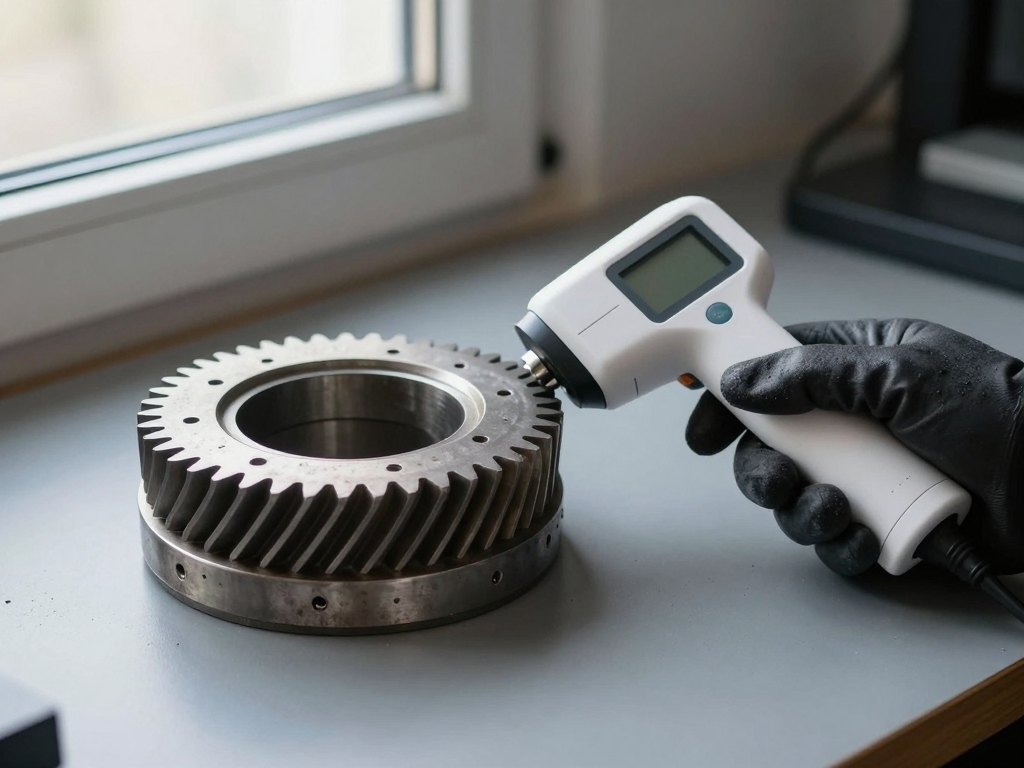
Why reverse engineering is worth learning
Sooner or later most engineering teams meet a part that has no drawing. It may be an old component from equipment that is no longer supported, an imported part that is hard to source, or a prototype that was shaped by hand. Someone has to measure it, understand it and recreate it, and doing that with callipers alone is slow and error-prone.
Reverse engineering, also called reverse design, solves this by combining 3D scanning with solid modelling. The scanner captures the surface of the object as a cloud of points. From that data you build a clean, editable model, produce drawings and, if needed, improve or adapt the design for a new purpose.
The difficult part is the work between the scan and the finished model. Raw scan data is noisy and incomplete, and the tools for processing it are not obvious to someone who has only worked in conventional CAD. Many people learn this by trial and error, which wastes time and produces models that nobody can trust.
This programme was built by working engineers to close that gap. It explains the goals and logic of reverse engineering, shows how scan data is prepared, and then walks through the construction of solid models and drawings step by step.
What you will be able to do
- Explain the goals and limits of reverse engineering
Know when it is the right approach and what it can realistically deliver.
- Choose methods for analysing a physical object
Compare measurement approaches, including 3D scanning, for the task at hand.
- Process point clouds from a 3D scanner
Clean, align and prepare raw scan data so that it can be used for modelling.
- Build solid 3D models from scan data
Recreate the geometry of a physical part as an editable model.
- Produce drawings from the finished model
Prepare documentation that a workshop or a colleague can work from.
- Assess the quality of your post-processing
Check how closely the model matches the scan and decide whether it is good enough.
- Improve or adapt an existing product
Modify a recreated part to suit a new requirement or fix a known weakness.
- Plan a reverse engineering project from start to finish
Move from the physical object to a finished, documented product in a sensible order.
- 40+
- video lessons
- 6 months
- of access to the materials
- 10+ years
- of experience behind the content
- 3–6 months
- typical time to complete
The method: from physical object to finished product
The programme follows the same sequence a real project follows. First you analyse the object and decide what you need from it: an exact copy, a simplified model for manufacturing, or a starting point for a redesign. That decision affects how you scan, how much detail you keep and how you model.
Next comes the scan itself and the processing of the resulting point cloud. You learn to recognise typical defects in scan data, to fix them without losing real features, and to prepare the data so that modelling becomes predictable rather than guesswork.
Then you build the solid model and the drawings, and finally you check the result against the scan. This closing check is what separates a model that merely looks right from one that you can confidently send to production.
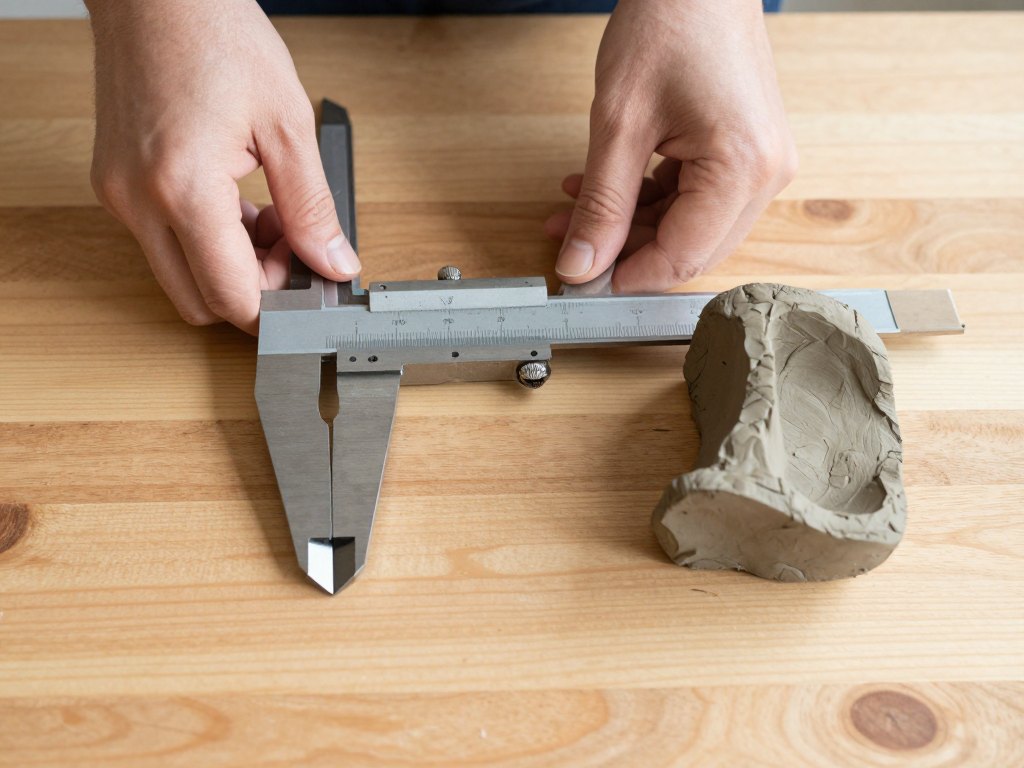
How the course works
The course is delivered as recorded video lessons that combine theory with practical demonstrations. You can study at any time of day and pause or replay a lesson as often as you need. There are no fixed class times, so the programme fits around a full-time job or university schedule.
Practical work is built around post-processing of 3D scan files, so you apply each idea to real data rather than only watching. Each lesson comes with a check task that lets you confirm that you have understood the material before you move on.
Most learners finish in three to six months, depending on how much time they can give it and how much they already know about CAD or scanning. You can go straight through in order, or return to individual lessons when a similar task comes up at work.
The programme
The lessons are grouped into eight stages that follow the order of a real reverse engineering project.
1Stage 1 — Understanding reverse engineeringGoals, benefits and typical use cases in mechanical engineering.4 lessons
- What reverse engineering is and why companies use it
- Typical tasks: spare parts, import substitution and redesign
- The stages of a reverse engineering project
- Limits, risks and common mistakes
2Stage 2 — Analysing the objectDeciding what to capture and how.4 lessons
- Studying the part: function, material and wear
- Choosing a measurement approach
- Manual measurements compared with 3D scanning
- Setting requirements for accuracy and detail
3Stage 3 — 3D scanning basicsHow scanners work and how to get usable data.5 lessons
- Types of 3D scanners and how they differ
- Preparing an object for scanning
- Scanning strategy and coverage
- Typical scanning problems and how to avoid them
- Exporting scan data for further work
4Stage 4 — Working with point cloudsCleaning and preparing raw scan data.5 lessons
- What a point cloud and a mesh are
- Removing noise and unwanted data
- Aligning and merging several scans
- Filling gaps and smoothing surfaces
- Checking the prepared data before modelling
5Stage 5 — Building solid models from scan dataTurning prepared data into editable geometry.6 lessons
- Planning the model structure
- Defining coordinate systems and reference planes
- Recreating basic shapes and features
- Modelling complex and free-form surfaces
- Using automatic and manual surface fitting
- Working through a complete part, step by step
6Stage 6 — Evaluating the resultMeasuring how well the model matches the scan.4 lessons
- Comparing the model with the scan data
- Reading deviation maps
- Deciding what accuracy is acceptable
- Correcting the model after review
7Stage 7 — Drawings and documentationPreparing the model for production.4 lessons
- Creating views and sections from the model
- Dimensioning and tolerances
- Preparing a drawing for the workshop
- Organising files for handover
8Stage 8 — Improving and adapting productsUsing the recreated model as a basis for new designs.4 lessons
- Finding weaknesses in an existing part
- Changing dimensions and features for a new need
- Adapting a part to different materials or processes
- Putting a whole project together
What you get
- Recorded video lessons
More than 40 lessons covering theory and practical demonstrations.
- Practice on 3D scan files
Hands-on tasks for post-processing real scan data.
- Check tasks after every lesson
A quick way to confirm that you understood the material.
- Six months of access
Return to any lesson whenever a similar task appears.
- Study at your own pace
No fixed schedule and no live attendance required.
- 14-day refund
If the course is not what you expected, you can ask for your money back within 14 days.
Is this course for you?
This course is for you if…
- Design engineers who need to recreate parts without drawings
- Specialists who process 3D scan data and want better results
- Students of engineering who want a practical, in-demand skill
- Anyone curious about reverse engineering who is ready to work through hands-on exercises
Probably not a fit if…
- People looking for a short overview with no practical work
- Those who expect to learn how to operate one specific scanner model hands-on in person
- Learners who want one-to-one coaching or live classroom sessions
After the course
Once you have finished, a part with no documentation becomes a manageable task. You can plan the scan, process the data, build a model that you can check against the original, and produce a drawing that others can use.
If you already work with scanners, you will notice the difference in the quality of your post-processing and in how little rework your models need. If you are a design engineer, you will be able to take on projects that previously had to go to outside specialists.
You will also be able to go beyond copying. A recreated model is a starting point for improvement, and you will know how to adapt a product to a new requirement or a different manufacturing method.
Questions before you buy
How much time do I need each week?
The course is self-paced. Most learners spend a few hours a week and finish in three to six months. If you can give more time, you can finish sooner.
Do I need any prior experience?
Basic familiarity with engineering concepts and 3D modelling helps, but the programme starts from the goals and logic of reverse engineering and builds up step by step.
How does access work after payment?
After payment you receive access to your account, where the lessons and materials are available straight away. You can study on any device with an internet connection.
What format are the lessons in?
The lessons are recorded videos that combine explanation and practical demonstration, with practice tasks and a check after each lesson.
Does the material stay available?
The basic package gives you six months of access to all lessons and materials, which is enough to complete the programme at a relaxed pace and revisit topics.
Is there a refund policy?
Yes. If the course is not right for you, you can request a refund within 14 days of purchase.
Do I need special software or a scanner?
The practical tasks work with 3D scan files that you process on a computer. You do not need to own a scanner to follow the lessons.
Is there live teaching or personal feedback?
No. This is a recorded course with built-in checks after each lesson, so you can study whenever it suits you.
Start building models from real parts
Get access to more than 40 video lessons and learn the full path from 3D scan to finished product.