Photography · All levels
Light any product so it looks polished and expensive
A practical programme that explains how light behaves and shows you how to set it up for product and food photos, with homework reviews along the way.
- 6 modules, 27 lessons
- Theory plus practical set-ups
- Homework with feedback
- Retouching lessons included
- 14-day refund policy
Why your product photos still look flat
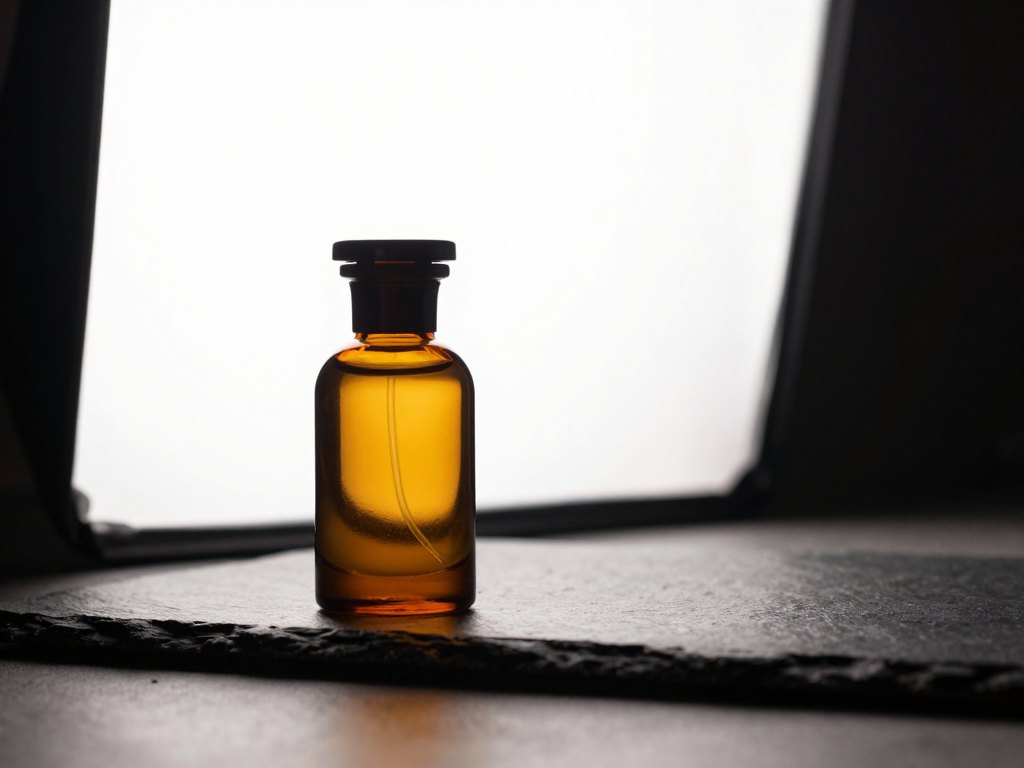
Many people buy a good camera, a lamp and a few backgrounds, and still end up with product photos that look ordinary. The shadows are muddy, the white background turns grey, glass and metal show ugly reflections, and the colours change from one shot to the next. It is easy to blame the camera, but the real cause is almost always light.
Most advice online is a list of recipes: put the lamp here, use this modifier, copy this setting. That works until your product is a different shape, material or colour. Then you are back to guessing, and every shoot takes hours of trial and error.
This programme starts from the other end. You first learn what light actually does: why it is soft or hard, how it bounces off different surfaces, what a stop is and why it matters, and how colour temperature and white balance interact. Once you can read light, you can build a set-up for any subject on purpose.
The second half of the programme is practical. You work through lighting set-ups for white-on-white shots, sharp-shadow images, soft premium looks, frozen motion, mixed light, coloured light and more, and you submit homework for review. The result is a system you can repeat for your blog, your shop or your clients.
What you will be able to do
- Read light and shadows on any reference photo
Recognise the type of light and where each source was placed.
- Control whether light is soft or hard
Choose the size and distance of the source to get the shadow you want.
- Set the right white balance
Understand colour temperature so colours stay accurate from shot to shot.
- Choose equipment without wasting money
Pick flashes, continuous lights, stands and modifiers that suit product work.
- Shoot white on white and cut-out images
Get clean backgrounds that are ready for catalogues and marketplaces.
- Make a product look more expensive with light alone
Use soft light and reflected light to add a premium feel.
- Freeze fast motion in the frame
Capture splashes, pouring and falling objects with a sharp result.
- Combine flash and continuous light
Blend two light types in one frame and keep the white balance right.
- Retouch your own pictures
Follow a clear editing workflow shown on the course photographs.
- 6
- modules
- 27
- lessons
- 5
- light types explained
- 2
- lessons on editing and retouching
Theory first, so every set-up makes sense
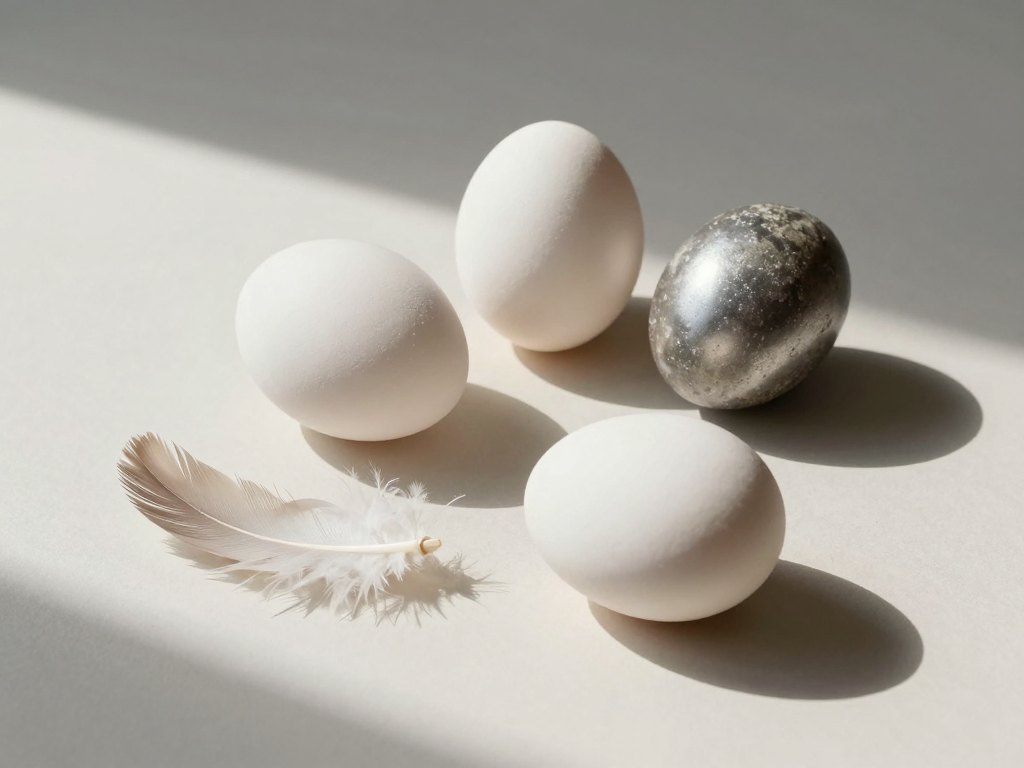
The programme opens with a complete theory block on light. It covers the types of shadows and how to read them, what makes light soft or hard, and how light behaves when it reflects from different surfaces. You also learn the roles light can play in a picture: drawing, filling, rim, background and modelling light.
Next come the technical foundations that people often skip: counting stops and why it is useful, why continuous light is measured in watts while flash is measured in joules, and why making the Kelvin value in your camera cooler makes the photo warmer. These ideas look abstract, but they explain most of the problems you meet at the shooting table.
With this base in place, the practical lessons become easier to follow. You will not just copy a diagram; you will know why the light is placed where it is and what to change when your product is shinier, darker or larger than the example.
How the course works
The programme is delivered online as self-paced lessons with supporting materials. You can study in the evenings, on weekends or in a single focused week. There is no fixed schedule, so you move at the speed that fits your shooting practice.
The practical modules include homework. You photograph your own set-ups, send your work in, and receive feedback on it. This is the part that turns knowledge into habit, because you see what you did well and what to adjust on the next attempt.
The material is structured step by step. Each lesson covers one topic, and the order is designed so you never face a new technique before you have the theory to understand it. If you already know the basics, you can skip ahead, and if you want to revisit a topic later, the lessons stay available.
The programme
Six modules take you from the physics of light to complex lighting set-ups and editing.
1Module 1 — The physics of lightUnderstand how light behaves before you place a single lamp.5 lessons
- Hard and soft light: what decides the difference
- Types of shadows and how to read light on reference photos
- Drawing, fill, rim, background and modelling light
- Stops: why you count them and how
- Colour temperature and white balance, and why cooler Kelvin gives a warmer photo
2Module 2 — Camera settings and equipmentKnow what your camera and your gear are doing.5 lessons
- The order of camera settings and how the shutter works
- Freezing motion in the frame
- Continuous light versus flash for product work
- Types of flashes and continuous lights, and which suit product photography
- Stands, tripods, modifiers, clamps and supports
3Module 3 — Placing the lightLearn where to put the source and how to shape it.5 lessons
- Angle and distance: choosing the direction of light for different products
- Distance from the source to the subject and to the background
- The bare source, reflector, Fresnel lens and grids compared
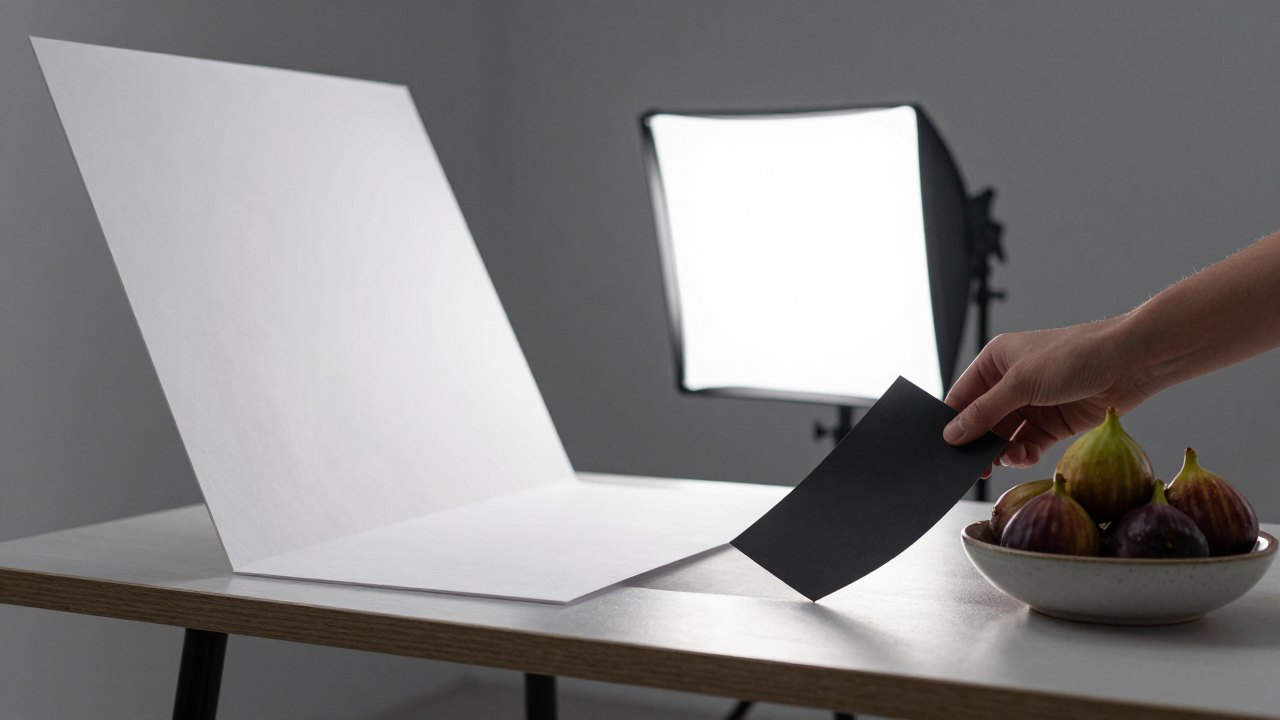
- Reflectors and flags: all the types and when to use them
- White on white and cut-out shooting
4Module 4 — Hard and soft light in practiceTwo opposite looks, each with its own techniques.4 lessons
- Shooting with hard light: sharp shadows and removing double shadows with a gobo mask
- Lighting the background in different ways with a single key source
- Shooting with soft light to make a product look more expensive
- Reflected light as key light and as fill light
5Module 5 — Advanced lighting techniquesCreative set-ups for more demanding projects.6 lessons
- Photographing fast processes and freezing movement
- Mixed light: combining flash and continuous light with correct white balance
- Blurring part of the frame while keeping the label sharp
- All the ways to light a background
- Working with coloured light
- The torn-light technique
6Module 6 — Editing and retouchingFinish your pictures using the course images as examples.2 lessons
- An editing workflow shown on photographs from the course
- Retouching examples step by step
What you get
- 27 lessons across 6 modules
A clear path from theory to advanced set-ups.
- A full theory foundation on light
Shadows, light types, stops, colour temperature and white balance.
- Equipment guidance
A review of flashes, synchronisers, continuous lights, stands and modifiers.
- Practical lighting set-ups
Hard, soft, mixed, reflected and coloured light for different products.
- Homework with feedback
Submit your photographs and learn from the review.
- Editing and retouching lessons
A workflow you can apply to your own pictures.
- Continued access to the material
Return to any lesson whenever you need a refresher.
- 14-day refund policy
If the programme is not for you, ask for a refund within 14 days.
Is this course for you?
This course is for you if…
- Bloggers and online sellers who want product photos that look professional
- Beginner and hobby photographers who want to understand light instead of guessing
- Food and still-life photographers who want a repeatable lighting system
- Small business owners who prefer to photograph their products in-house
- Photographers who work with flash or continuous light and want clearer control
Probably not a fit if…
- Anyone looking for portrait, fashion or landscape photography lessons
- People who want a one-click preset instead of learning to control light
- Those who are not planning to shoot and practise, since the practical modules rely on homework
- Photographers who need studio-level training for large sets or moving subjects beyond tabletop work
After the course
When you finish, you will look at a photograph and see the light in it: its direction, softness, size and purpose. Instead of experimenting for hours, you will be able to plan a set-up before you start shooting and adjust it quickly when something is wrong.
Your white backgrounds will be clean, your colours consistent and your shadows deliberate. You will know when to use a reflector, when to use a flag, and when a different modifier would solve the problem better than a new lamp.
You will also have a more confident view of equipment. You will know which tools matter for tabletop work and which are unnecessary, so future purchases will be based on what your pictures need rather than on advertising.
Questions before you order
How much time do I need per week?
The lessons are self-paced, so it depends on you. Many learners watch two or three lessons a week and set aside extra time for the shooting homework. You can also go faster or slower as you prefer.
Do I need any experience?
No formal experience is required. The programme starts with the theory of light, so a beginner can follow it. It is easier if you already own a camera and can set exposure manually.
What equipment do I need?
You need a camera and a light source for the practical homework. The equipment lessons explain which flashes, continuous lights, stands and modifiers suit product photography, so you can decide what to buy after watching them.
How does access work after payment?
Once your payment is confirmed, you receive access to the lessons through your account and can begin straight away.
What format are the lessons in?
The programme consists of online video lessons with supporting materials. The practical modules also include homework that is reviewed with feedback.
Will the material stay available?
Yes. The lessons remain available to you after purchase, so you can come back to any topic when you need it.
What if the course is not right for me?
You can ask for a refund within 14 days of purchase.
Does the course cover retouching?
Yes. The final module contains editing and retouching lessons based on photographs from the programme, so you can follow the workflow from shot to finished image.
Start shaping light on purpose
Join the programme and learn to build product photos that look polished, consistent and expensive.