Photography · Beginner
Shoot product photos that look like real advertising frames
A two-month programme that takes you from your first lighting scheme to catalogue, glossy and creative shots, with video feedback on every assignment.
- 48 video lessons
- 2 months of guided study
- Video review of assignments
- Group chat for questions
- 14-day refund policy
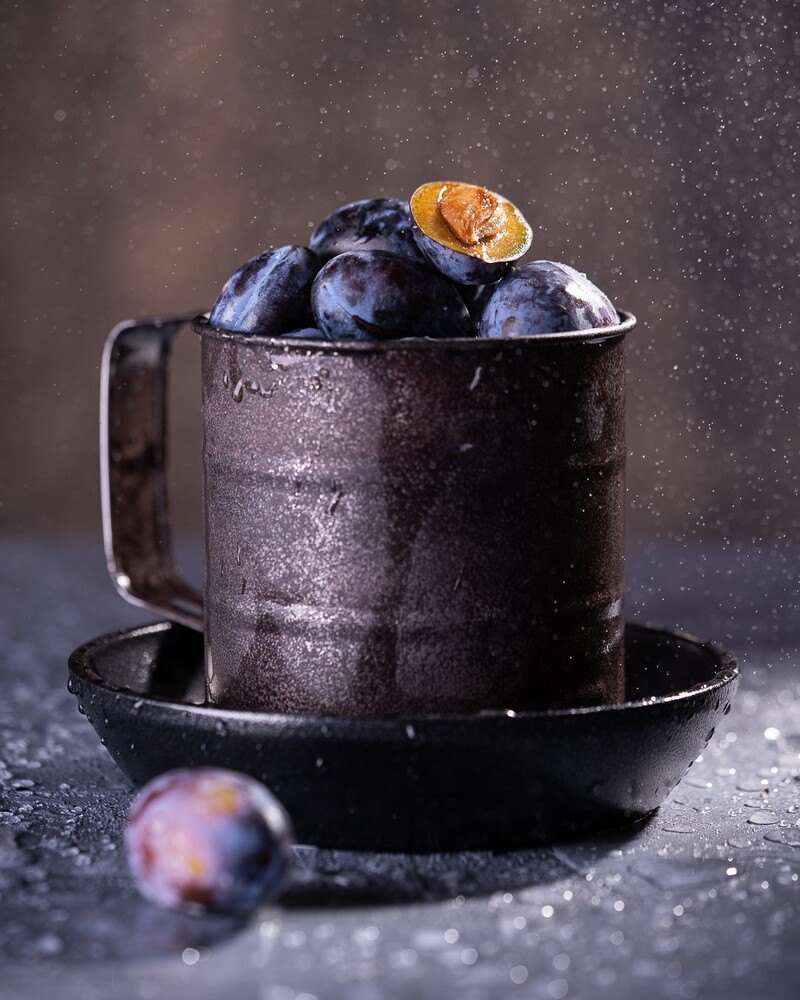
Why product photos so often look flat
You place an object on a table, switch on a lamp and press the shutter. The result has harsh reflections, muddy shadows and a background that is never quite the right colour. It is a very common starting point, and it is rarely a problem with the camera.
Product photography is a lighting craft. A bottle, a mug, a piece of jewellery or a jar of cream each reacts differently to light, and the difference between an amateur frame and a commercial one is usually the position, size and softness of a few light sources.
This course teaches that craft step by step. You begin with a single lighting scheme and build up to the situations that make clients and marketplaces take a photo seriously: glass without stray glare, glossy surfaces, black on black, white on white, and even objects that seem to float in the air.
Instead of watching and hoping it sticks, you work through assignments and see your own results reviewed on video. That feedback loop is what turns a list of tricks into a skill you can repeat on any new object.
What you will be able to do
- Build a lighting scheme from scratch
Start with one light and add more only when the frame needs them.
- Shoot catalogue images for marketplaces
Produce clean frames on white and on coloured backgrounds.
- Control glass and glossy surfaces
Handle reflections so that shape and texture stay visible.
- Photograph black on black and white on white
Keep detail in subjects that blend with their background.
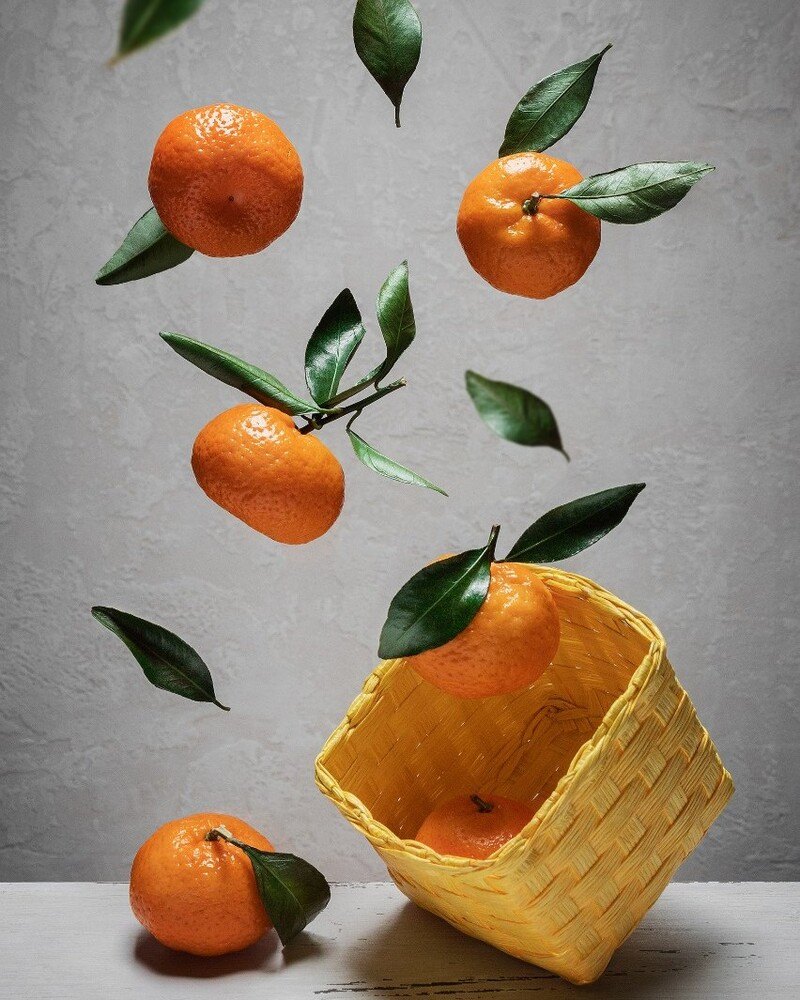
- Create levitation shots
Make objects appear to hang in the air.
- Freeze motion in a frame
Capture splashes and falling items sharply.
- Plan a shot before you set it up
Choose a scheme based on the material of the object.
- Take feedback and improve a frame
Read a review of your own work and apply it to the next shoot.
- 2 months
- of guided study
- 48
- video lessons
- 43
- cohorts taught since 2019
- 840+
- learners so far
The method: one object, many lighting solutions
Every module is built around a type of object and the lighting problem it creates. You see a scheme assembled step by step, understand why each light is where it is, and then repeat the setup with an object of your own.
Because you shoot the same task with the same logic, you start to recognise patterns. A shiny kettle and a perfume bottle are different objects, but both ask you to control reflections with the size and placement of the light source.
- Learn the scheme, then change one variable at a time
- Shoot every assignment with objects you already own
- Compare your result with the review and reshoot
- Build a set of frames you can show in a portfolio
How the course works
The programme runs online over two months as a cohort. Lessons are recorded videos that you watch on the learning platform, and each module comes with a practical assignment to complete at your own table.
Assignments are reviewed on video, so you hear not only what to change but also why. A shared chat for the cohort lets you ask questions, see how others solved the same task and keep your pace.
You do not need a studio. A camera that allows manual settings and some basic lighting equipment are enough to start, and the lessons explain what to use at each step.
The programme
Six modules move from the basics of light to advanced creative techniques. Topics follow the order in which the skills build on each other.
1Module 1 — The foundations of artificial lightHow light behaves and how to control it.
- Light source, subject and camera: the basic triangle
- Hard and soft light and how to tell them apart
- Your first lighting scheme with a single source
- Using reflectors and flags to shape shadows
2Module 2 — Catalogue shots for marketplacesClean, consistent frames for product cards.
- Shooting on a white background without grey corners
- Shooting on a coloured background with accurate colour
- Keeping a series consistent across many products
- Preparing and cleaning products before the shoot
3Module 3 — Glass and glossy surfacesMaking reflections work for you.
- How reflections form on glass
- Lighting a transparent bottle so its outline stays crisp
- Glossy packaging without hot spots
- Removing dust and fingerprints in the frame
4Module 4 — Black on black and white on whiteShowing form where subject and background are almost the same tone.
- Lighting for a dark object on a dark background
- Lighting for a light object on a light background
- Edge light and how it separates a subject
- Checking exposure and tonal range
5Module 5 — Levitation and frozen motionCreative frames that attract attention.
- Planning a levitation shot
- Holding objects safely and combining frames
- Freezing a splash or a falling item
- Setting flash power and timing for sharp motion
6Module 6 — From exercise to advertising frameBringing everything together in complete images.
- Building a composition around a message
- Choosing props, colours and surfaces
- Combining several lighting schemes in one shot
- Reviewing your final series
What you get
- Video lessons
Recorded lessons covering the full lighting programme.
- Practical assignments
Tasks that match each module and use objects you have at home.
- Video review of your work
Assignments are discussed in recorded feedback.
- Cohort chat
A shared space to ask questions and see other solutions.
- Lighting scheme explanations
Each scheme is shown step by step so you can repeat it.
- Continued access
Lessons stay available to rewatch after the course ends.
Is this course for you?
This course is for you if…
- You are new to product photography and want a clear starting point
- You photograph products for an online shop or marketplace
- You want to understand lighting rather than copy presets
- You want assignments and feedback instead of lessons alone
- You want portfolio-ready frames of everyday objects
Probably not a fit if…
- You are looking for portrait or reportage photography
- You want a quick course with no practical work
- You expect to learn without a camera or any equipment
- You are an experienced studio photographer who already controls glass and glossy surfaces
After the course
You will approach a new object with a plan. Instead of experimenting at random, you will look at its material, choose a lighting scheme and know which adjustments to make if the first test frame is not right.
You will have a series of finished images, from simple catalogue frames to creative shots, that show what you can do. That gives you something concrete to show to clients, to include in a shop listing or to share in a portfolio.
Most importantly, you will have a method you can keep improving. Each new object becomes another exercise in the same craft.
Questions before you buy
How much time do I need each week?
Plan for a few hours a week: time to watch the lessons and time to set up and shoot the assignments. The exact amount depends on how long you spend on each shoot.
Do I need any experience?
No. The course starts with the basics of light and builds from there. Basic familiarity with your camera is helpful.
What equipment do I need?
A camera with manual settings and simple lighting equipment are enough to begin. The lessons explain what to use at each stage.
How does access work after payment?
After your payment is confirmed, you receive access to the lessons on the learning platform and can start straight away.
What format are the lessons in?
Recorded video lessons with practical assignments. Assignments are discussed in video feedback, and a cohort chat is available for questions.
Does the material stay available?
Yes. You can return to the lessons and rewatch them after you finish the programme.
What is the refund policy?
You can request a refund within 14 days of purchase.
Can I use my phone?
The lighting principles apply to any camera, but a camera with manual control will give you more freedom with the assignments.
Start shooting products with confidence
Join the programme and turn everyday objects into professional-looking frames.