Design · Beginner
Present your landscape projects so clients understand them immediately
A hands-on workshop that turns Procreate into a simple, repeatable system for showing garden ideas, planting schemes and styles.
- 9 short video lessons
- Ready-made templates and brushes
- PDF notes for every lesson
- 14-day money-back guarantee
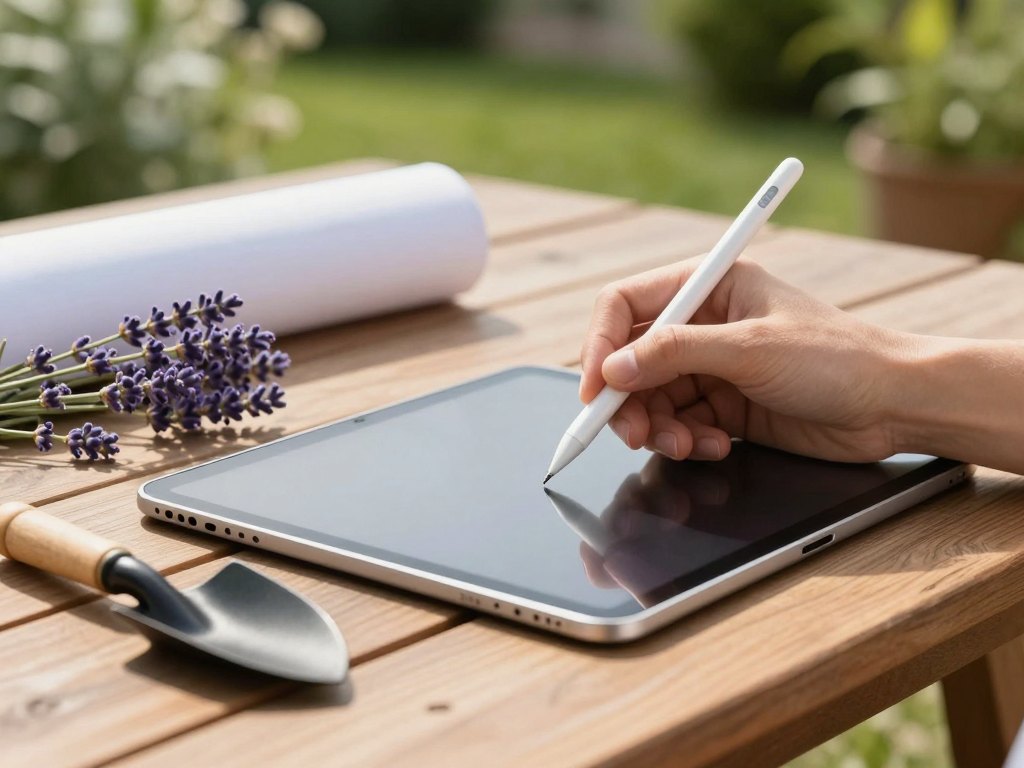
A good project is not enough. You have to show it
You know how to design a garden. You can plan zones, choose plants and work out how a space will be used. Yet when you present the result, the client looks at your drawings and cannot quite picture what the finished garden will feel like. Questions pile up, the idea is not agreed, and the detailed work that follows becomes harder than it should be.
Before you move on to detailed drawings, the idea itself has to be agreed with the client. A clear, visual presentation does that far faster than a technical sheet. It explains your decisions without a long speech and lets the client react to something they can actually see.
Perhaps you have already tried Procreate and found yourself tangled in layers, unsure how to organise your work, or unsure which tools matter and which you can ignore. That is a very common starting point, and it is exactly what this workshop is built for.
The course does not teach you to draw, and you do not need to. It gives a landscape designer a professional tool and a clear way of working with it, so your presentations look modern and consistent from the very first project.
What you will be able to do
- Find your way around Procreate with confidence
Understand the interface, the main tools and the gesture controls that make working on an iPad fast.
- Build a collage from real products
Assemble furniture, decor and materials from shop websites into a single clear scene, such as a terrace.
- Create a colour palette for a garden
Choose and present the palette of a future garden using ready-made templates.
- Assemble a plant assortment collage
Bring plants together in one style, add their names and present the planting list clearly.
- Compose plant groupings to a scheme
Work with a size scale and plant blocks to show how a composition will look.
- Combine several zones into one style collage
Join plants, furniture and materials from different areas to convey the overall idea of the garden.
- Add active links to your presentation
Let clients click through to shops and nurseries to see the real plants, materials and items.
- Style your social media in the same look
Use Procreate to publish your work in a consistent style that reflects your level.
- 9
- video lessons
- 4
- modules
- 15–20 min
- per lesson
- 6 months
- of access
A system, not a list of tools
Many Procreate tutorials show you what each button does and leave you to work out how to use it on a real project. This workshop goes the other way round. Every lesson is a practical task based on a ready-made template, with a clear explanation of what you are doing, why you are doing it and how to repeat the approach on your own projects.
That means that by the end of the first lesson you have already created your first piece of work, and each following lesson adds one more useful technique to your routine. You gradually learn the tools you need without being buried under the ones you do not.
The result is a way of presenting that you can reuse: a collage for a terrace, a palette for a garden, a planting composition, a clickable list of real plants. Once the logic is clear, you can adapt it to your own style and to any client.
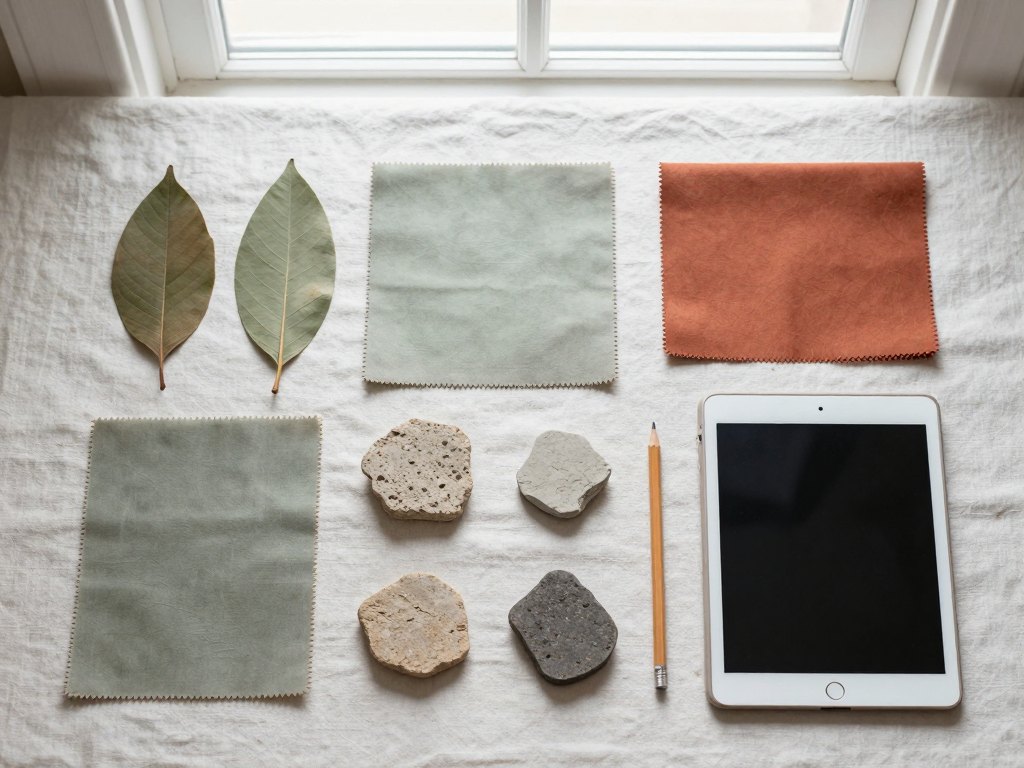
How the course works
The course is delivered online as recorded video lessons, so you can study when it suits you. Each lesson is split into logical parts of about 15 to 20 minutes, which makes it easy to fit a session into a working day.
A comfortable pace is three lessons a week, for example on Monday, Wednesday and Friday. At that rhythm you can finish all nine lessons in about three weeks. If your schedule is tighter, you can slow down and return to any lesson as often as you need during your access period.
Each lesson comes with a PDF summary that explains the logic of the work, plus ready-made templates and brush sets you open and use straight away. The programme also includes feedback on your work in video format for three months, so you can check you are on the right track.
To take part you need an iPad, a stylus and the Procreate app installed. You do not need previous drawing experience.
The programme
Nine lessons in four short modules, each one a practical task built on a ready-made template.
1Module 1 — Getting started with ProcreateLearn the logic of the app and the controls you will use every day.2 lessons
- Procreate basics for beginners: the logic of the program and its interface
- Main functions and gesture controls: the core tools and gesture settings
2Module 2 — Collages and palettesYour first practical works: real objects, colour and plants presented clearly.3 lessons
- Collage from real objects: a veranda made from furniture, decor and materials taken from shop websites
- Garden colour palette: choosing and presenting the palette with ready-made templates
- Plant assortment collage: plants in one style, with names and a clear presentation of the range
3Module 3 — Plant compositions and garden styleShow how plantings will look and how the whole garden hangs together.2 lessons
- Plant composition: working to a set scheme with a size scale and plant blocks
- Overall style collage of the garden: combining zones, plants, furniture and materials in one presentation
4Module 4 — Links and social mediaMake your presentation interactive and carry your style into your public work.2 lessons
- Active links: adding links to real plants, items and materials in shops and nurseries
- Social media styling: presenting your work and posts in a consistent look
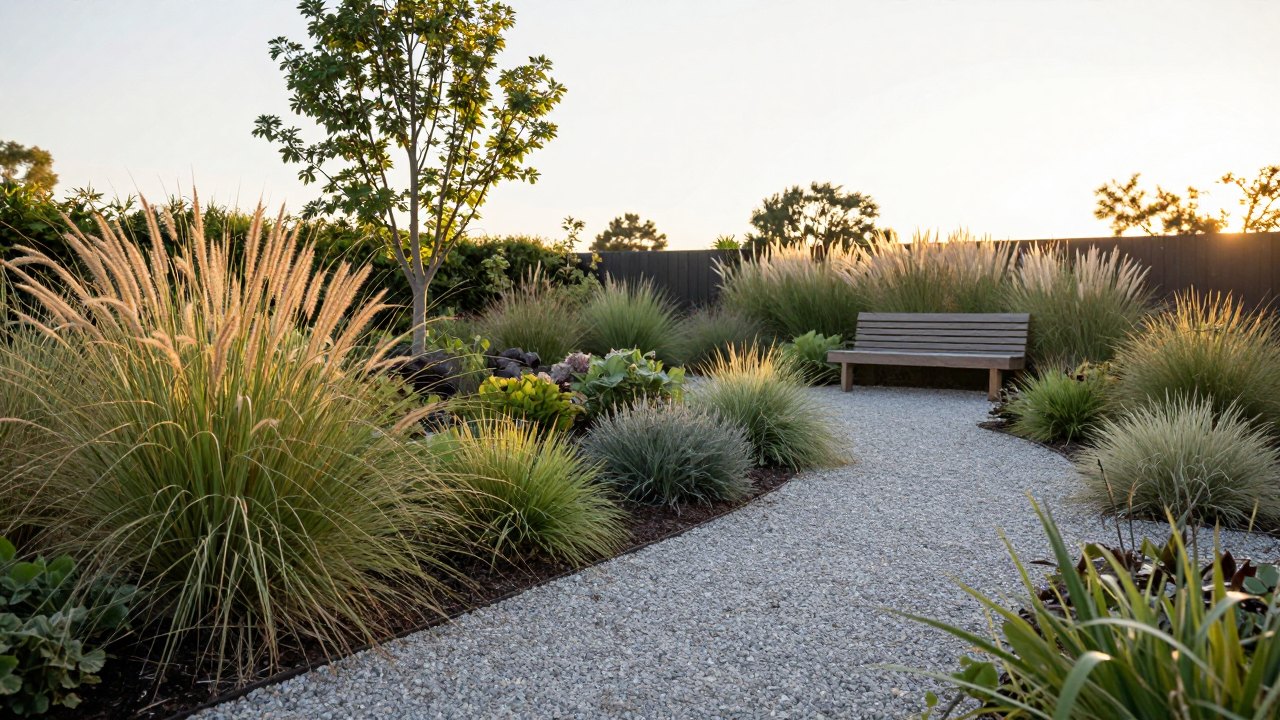
What you get
- 9 recorded video lessons
Short, practical sessions you can watch at your own pace.
- Ready-made templates
Files you open and work in from the first lesson.
- Brush sets
The brushes used in the lessons, ready to import.
- A PDF summary for every lesson
Explains the logic of the work so you can repeat it later.
- Video feedback for three months
Comments on your work in video format.
- Six months of access
Return to any lesson whenever you need a refresher.
- A 14-day money-back guarantee
If the course is not right for you, you can ask for a refund within 14 days.
Is this course for you?
This course is for you if…
- You are a landscape designer who wants projects that look modern and professional.
- You can design well, but clients struggle to understand your drawings.
- You have tried Procreate but get lost in layers and do not know how to organise your work.
- You want to make changes with a stylus during a meeting instead of redoing files later.
- You have an iPad and a stylus and want to use them for client work.
Probably not a fit if…
- You do not have an iPad, a stylus or the Procreate app and do not plan to get them.
- You are looking for a course on learning to draw from scratch; this one focuses on presentation with templates.
- You want scale plans and axonometric drawings; this programme covers presentation basics only.
- You expect live, one-to-one teaching rather than recorded lessons.
After the course
You will have a working method for presenting landscape projects in Procreate. Instead of improvising every time, you will know how to open a template, build a clear collage or planting composition, and finish it in a consistent style.
Your presentations will be easier to agree with clients, even demanding ones, because they can see plants, materials and mood in one picture and click through to the real items. When a client asks for a change, you can adjust the work with your stylus on the spot.
A modern, professional presentation also makes it easier to talk about your fee calmly, because the quality of what you show supports it. And with your social media styled in the same way, your portfolio reaches people who like your approach.
Questions before you buy
How much time do I need each week?
Lessons are split into parts of 15 to 20 minutes. The suggested pace is three lessons a week, which takes roughly three weeks in total, but you can go faster or slower.
What do I need before I start?
An iPad, a stylus and the Procreate app installed. No drawing skills or previous Procreate experience are required, because you work from ready-made templates.
I cannot draw. Will I manage?
Yes. The course does not teach drawing. It gives you a professional tool for presenting projects, and you create your first piece of work in the very first practical lesson.
How does access work after payment?
After you pay, you receive access to the lessons online. Your access to the programme lasts six months, and video feedback on your work is available for three months.
What format are the lessons in?
Recorded video lessons, each accompanied by a PDF summary, ready-made templates and brush sets. You can watch them whenever you like.
Will the material stay available?
The lessons stay available throughout your six-month access period, and you can rewatch them as often as you like. The PDF summaries can be saved for your own reference.
What is the refund policy?
You can request a full refund within 14 days of purchase if the course is not what you expected.
Do I need to attend at fixed times?
No. All lessons are recorded, so you choose when to study. The suggested schedule is only a guide to help you finish in good time.
Start presenting your projects with confidence
Nine practical lessons, ready-made templates and a clear way of working in Procreate.