Photography · Beginner
Understand your camera and shoot in manual mode with confidence
A step-by-step course that explains shutter speed, aperture, ISO and light in simple terms, so your pictures look the way you intended.
- Self-paced video lessons
- Practice tasks with feedback
- Works on any device
- Lifetime access
- 14-day refund policy

Why your photos do not look like you imagined
Most people begin with the same routine. They buy a camera, leave it in Auto mode and hope for the best. Some pictures come out fine, many are too dark, too bright or blurry, and it is hard to say why. Without that understanding, a good shot feels like luck rather than skill.
The reason is rarely the camera. Every picture is the result of a few decisions: how long the sensor is exposed, how much light enters the lens, how sensitive the sensor is, and where the light is coming from. When these ideas are explained in jargon or scattered across random videos, they stay confusing.
This course gathers the fundamentals in one place and teaches them from simple to complex. You get text, photo examples and video, and you build each skill on top of the last one. Instead of memorising settings, you learn what each control does so you can decide for yourself.
By the end, you will stop asking why a shot failed and start choosing settings on purpose, in daylight, indoors or at dusk.
What you will be able to do
- Explain how a camera forms an image
Understand what happens between pressing the button and seeing the result.
- Control shutter speed to freeze or blur motion
Pick the right speed for a walking child, a street scene or flowing water.
- Use aperture to shape depth of field
Separate a subject from the background or keep a landscape sharp.
- Set ISO sensibly
Know when a higher value is worth the extra noise and when it is not.
- Balance all three settings into a correct exposure
Read the exposure meter and the histogram instead of guessing.
- Read light direction and quality
Tell soft light from hard light and use each one deliberately.
- Work with low and difficult light
Handle interiors, evenings and backlit scenes with predictable results.
- Build a simple shooting routine
Follow a short checklist so you take fewer failed shots.
- 6
- modules from first principles to practice
- 22
- lessons in the programme
- 3
- core settings explained in depth
- 24/7
- access from any device
The method: one setting at a time
The course does not ask you to take in everything at once. You begin with the idea of exposure, then meet shutter speed, aperture and ISO one after another. Each gets its own lesson with visual comparisons, so you can see the effect of a single change on the same scene.
Only after that do the settings come together. You learn to trade one against another: a faster shutter needs more light, which you can find with a wider aperture or a higher ISO. Seeing this trade-off is what lets you leave Auto mode and still get predictable shots.
Light is treated as a skill of its own. You look at where it comes from, how hard or soft it is, and how it shapes your subject. Many beginners find that this part changes their pictures more than any new equipment would.
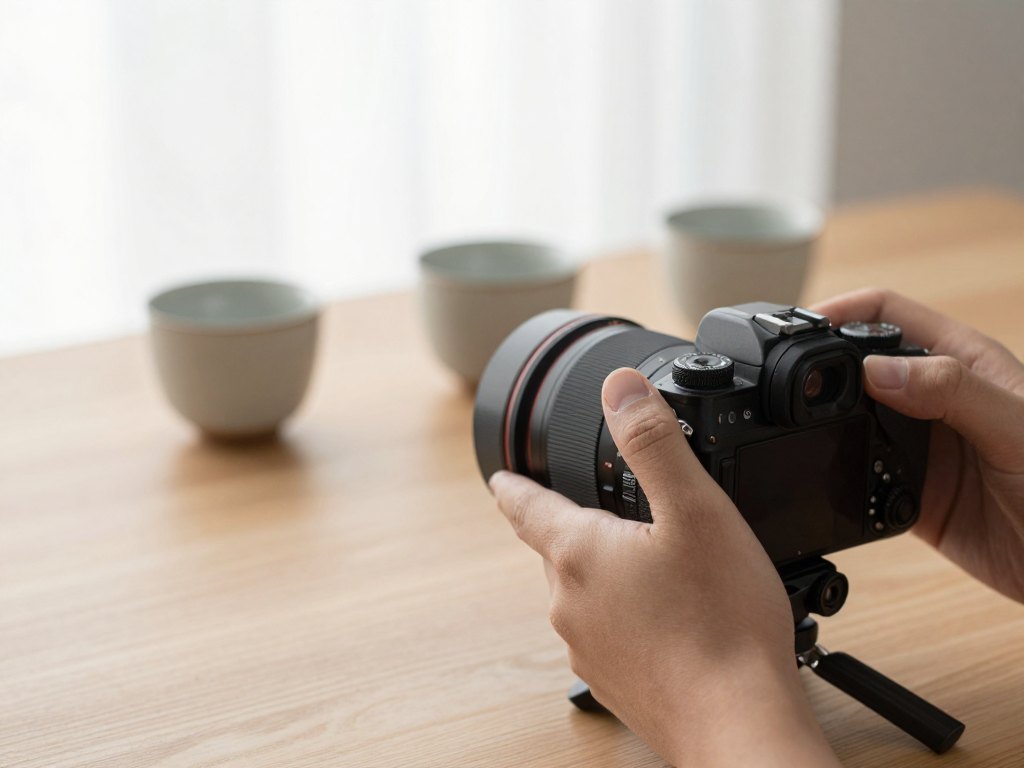
How the course works
The course is self-paced. You get a personal account on the learning platform and open the lessons whenever it suits you, on a phone, tablet or laptop. You can move through the programme in a couple of intensive weeks or spread it over several months. Nothing expires and nothing is scheduled.
Each module mixes short written explanations, photo examples and video. Lessons move from the simple to the complex, so you do not need earlier experience. After the theory you get practice tasks that you shoot yourself.
You upload your practice work to the platform, and your tasks are reviewed with recommendations for improvement. If something is unclear, you can ask questions in the course chat. The aim is that you finish with pictures of your own that prove you can apply what you learned.
The programme
Six modules, from how a camera works to shooting confidently in real conditions.
1Module 1 — How a camera seesThe basic ideas behind every photograph.3 lessons
- What makes a frame catch the eye
- How light becomes an image
- The parts of your camera and what they do
2Module 2 — Shutter speedControl motion and sharpness.4 lessons
- What shutter speed really does
- Freezing fast movement
- Creative motion blur
- Avoiding camera shake when holding the camera
3Module 3 — Aperture and depth of fieldDecide what is sharp and what is soft.4 lessons
- How the aperture opening works
- Blurred backgrounds for portraits
- Sharp landscapes from front to back
- Choosing the aperture for the scene
4Module 4 — ISO and exposureBring the three settings together.4 lessons
- What ISO changes and what it costs
- Reading the exposure meter
- Using the histogram
- Balancing shutter, aperture and ISO
5Module 5 — Working with lightSee light and use it deliberately.4 lessons
- Hard and soft light
- Light direction: front, side and back
- Shooting in low light
- Adding volume and contrast with light
6Module 6 — Putting it all togetherA routine for confident manual shooting.3 lessons
- Leaving Auto mode: a step-by-step routine
- Settings for common situations
- A final practice shoot with review
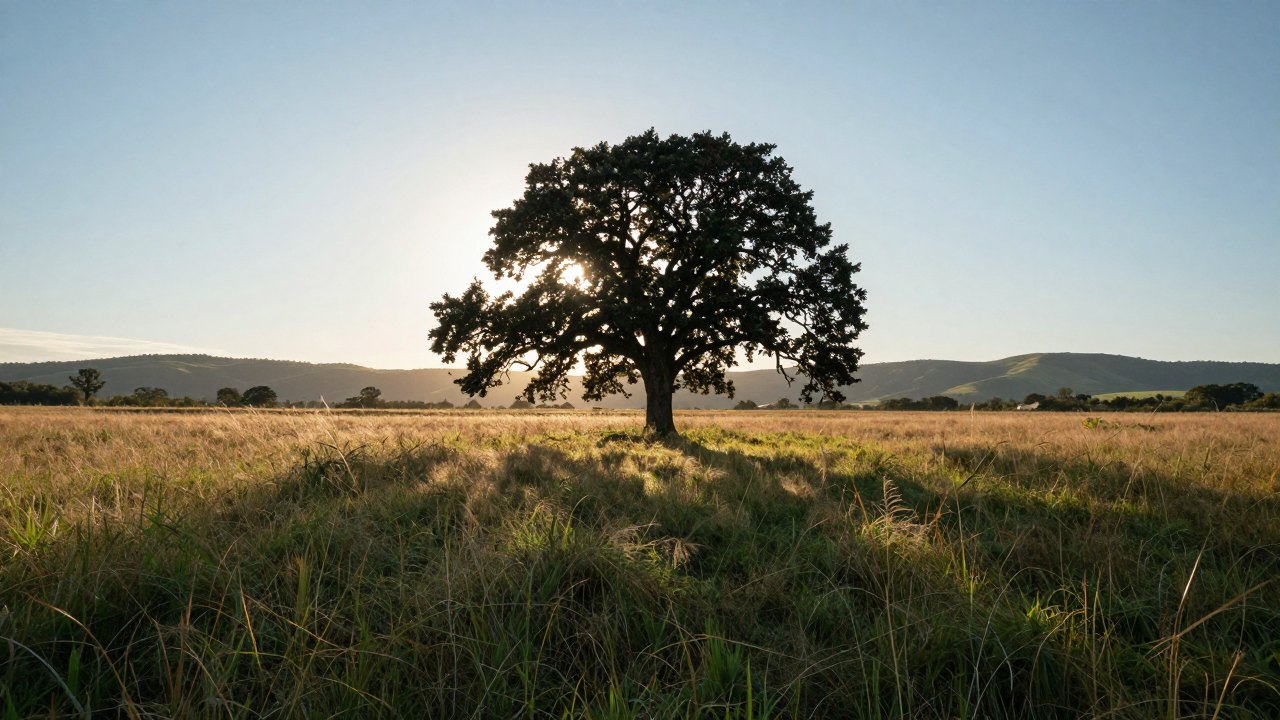
What you get
- Video lessons and illustrated readings
Clear explanations with visual examples.
- Practice tasks after every module
Real shooting assignments that reinforce each skill.
- Feedback on your assignments
Notes on mistakes and suggestions to improve.
- Course chat for questions
Ask when something is unclear.
- Access from any device
Phone, tablet or computer, plus a mobile app.
- Lifetime access to the materials
Return to any lesson whenever you need it.
Is this course for you?
This course is for you if…
- You own a camera but mostly shoot in Auto mode.
- You want to understand why some photos look dull or blurry.
- You are starting from zero and prefer clear, simple explanations.
- You like learning at your own pace in the evenings or on weekends.
- You want a solid foundation before moving on to composition or editing.
Probably not a fit if…
- You are looking for advanced studio lighting or retouching techniques.
- You want live, one-to-one coaching rather than recorded lessons.
- You expect results without doing any of the practice tasks.
After the course
You will pick up your camera knowing what every important control does. Instead of switching to Auto when the light changes, you will think about motion, depth and brightness and choose the settings yourself.
Your pictures will be sharper where it matters, better exposed, and shot in light you have chosen. You will also have a set of practice photographs that show how far you have come.
From there, it becomes much easier to study composition, colour or editing, because the technical basics no longer get in the way.
Questions before you buy
How much time do I need per week?
It is up to you. Many learners spend a few hours a week and finish in several weeks, while others work through it in a couple of intensive weeks. There are no deadlines.
Do I need any experience?
No. The lessons are built for beginners and go from simple ideas to more complex ones. You only need a camera on which you can change settings manually.
How does access work after payment?
After you pay by card, you receive an email with access to your personal account and can start the same day.
What is the refund policy?
You can request a refund within 14 days of purchase if the course is not right for you.
What format are the lessons in?
Video lessons, illustrated readings and practice tasks, all available online from your account.
Does the material stay available?
Yes. Once purchased, the course stays in your account and you can return to it whenever you like.
Are the assignments reviewed?
Yes. You upload your practice work, and it is reviewed with notes on what to improve. You can also ask questions in the course chat.
Can I take the course using only a smartphone?
Lessons can be watched on any device. To practise manual settings fully, you will need a camera that lets you control shutter speed, aperture and ISO.
Start understanding your camera
Get access today and take your first manual-mode photo this week.