Music · Beginner
Turn the music in your head into finished tracks
A practical, step-by-step programme that takes you from your first empty Ableton Live project to a complete, mixed and mastered track.
- Starts from zero
- 6 modules, 24 lessons
- Self-paced video lessons
- Practice tasks in every module
- 14-day refund

Why so many first tracks never get finished
Many people open a music program full of ideas and close it an hour later with a four-bar loop and a feeling that something is missing. The interface looks enormous, the tutorials online jump between topics, and nobody explains how a beat, a chord progression, an arrangement and a mix fit into one process.
The result is a folder of unfinished sketches. You may know what you want your music to sound like, but not which button, which device or which decision gets you there. That gap is not a lack of talent. It is a lack of a clear order in which to learn things.
This course gives you that order. It is built as an interactive, step-by-step guide to making music in Ableton Live from scratch. You start with the workspace and the basic tools, then add rhythm, melody and harmony, then structure, then mixing and mastering. Each step builds on the previous one and ends with something you can use in your own track.
You do not need any previous experience with music software. All you need is a computer and the wish to start writing your own music.
What you will be able to do
- Navigate Ableton Live with confidence
Understand the main views, clips, devices and the browser so the program stops feeling like a maze.
- Program drum patterns with real groove
Use tempo, swing and velocity to make beats that feel alive rather than mechanical.
- Write melodies and chord progressions
Use scales, keys and simple harmony rules to create musical ideas that sound deliberate.
- Read the basics of rhythm and ear training
Understand pulse, time signatures and intervals well enough to make musical choices consciously.
- Arrange ideas into a full composition
Turn a loop into an intro, build-up, main section and ending with smooth transitions.
- Mix your own tracks
Balance levels, shape sound with EQ and compression and add space with reverb and delay.
- Prepare a track for mastering
Understand loudness, limiting and export settings so your track is ready to share.
- Finish a complete track of your own
Follow a repeatable workflow from blank project to final file.
- 6
- modules
- 24
- video lessons
- 1
- finished track as your final project
- 14 days
- refund window
Learn by building a track, not by memorising menus
The core idea of the programme is simple: every concept is taught at the moment you need it for a real track. You learn about a compressor when your drums need punch, not in an abstract list of devices.
Each module ends with a short practice task that adds one more layer to your own project. By the final module you are not just watching someone else finish a song. You have your own project, made with your own choices, and you understand why each part is there.
- One project grows from module to module
- Concepts explained when you need them
- Practice tasks that apply each lesson
- Theory kept practical and short
How the course works
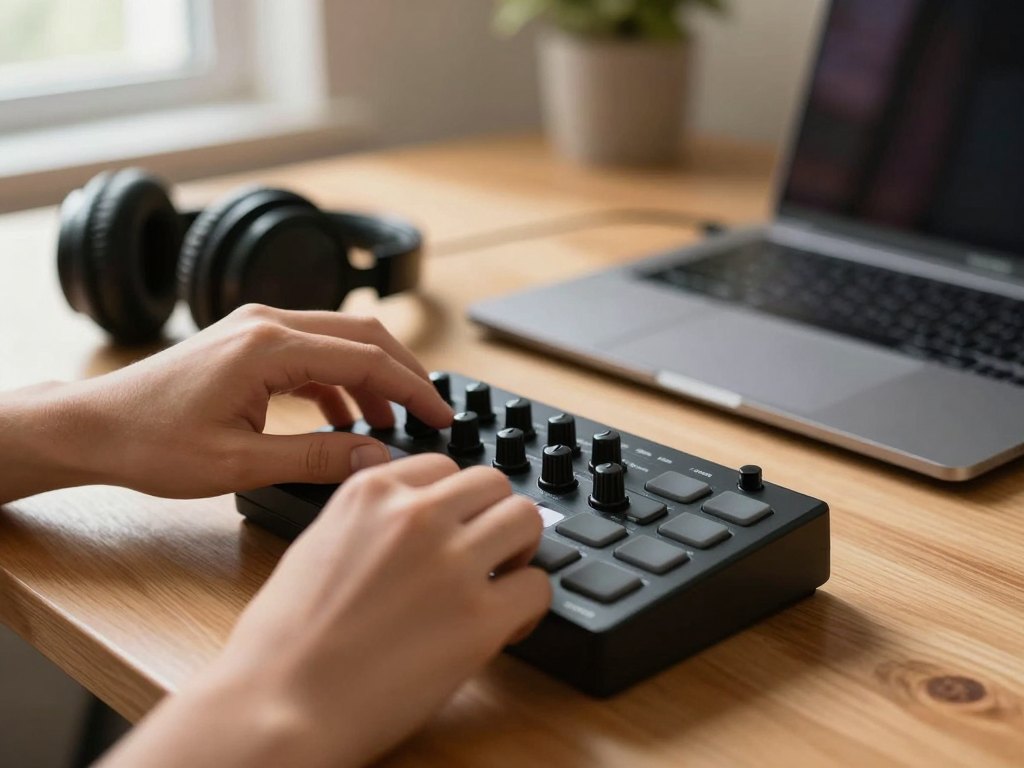
The course is made of self-paced video lessons that you can watch whenever it suits you. Every lesson is focused on one topic, so you can pause, open Ableton Live and repeat each step on your own computer before moving on.
The lessons are grouped into six modules that follow the natural path of making a track: workspace, rhythm, melody and harmony, arrangement, mixing and mastering. We recommend following the order the first time through. Later you can return to any lesson as a reference when you work on new music.
Along the way you get practice tasks that turn what you watched into skill. There is no fixed schedule and no deadline, so you can move quickly through familiar topics and spend more time on the ones that are new to you.
The programme
Six modules, each ending with a practical task that moves your own track forward.
1Module 1 — Getting to know Ableton LiveSet up your workspace and learn the tools you will use in every lesson that follows.4 lessons
- Setting up your workspace and audio settings
- Session view and Arrangement view explained
- Working with audio clips and MIDI clips
- Using the browser, devices and your sample library
2Module 2 — Rhythm and beatsUnderstand pulse and pattern, then build drums that groove.4 lessons
- Pulse, tempo and time signatures
- Building your first drum pattern
- Groove, swing and velocity
- Layering and processing drum sounds
3Module 3 — Melody, harmony and theory basicsLearn just enough theory to write musical ideas with confidence.4 lessons
- Notes, scales and keys in the piano roll
- Chords and chord progressions
- Writing a memorable melody
- Ear training basics: intervals and recognising pitch
4Module 4 — ArrangementTurn a short loop into a track with a beginning, a development and an end.4 lessons
- The anatomy of a track
- Building an intro, a build-up and a main section
- Transitions, fills and automation
- Developing ideas without repeating yourself
5Module 5 — MixingMake all the elements of your track fit together clearly.4 lessons
- Balancing levels and panning
- Shaping sounds with EQ
- Controlling dynamics with compression
- Adding depth with reverb and delay
6Module 6 — Mastering and finishingPrepare your track for sharing and complete your final project.4 lessons
- Preparing your mix for mastering
- Loudness, limiting and final polish
- Exporting your track correctly
- Finishing and reviewing your complete track
What you get
- Step-by-step video lessons
Twenty-four focused lessons you can watch at your own pace.
- Practice tasks in every module
Short assignments that apply each topic to your own project.
- A clear workflow
A repeatable path from blank project to finished track.
- Coverage of the full process
Arrangement, mixing, mastering, rhythm and music theory basics in one programme.
- Access on your schedule
Study whenever you like and return to lessons as often as you need.
- 14-day refund policy
If the course is not right for you, ask for a refund within 14 days.
Is this course for you?
This course is for you if…
- You are curious about making music and want to write your own tracks.
- You have never used a digital audio workstation and want a clear starting point.
- You have tried Ableton Live before but get stuck when you try to finish a track.
- You want to understand arrangement, mixing and mastering as one connected process.
- You prefer learning step by step through practice.
Probably not a fit if…
- You want one-to-one coaching or personal feedback on every track you make.
- You are an experienced producer looking only for advanced sound design techniques.
- You are looking for a quick trick instead of regular practice.
- You expect the course to include software licences or plugins.
After the course
When you finish, you will have at least one complete track that you made yourself, from the first drum hit to the exported file. More importantly, you will know how you got there, so the next track does not start from zero.
You will be able to open a new project and have a plan: set the tempo, build a beat, find a key, write a chord progression, shape an arrangement and balance the mix. The program will feel familiar rather than intimidating.
From here you can move in any direction you like: explore a particular genre, learn more about synthesis, or simply keep writing music with confidence in your workflow. The habit of finishing what you start is the real result.
Questions before you buy
How much time do I need each week?
There is no fixed schedule. Many learners spend two to four hours a week watching lessons and practising in Ableton Live. You can go faster or slower as your calendar allows.
Do I need any previous experience?
No. The course starts from zero and does not assume knowledge of music theory or music software. You only need a computer and the wish to learn.
Which software do I need?
The lessons are taught in Ableton Live, so you will need a copy of it installed on your computer to follow the practical steps. Headphones or monitors are also helpful.
How does access work after I pay?
Once your payment is confirmed you receive access to the lessons and can start right away. You study on your own schedule, from any device with a browser.
What format are the lessons in?
The lessons are self-paced video lessons, supported by practice tasks. Each one focuses on a single topic so you can follow along in your own project.
Will the material stay available?
Yes. The lessons remain available to you after you finish, so you can return to any topic whenever you need a refresher.
What is your refund policy?
You can request a refund within 14 days of purchase if the course is not what you expected.
Is personal feedback included?
The course is a self-paced programme built around video lessons and practice tasks. It does not include one-to-one coaching or individual track reviews.
Start your first track this week
Open a blank project, follow the lessons one by one and finish a track that is truly yours.