Creative · Beginner
Design your own machine embroidery files in Embird and Wilcom
A step-by-step programme that takes you from the first look at the interface to finished logos, patches, lettering and artistic designs.
- Embird and Wilcom covered
- Lessons of up to 30 minutes
- 7–8 complete designs
- 6 masterclasses
- 2 years of access
Why designing your own embroidery changes everything
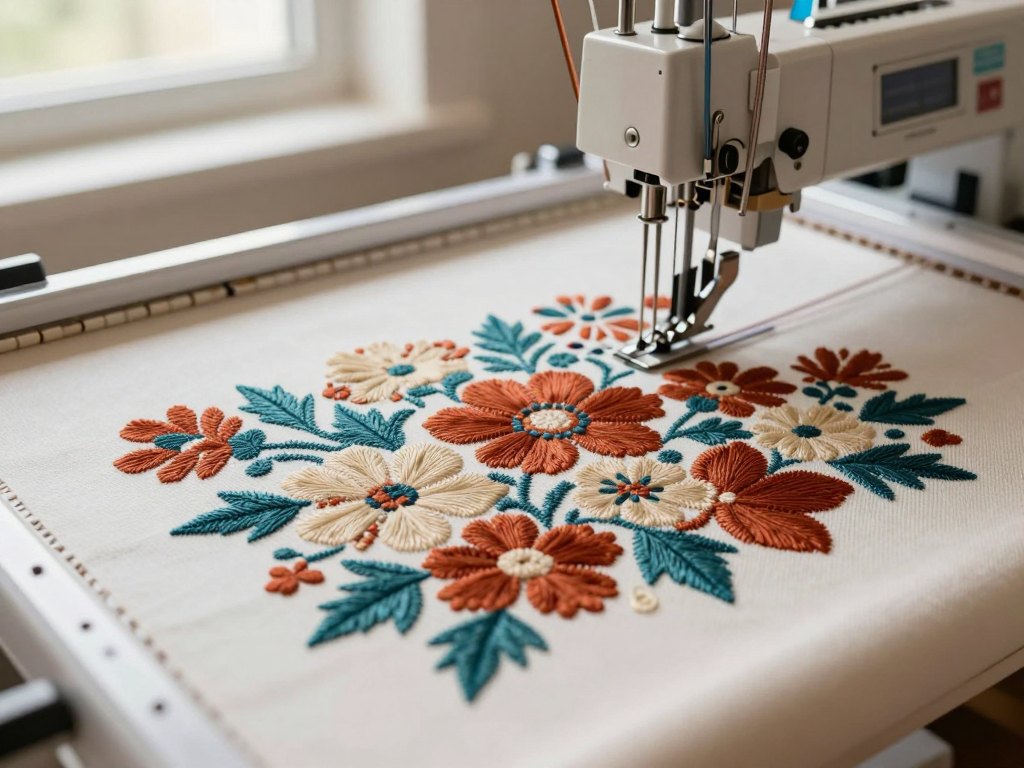
If you embroider by machine, you probably know the frustration of buying or downloading ready-made designs. The size is never quite right, the stitch density does not suit your fabric, and the lettering cannot be changed. You end up adapting your idea to the file instead of the other way round.
Creating your own designs is free creative work: you decide what is stitched, how large it is, how dense each object is and which fill type is used. You also keep the source file, so you can return to it at any time, change a colour, resize it or add a name without starting from scratch.
This course is built for makers who are starting from zero. It covers two of the most widely used programmes, Embird and Wilcom, and teaches them the way you will actually use them: by creating real designs from the first lessons, moving from simple to complex in small steps.
What you will be able to do
- Convert designs into your machine's format
Start with the basics of file conversion so that everything you create runs on your own machine.
- Create lettering and monograms
Load fonts, including Cyrillic ones, and build text of any size and style.
- Work confidently in the Embird interface
Use the Manager, the Editor and the main tools without guessing.
- Combine, split and edit design objects
Compose layouts, remove unwanted fragments and change colour palettes.
- Generate designs automatically from images
Use the automatic method to turn a picture into stitches, and know when it works best.
- Draw designs by hand from a picture or photo
Trace objects manually for clean, artistic results, including the photo-stitch portrait technique.
- Build logos and chevrons
Create name patches, framed surnames, a flower-shop logo and other practical commercial designs.
- Digitise in Wilcom with different techniques
Create objects with a variety of tools and try Richelieu, appliqué and artistic embroidery.
- Turn graphics into embroidery
Use the built-in graphics module to transfer artwork into a stitch design.
- 7–8
- designs created from start to finish
- 6
- masterclasses included
- 30 min
- maximum length of a lesson
- 2 years
- of access to the materials
A method built on real projects
Both the Embird and the Wilcom parts are complete design courses, not short overviews. Each one starts with a base course where you learn the tools, and then continues with lessons in which you create designs, chevrons and logos step by step.
Along the way you will work in three directions: lettering and text, drawing by a picture, and logos and chevrons. By the end you will have taken 7–8 designs from the first line to the finished file, plus three masterclasses that show complete workflows in different techniques.
The main reason to learn all this is control. You set the size and the density of every object and choose the stitch fill that suits the fabric and the look you want. Because you keep the source file, the design stays editable for any future order or variation.
How the course works
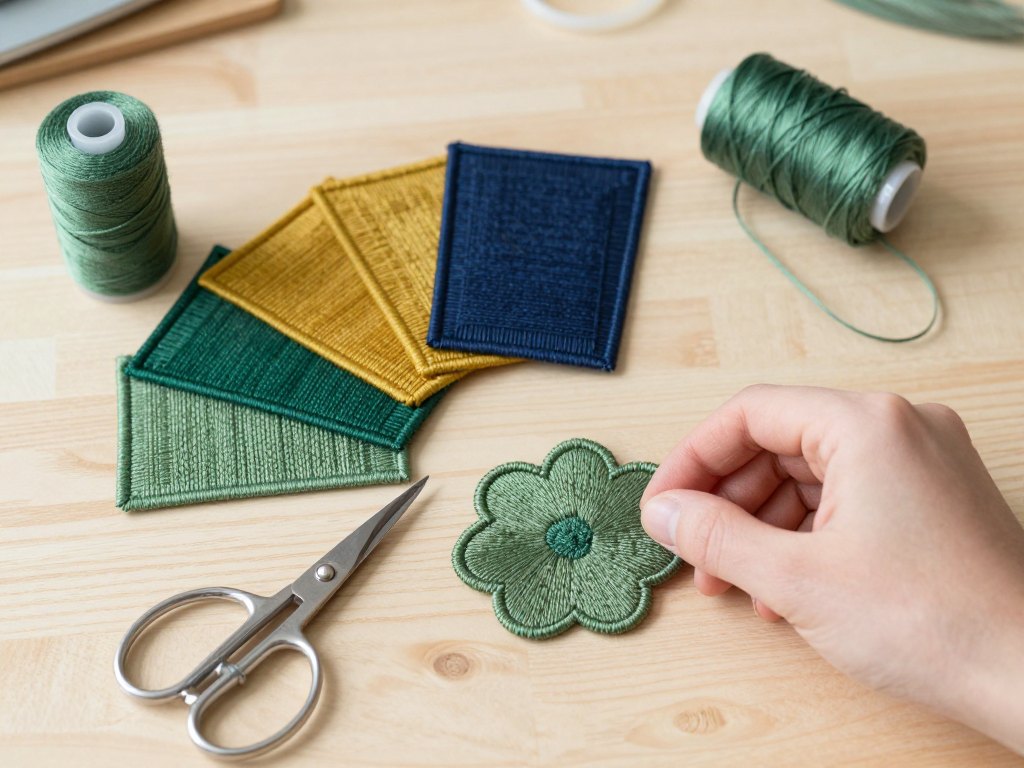
The course is delivered online through a personal account on the learning platform. Lessons are recorded videos, each no longer than 30 minutes, so you can fit one into an evening or a lunch break and then open the programme and practise right away.
You move through the material at your own pace, from the simple to the complex. The Embird part and the Wilcom part are independent, so you can follow the order we suggest or begin with the programme you already own.
The full programme also includes a section on machine embroidery technology on different fabrics, homework review, feedback from curators, access to a private chat for students and recordings of online meetings. Support questions can be sent through the platform at any time.
The programme
Two programmes, six modules, and bonus projects that put everything into practice.
1Module 1 — Embird Manager and EditorLearn the programme from the very first step: your format, your fonts, your tools.7 lessons
- Starting from scratch: converting designs into your own format
- Creating lettering and loading Cyrillic fonts
- Exploring the interface and working with the tools
- Splitting and combining design objects
- Building a composition and deleting parts of fragments
- Adding lettering to a ready-made design
- Changing colours in the colour palette
2Module 2 — Embird Studio: creating designsCreate designs from nothing, by hand and automatically.6 lessons
- Getting to know the Embird Studio tools
- Loading fonts and creating lettering
- Making a chevron and a surname in a frame
- Creating designs with the automatic method
- Creating designs manually from a picture or photo
- Worked example: the photo-stitch technique
3Module 3 — Wilcom: interface and toolsThe first steps in Wilcom, building objects with different tools.2 lessons
- Learning the programme interface
- Creating design objects with various tools
4Module 4 — Wilcom: designs in different techniquesComplete examples that show how each technique is digitised.3 lessons
- Example of creating designs in various techniques
- Richelieu embroidery
- Appliqué and artistic embroidery
5Module 5 — Graphics module (built-in Corel Draw)Move artwork into embroidery using the built-in vector tools.3 lessons
- Converting graphics into a design in the Corel Draw module
- Creating a chevron
- Creating a logo
6Module 6 — Bonus masterclasses and projectsFull projects in different techniques, from Embird and Wilcom.6 masterclasses plus bonus projects
- Tulle cape with paradise birds
- Photo-stitch portrait technique
- Lettering on a terry towel
- Flower shop logo
- Quilting and trapunto with a clutch bag
- Fire school patch, a Wilcom bonus project
- Bunny in a cap and Richelieu design, Wilcom masterclasses
What you get
- Video lessons for Embird and Wilcom
Base courses plus lessons on creating complete designs.
- Bonus masterclasses
Complete walkthroughs in several embroidery techniques.
- A section on machine embroidery technology
Guidance on working with different fabrics.
- Homework review and curator feedback
Included in the full programme.
- A private chat for students
Ask questions and see how others approach the same tasks.
- Recordings of online meetings
Watch them whenever it suits you.
- A personal account
All your lessons and materials in one place.
- 2 years of access
Enough time to finish the course and revisit it later.
Is this course for you?
This course is for you if…
- Machine embroiderers who want to stop depending on ready-made designs
- Beginners who have never opened an embroidery design programme
- Makers who want to add names, logos and patches to their work
- People who like drawing and want to see their pictures stitched
- Small studio owners who need to adapt designs to different sizes and fabrics
Probably not a fit if…
- Anyone looking for a quick way to earn money without learning the tools
- People who do not have access to Embird or Wilcom and do not plan to get either
- Those who want to learn hand embroidery only
- Learners expecting one-to-one tutoring as the core of the programme
After the course
You open Embird or Wilcom with a clear idea and know exactly where to begin. You can add a name to a ready-made design, change its colours, or create a new one from a photo or a picture without searching for a file that nearly fits.
Your portfolio now includes several finished designs: lettering, a chevron, a logo and pieces in artistic techniques. Because you control size, density and stitch type, you can adjust each one for different fabrics and orders.
Most importantly, you have the source files and the skills to keep improving them. Every new idea becomes something you can digitise yourself.
Questions before you buy
How much time do I need each week?
The course is self-paced, so you decide. Lessons last up to 30 minutes, and many students watch one or two lessons a week and spend the rest of their time practising in the programme.
Do I need any previous experience?
No. The course starts from the very beginning and moves from simple to complex. You should have a computer with Embird or Wilcom and a basic understanding of how a embroidery machine works.
How does access work after payment?
Once your payment is confirmed you receive access to your personal account, where all lessons and materials are available. Access to the materials lasts 2 years.
What is the refund policy?
You can request a refund within 14 days of purchase. Contact support and we will take care of it.
What format are the lessons in?
Recorded video lessons of up to 30 minutes each, supported by masterclasses, homework and recordings of online meetings.
Will the material stay available?
Yes. You can return to any lesson during your access period, as often as you want and at your own speed.
Do I need both programmes?
The full programme covers both Embird and Wilcom. If you work in only one of them, you can focus on the matching part and keep the other for later.
Is there support if I get stuck?
The full programme includes homework review, curator feedback and a private chat for students, so you are not left alone with a difficult step.
Start designing your own embroidery
Open the first lesson, convert your first file and make your first lettering this week.