Creative · All levels
Run a professional-looking broadcast with the equipment you already have
Twelve recorded lessons on cameras, sound, software, remote guests and content protection, with practice built in.
- 12 recorded lessons
- Lectures plus practice
- Access right after payment
- 2 months of access
- 14-day refund
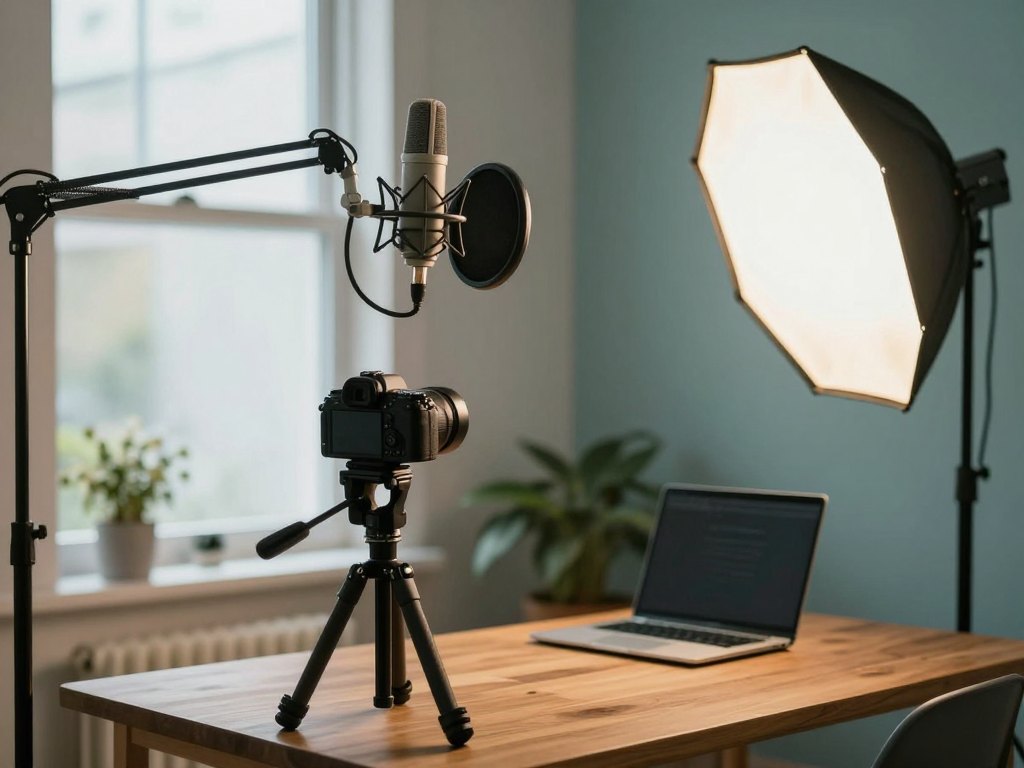
Why good broadcasts feel so hard to set up
Almost everyone who has tried to run an online event knows the feeling. The picture is dark, the sound echoes, a guest cannot connect, and ten minutes before the start you are searching forums for the right setting. Broadcasting looks simple from the viewer's side, yet behind a smooth session there is a chain of small technical decisions.
The problem is rarely a lack of money. Most people either buy gear they do not need or run on defaults that quietly ruin the result. Without a clear picture of how the pieces fit together, it is hard to know what is worth paying for and what can be solved with a few free settings.
This course gives you that picture. It explains the purpose of a broadcast, the different types and their strengths and weaknesses, and then walks through the practical side: cameras, microphones, cables, software, remote guests, basic content protection and simple tricks such as placing yourself inside a presentation.
The lessons are built around real working conditions where budgets, rooms and equipment differ. You will see how to get a good result from what you have, and how to decide when an upgrade or an outside specialist really makes sense.
What you will be able to do
- Set up a broadcast for webinars
Prepare a stable live session from start to finish.
- Protect your content at a basic level
Reduce the chance of your lessons being copied.
- Close common security gaps
Find and fix the holes that are easy to miss.
- Get clear sound and picture within your budget
Know where small spending makes the biggest difference.
- Build a two-camera kit from what you own
Combine phones and household cameras into a working setup.
- Connect remote guests in several ways
Choose the method that suits each participant.
- Use a chroma key to place yourself in slides
Learn the basics of a green-screen presentation.
- Brief a specialist properly
Write a clear task and know where to look for contractors.
- Add a paid service around webinar support
See how broadcast assistance can become an extra offer.
- 12
- recorded lessons
- 5
- modules
- 2
- cameras in the kit you will build
- 2 months
- of access to the materials
The idea behind the course: results within your budget
Rather than presenting one ideal studio, the course starts from the situation you are actually in. A phone, a microphone bought on sale, a spare camera from a drawer, a modest laptop: these are the starting materials, and the lessons show how to turn them into a reliable system.
Each topic is approached in the same order. First you learn what a piece of equipment or a setting is for, then which options exist at different price levels, and finally how to test it yourself. This makes it easy to compare choices and to avoid paying for features you will never use.
The same logic helps if you are not the person who will operate the equipment. Understanding how a broadcast works lets you describe the work to a technician in precise terms, judge a quote, and notice when something is overpriced or missing.
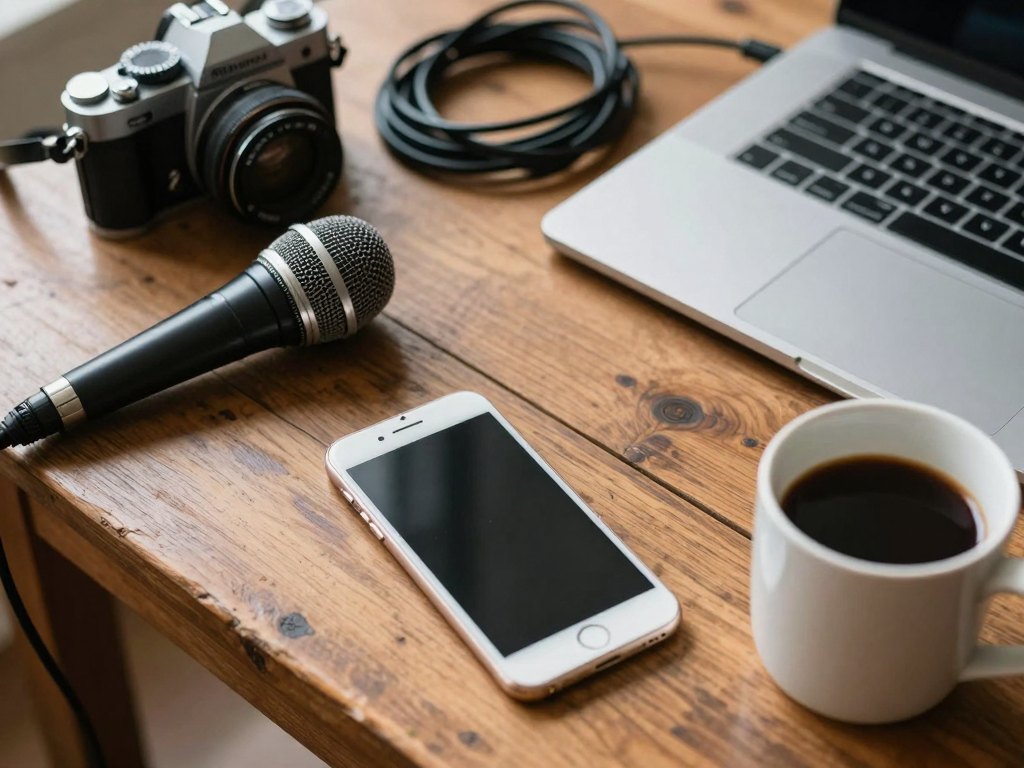
How the course works
The course is recorded, so you can start as soon as your payment is confirmed. There are no fixed class times and no waiting for a start date. You decide when to watch, when to pause and try something on your own equipment, and when to return to a lesson.
The programme contains twelve lessons that combine lectures with practical work. Lectures explain the principles and the options, and the practical parts show settings and connections step by step so that you can repeat them with your own gear. The most effective way to learn is to keep your equipment next to you and follow along.
Your access to the materials lasts two months from payment, which is long enough to go through the lessons at a relaxed pace and to repeat the practical exercises more than once. A steady rhythm of a few lessons a week is comfortable for most people with a job.
The programme
Twelve lessons in five modules, from the purpose of a broadcast to the finishing touches.
1Module 1 — Broadcast fundamentalsWhat a broadcast is for and which type fits which task.3 lessons
- What a broadcast is and why you might need one
- Types of broadcasts and how they differ
- Strengths and limits of each format
2Module 2 — Equipment on any budgetChoosing and combining cameras, microphones and cables.2 lessons
- Cameras, microphones and cables explained
- Getting good sound and picture for the money you have
3Module 3 — Software and setupThe programs that turn your gear into a broadcast.3 lessons
- Services and tools for running a live session
- Configuring OBS step by step
- Building a two-camera kit from phones and household cameras
4Module 4 — Guests and protectionBringing people in remotely and keeping your content safe.2 lessons
- Connecting remote participants in several ways
- Basic protection against copying and closing security gaps
5Module 5 — Finishing touches and next stepsVisual tricks, working with contractors and extra services.2 lessons
- Chroma key basics: placing yourself inside a presentation
- Briefing a specialist and offering broadcast support as a service
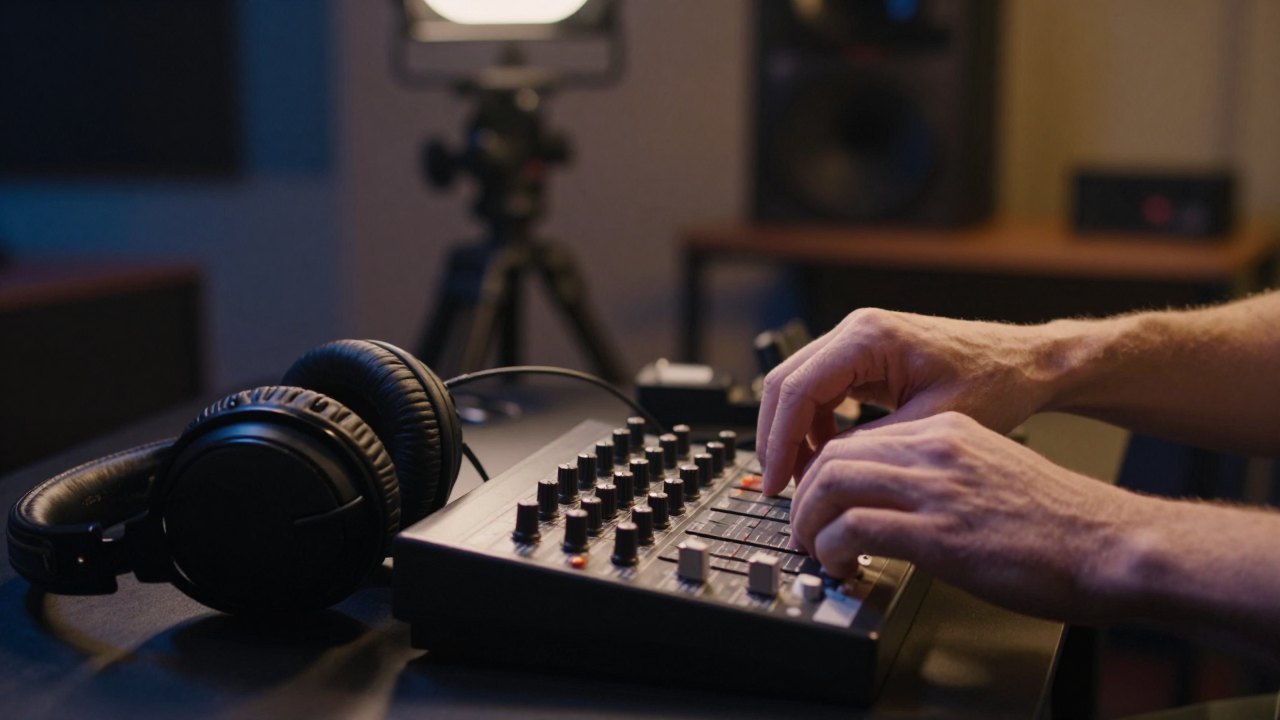
What you get
- Twelve recorded lessons
Lectures and practical parts in video format.
- Immediate access
The materials open right after payment.
- Two months of access
Enough time to watch and repeat the practice.
- A walkthrough of the OBS setup
A clear, step-by-step lesson you can follow live.
- A two-camera kit plan
A way to assemble it from phones and home cameras.
- Remote guest connection methods
Several options to compare and test.
- Content protection basics
Practical steps to reduce copying risks.
- A 14-day refund window
If the course is not what you expected, you can ask for your money back.
Is this course for you?
This course is for you if…
- You are a technical specialist who likes cables and hardware and wants to add broadcasting to the services you offer.
- You run an online school and want to understand broadcasts well enough to brief technicians and avoid overpaying.
- You enjoy photo and video and want a practical use for your skills.
- You already run broadcasts and want to broaden your approach and fill gaps.
Probably not a fit if…
- You are looking for personal one-to-one coaching or live mentoring.
- You want a course on professional film production or cinematography.
- You expect a guaranteed income from broadcasting services after the lessons.
After the course
When you finish, a broadcast stops being a source of last-minute stress. You know which pieces of equipment you need, how to connect them and what to test beforehand, so the start of a session feels routine rather than risky.
If you own an online school, you will be able to describe a task to a specialist clearly, understand what is reasonable to pay and spot weak points in your own setup, including how your lessons are protected.
If you work in a technical or creative field, you will have a new, well-structured skill to offer clients: running or supporting broadcasts, setting up multi-camera kits and helping speakers look and sound professional. Whether that becomes paid work depends on your own effort and market, but you will have the practical foundation.
Questions before you order
How much time do I need each week?
The course has twelve lessons and your access lasts two months, so two or three lessons a week is a comfortable pace. Practice with your own equipment will add some extra time.
Do I need any prior experience?
No. The course starts with the fundamentals and is suitable for beginners, while people who already run broadcasts can use it to fill gaps and broaden their approach.
Do I need expensive equipment?
No. The lessons show how to get good sound and picture within your budget and how to build a two-camera kit from phones and household cameras.
How does access work after payment?
The materials open right after your payment is confirmed. You log in to your account and can start the first lesson immediately, at any time of day.
What format are the lessons in?
The course is recorded. Lessons combine video lectures with practical parts, and you can pause them and repeat the steps on your own equipment.
How long does the material stay available?
Your access lasts two months from payment. During that time you can watch every lesson as many times as you like.
What is the refund policy?
You can request a refund within 14 days of payment if the course does not suit you.
Will this course teach me to earn money from broadcasts?
The course shows how broadcast support can be offered as an additional service, but it does not promise any income. Results depend on your own work and market.
Start setting up better broadcasts
Get all twelve lessons now and begin with the equipment you already own.