Design · All levels
Design residential interiors from first sketch to finished specification
A complete online programme covering composition, colour, drawing, technical documentation and 3D visualisation, ending with a full apartment project.
- 8 modules, step by step
- Video lessons and live classes
- Homework with teacher feedback
- Curator and student chat
- No prior experience needed
Why interior design is hard to learn on your own
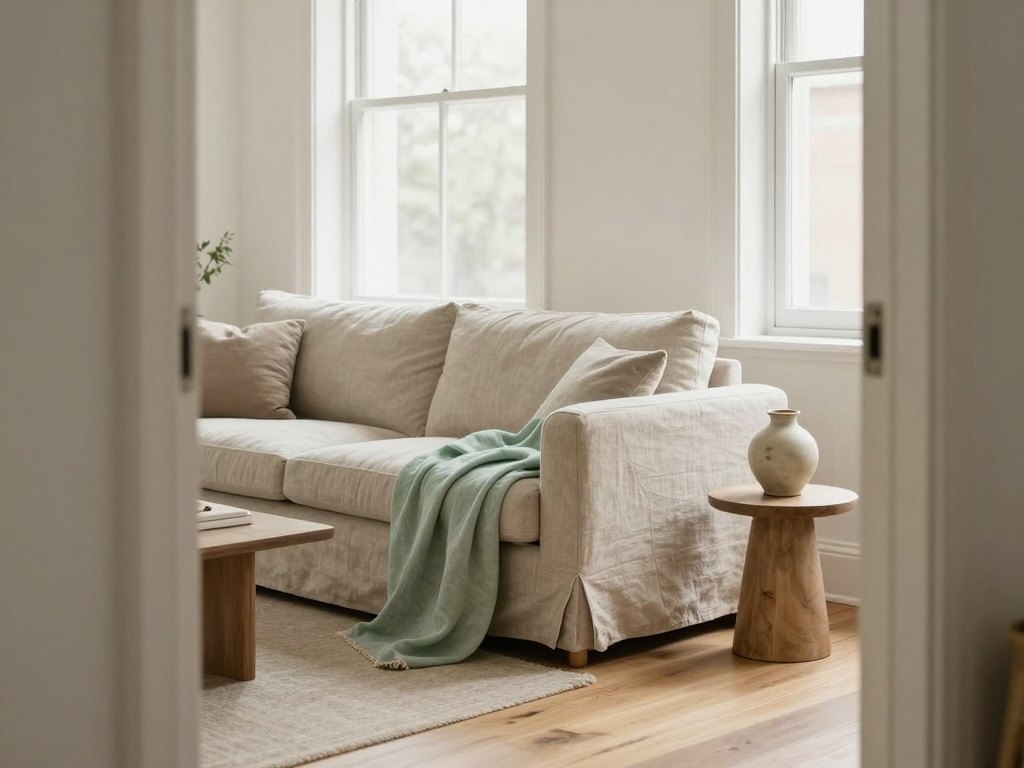
Interior design looks simple from the outside: choose a style, pick some furniture, arrange the room. In practice, a good residential project depends on many skills at once. You need a feel for composition and colour, a working knowledge of ergonomics and materials, the ability to produce accurate drawings, and the confidence to present your ideas to a client.
Most people who teach themselves pick up these skills in fragments. They watch a video about Photoshop, read an article about styles, and try ArchiCAD without knowing which plans a project actually needs. The result is often attractive pictures that cannot be built, or technical drawings that nobody wants to look at.
This programme puts the pieces in the right order. It starts with the foundations of composition and moodboards, moves through ergonomics, colour theory, sketching and the history of styles, and then builds the technical and software skills you need to turn an idea into a complete project.
Whether you are changing profession, refreshing your knowledge after years in the field, or adding interior design to your work as an architect or planner, you follow one clear route from the basics to a finished design project.
What you will be able to do
- Build a concept board and moodboard
Combine images, colour and texture in Photoshop to present the idea behind a space.
- Apply the laws of composition to a room
Work with both spatial and flat composition to create balanced interiors.
- Plan a layout using ergonomic rules
Use human proportions and the zones of a home to make spaces comfortable to live in.
- Draw a complete set of plans in ArchiCAD
Produce measurement plans, furniture layouts, ceiling, lighting, electrical, flooring and wall development drawings.
- Choose and combine colour with confidence
Understand contrast, harmony, light and the emotional effect of colour in a room.
- Sketch interiors by hand
Draw furniture, textiles and rooms in frontal and corner perspective.
- Recognise and use historic and modern styles
Move from classical styles to loft, Scandinavian, minimalism and eco-style with a clear sense of each.
- Specify materials and equipment
Understand wallpapers, ceilings, floor coverings, paints, decorative mouldings and engineering systems.
- Create a photorealistic visualisation in 3ds Max
Model a scene, set up VRay materials, lighting and cameras, and render the result.
- Communicate with clients and present a project
Write a brief, take measurements remotely and explain your decisions.
- 8
- modules in the programme
- 1 month
- each for colour theory and sketching
- 1.5 months
- of 3ds Max visualisation
- 100 m²+
- final apartment project
The method: from idea to buildable project
The programme follows the order in which a real project develops. First you learn to think visually, through composition, colour and sketching. Then you learn to think technically, through ergonomics, drawings and materials. Finally you learn to present, through visualisation, concept development and communication with the client.
Every stage ends with practice. You do not simply watch a lesson on perspective or on lighting; you draw, assemble, model and submit your work for review. Colour theory and sketching each close with a test, and the 3ds Max module ends with a defended course project.
The same logic carries into the final project: a design for a private apartment of at least 100 square metres, in which you use everything you have learned, from pre-project analysis to the colour and lighting solution.
How the course works
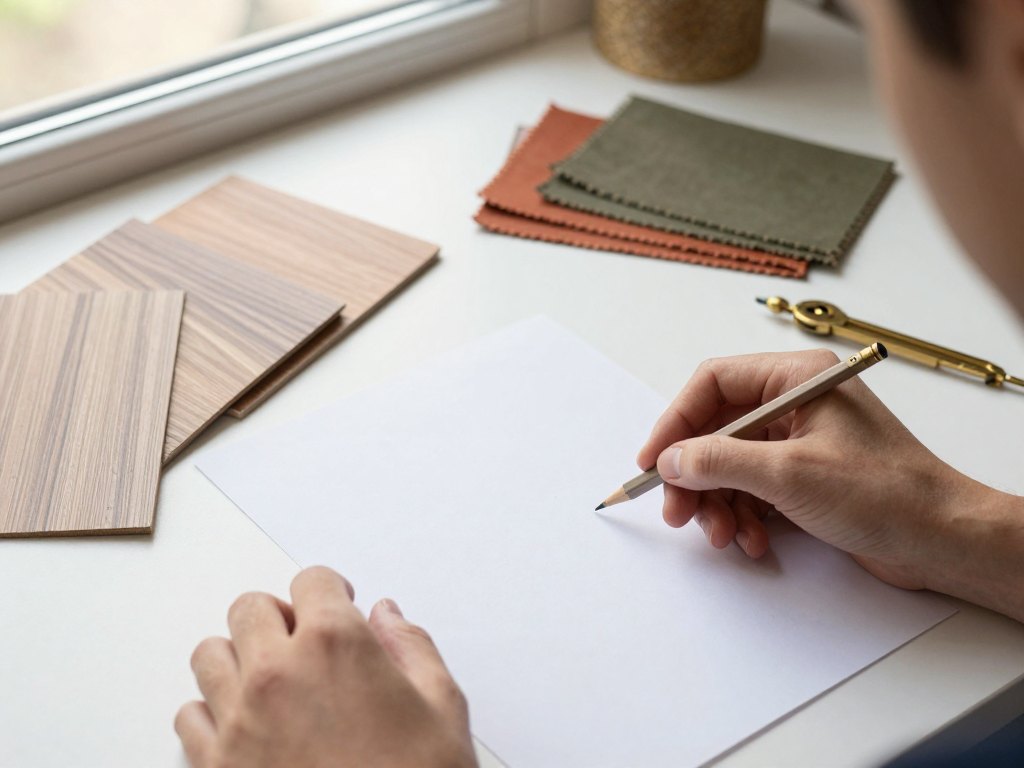
The programme combines recorded video lessons that you can watch whenever it suits you with live online classes where you can ask questions and receive feedback straight away. Between classes you complete homework and practical tasks, which are checked by teachers.
You are not left alone with the material. A chat for fellow students is supported by a teacher, and a curator is available to help at any stage. This makes it much easier to keep going when a new program or a new topic feels difficult.
Lessons are available in your personal account during the course and for several months after it ends, so you can return to a drawing technique or a software tutorial when a real project demands it. Students are also invited to open master classes at no extra charge.
The programme
Eight modules, from the foundations of visual thinking to a defended final project.
1Module 1 — Composition, concept boards and PhotoshopLearn how to organise a visual idea and present it as a moodboard.4 topics
- Basic concepts and types of composition
- Spatial and flat composition, and the principles behind them
- Ways of harmonising a composition
- Getting started with Adobe Photoshop: interface, layers and transformations
- Creating a collage and a moodboard for a given theme
2Module 2 — Architectonics, ergonomics and the technical projectUnderstand how a home works and how a project is documented and presented.6 topics
- Fundamentals of ergonomics and anthropometric data
- Zones of the home and ergonomic requirements for design projects
- Measuring a room online and writing a technical brief
- Theory of drawing documentation and how to prepare a drawing set
- Rules and stages for presenting a project
- Psychology in design and techniques for working with clients
3Module 3 — ArchiCADBuild the working drawings of an interior project.5 topics
- Introduction to the interface and capabilities of ArchiCAD
- Working with layers and the navigator panel
- Saving drawings in the view map, creating templates and print layouts
- Drawing a measurement plan, a redevelopment plan and a furniture layout
- Ceiling, lighting, electrical, flooring, underfloor heating and wall development plans
- Exporting drawings to PDF
4Module 4 — Colour theory (1 month)Learn how colour behaves in a room and how to combine it.10 topics and a test
- Basics of colour theory, contrast and nuance
- Fashionable shades and colour illusions
- Optical properties of colour in interiors
- White interiors and the rules for working with them
- Emotional impact, harmony and combinations of colour
- Colour and light in the interior
5Module 5 — Sketching (1 month)Develop the hand-drawing skills used to explain ideas quickly.10 topics and a test
- Tonal shading and drawing a sphere
- Composition of three objects and drawing a jug with light and shadow
- Patterns, textures and surfaces
- Drawing furniture, curtains and cushions
- Frontal perspective and drawing an interior
- Corner perspective
6Module 6 — StylesStudy the history and character of interior styles.8 lectures
- Introduction and how to create short design sketches
- Antique, Byzantine, Romanesque and Gothic
- Baroque, Rococo, Classicism and Empire
- Biedermeier, English classic, Art Nouveau, Art Deco and colonial
- Avant-garde, Pop Art, Country and Provence
- Loft, Scandinavian, Mediterranean, African and Indian
- Japanese, Chinese, Minimalism and Eclecticism
- Chalet, Bionic, Bungalow, Grunge, High-tech, Eco-style, Techno and Postmodernism
7Module 7 — Materials, engineering and conceptLearn what a space is made of and how to develop a project concept.4 topics
- Lecture on materials: wallpapers, ceilings, floor coverings, paints and mouldings
- Engineering equipment and an overview of leading manufacturers
- Video review of materials
- Concept basics, design methods and project analysis
- Author supervision and sourcing the finished project
8Module 8 — 3ds Max visualisation and final projectVisualise your design and bring everything together in one apartment project.1.5 months plus final project
- Creating 3D scenes and objects, and exploring the interface
- Modifiers, splines and solid shapes
- VRay materials, lighting and cameras
- Rendering and creating a view from the window
- Course project and its defence
- Final project: an apartment of at least 100 m² with style, colour and lighting solutions
What you get
- Recorded video lessons
Watch whenever it suits you.
- Live online classes
Ask questions and get feedback straight away.
- Homework and practice
Tasks checked by teachers.
- A student chat
Supported by a teacher.
- Help from a curator
Available at any stage of the programme.
- A detailed programme
Covers the software and knowledge you need to start.
- Open master classes
Free participation in master classes with guest speakers.
- Access to all lessons
Available in your account for several months after the course.
Is this course for you?
This course is for you if…
- Beginners who want to learn the profession of residential interior designer from scratch
- Practising interior designers who want to refresh their knowledge of materials, technology and software
- Architects and planners who want to add interior design to their services and justify their decisions to clients
- Creative people who want a structured route instead of scattered tutorials
Probably not a fit if…
- Anyone looking for a quick, two-evening introduction; this is a long, practical programme
- People who do not have a computer and a stable internet connection
- Those who do not want to complete homework and practice tasks
- Anyone expecting a promise of a particular income or job after finishing
After the course
By the end of the programme you will have moved from separate topics to a working process. You will be able to create plans, drawings and photorealistic images of a project, visualise a design clearly, and explain your decisions in terms a client understands.
You will also hold a finished piece of work: a design project for a private apartment of at least 100 square metres, with a stylistic concept, a colour and lighting solution, and a complete set of drawings. It shows how you think and work, and it forms a basis for your own portfolio.
Just as importantly, you will have developed an individual voice. By studying styles, colour and sketching alongside the technical tools, you can work in your own manner rather than copying other people's solutions.
Questions before you buy
How much time do I need each week?
It depends on your pace. Plan for the video lessons, live classes where you can join, and time for homework and practice, which includes drawing, collages and software work. Many students set aside a few hours several times a week.
Do I need previous experience?
No. You do not need specialist knowledge to start, and the programme teaches the profession from the basics. Designers and architects can use it to fill gaps and update their skills.
What do I need to take part?
You need a laptop or desktop computer with a reliable internet connection and the programs Adobe Photoshop, ArchiCAD and Autodesk 3ds Max, which you download yourself. For sketching and colour work, prepare basic art supplies such as paper, pencils, a ruler, gouache or watercolour paints, brushes, scissors, glue and interior magazines.
How does access work after payment?
You can begin straight after payment. Lessons, tasks and materials are available in your personal account on the learning platform.
What format are the lessons in?
The programme combines recorded video lessons with live online classes, homework, practical tasks with teacher review, a student chat and a curator's help.
Will the material stay available after I finish?
Yes. The lessons remain available in your account for several months after the programme ends, so you can return to techniques and tutorials whenever you need them.
Can I get help if I get stuck?
Yes. You can ask questions in live classes and in the student chat, which is supported by a teacher, and a curator is available at every stage.
What is your refund policy?
You can request a full refund within 14 days of purchase if the course is not what you expected.
Start building your first interior project
Begin with the basics of composition and finish with a complete apartment design of your own.