Design · Beginner
Turn your garment ideas into clean, professional vector drawings
A step-by-step Adobe Illustrator course built around clothing design, from your first shape to technical flats and a finished portfolio.
- 6 modules, 21 video lessons
- Built around clothing design
- Learn at your own pace
- 14-day money-back guarantee
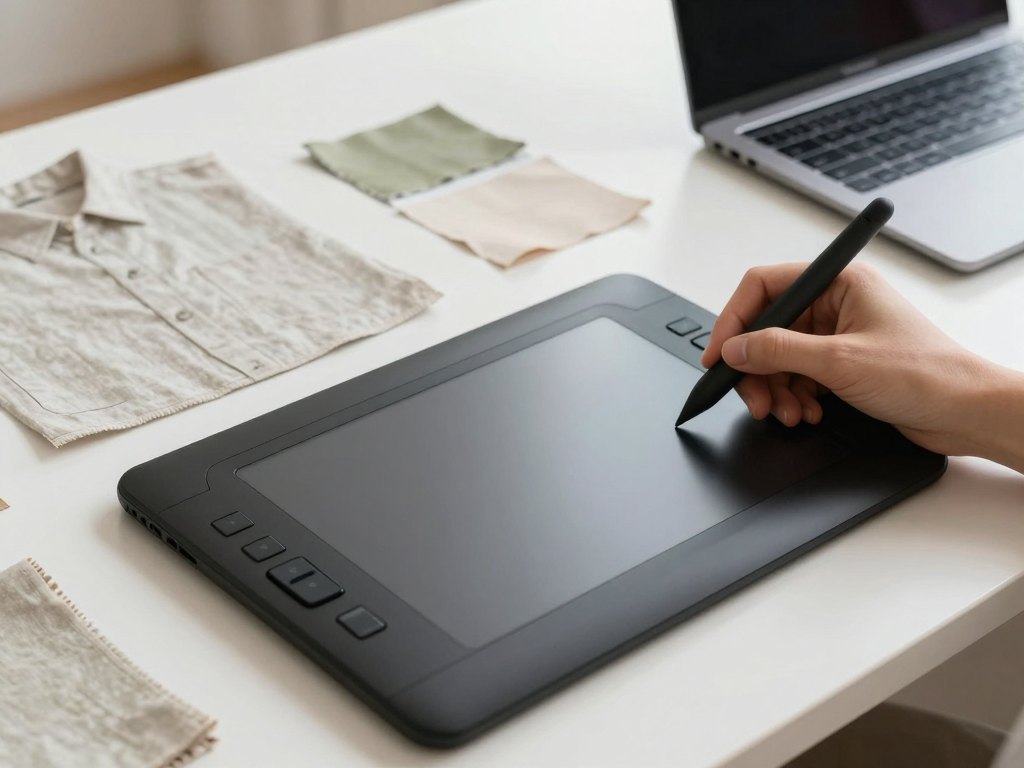
Why fashion drawings stall in the wrong software
Many people who design clothes can see the finished garment in their head but lose hours turning it into a drawing that someone else can read. Hand sketches are hard to correct, scans come out grey and uneven, and a pattern-maker or a client often needs a flat that is precise, symmetrical and easy to change.
Adobe Illustrator is the standard tool for this job, but its general tutorials are written for logo designers and illustrators. You end up learning features you will never use while the ones you need, such as mirrored garment halves, stitch lines, fabric prints and tidy colour variants, stay hidden behind menus.
This course teaches Illustrator through the work of a clothing designer. Every lesson uses garments as the example, so each tool is introduced at the moment you need it and tied to a result you can keep: a sketch, a flat, a colour range or a page of your portfolio.
You do not need to be a technical person. The lessons are structured, free of filler and paced so that a beginner can follow along on screen and repeat each step in their own file.
What you will be able to do
By the end of the programme you will work in Illustrator with confidence on real garment tasks.
- Set up a workspace that suits fashion work
Arrange panels, artboards and guides so that drawing a garment feels natural rather than cluttered.
- Draw garment shapes with the Pen tool
Build smooth curves and straight seams with as few anchor points as possible.
- Create symmetrical technical flats
Draw one half of a garment and mirror it so that front and back views match.
- Add seams, stitching and construction details
Use strokes and dashed lines to show topstitching, darts, pockets and closures.
- Colour garments and build colourways
Create swatches and recolour a single drawing into several versions quickly.
- Apply fabrics, prints and patterns
Fill shapes with repeat patterns and keep the scale believable on the garment.
- Organise layers and files for sharing
Name, group and export your work so a colleague, workshop or client can open it without confusion.
- Assemble a portfolio from your own drawings
Lay out pages that present your sketches, flats and collections clearly.
- 6
- modules
- 21
- video lessons
- 1
- portfolio project built along the way
- 14 days
- money-back guarantee
Where this course fits in your work
The programme is written for people who make clothes in some form: designers who want faster and neater visuals, seamstresses and studio owners who want to show a client the finished garment before cutting fabric, students who need a portfolio, and creative people who simply want to turn ideas into tidy drawings.
Vector graphics suit fashion well. A drawing can be scaled to any size without losing sharpness, edited line by line, and recoloured in seconds. Once your first flat is built, the next one in the same style is much quicker, because you reuse shapes, stitch settings and colour palettes.
The lessons favour practice over theory. You will see each action performed on screen and then repeat it yourself, so the skills settle through use rather than through memorising menu names.
How the course works
The course is a library of recorded video lessons that you can watch at any time on your computer. Illustrator is a desktop programme, so you will need it installed to practise alongside the videos. The lessons follow a fixed order, because each one builds on the drawing skills of the one before.
Each module ends with a practical task based on a garment, so you always finish with a drawing that you made yourself. Many learners use the same set of garments as the core of their portfolio, which keeps the work from feeling like isolated exercises.
There is no schedule to keep up with. You can complete a module over a weekend or spread the course over several months, and return to any lesson when you need a reminder of a specific technique.
The programme
Six modules take you from the first click in Illustrator to a finished portfolio.
1Module 1 — Getting comfortable with IllustratorUnderstand the workspace and the basic logic of vector drawing.4 lessons
- Installing Illustrator and exploring the workspace
- Artboards, guides and a document set up for fashion
- Shapes, fills and strokes: the building blocks of every garment
- Selecting, moving and aligning objects precisely
2Module 2 — Drawing with the Pen toolLearn to draw smooth, controlled lines that follow the shape of clothing.3 lessons
- Anchor points and curves explained step by step
- Tracing a simple garment outline with the Pen tool
- Editing and simplifying paths for a clean result
3Module 3 — Technical flatsCreate accurate front and back drawings of garments.4 lessons
- Building a basic garment block and mirroring it
- Drawing sleeves, collars and necklines
- Adding seams, darts and topstitching
- Pockets, zips, buttons and other fastenings
4Module 4 — Colour, fabric and printShow how a garment will look in different materials and shades.4 lessons
- Swatches and colour palettes for a collection
- Recolouring one drawing into several colourways
- Creating and applying repeat patterns
- Suggesting texture and drape with simple effects
5Module 5 — Working efficientlySpeed up your routine and keep files tidy.3 lessons
- Layers, groups and naming conventions
- Symbols and reusable elements for repeated details
- Exporting files for clients, workshops and print
6Module 6 — Your portfolioBring your drawings together into a presentable set of pages.3 lessons
- Choosing the work that belongs in a portfolio
- Laying out collection pages and presentation boards
- Preparing the final files to send or publish
What you get
- Recorded video lessons
Twenty-one lessons organised into six modules, ready to watch whenever you like.
- Practical tasks in every module
Garment-based exercises that turn each technique into a drawing of your own.
- A clear learning path
A fixed order from first steps to portfolio, so you never wonder what to learn next.
- Garment-focused examples
Every tool is shown on clothing, not on unrelated illustration projects.
- Ongoing access to the material
Return to any lesson later to refresh a technique or check a detail.
- A 14-day money-back guarantee
If the course is not what you expected, you can ask for a refund within 14 days.
Is this course for you?
This course is for you if…
- Clothing designers who want faster, cleaner and more realistic visuals
- Seamstresses and studio owners who want to show clients a finished look before sewing
- Students and early-career designers who need a portfolio
- Creative people who make garments and want to turn ideas into precise drawings
- Teachers looking for a clear structure for explaining vector drawing for fashion
Probably not a fit if…
- People who want a general course on graphic design or illustration unrelated to clothing
- Anyone who cannot install Illustrator on a computer to practise
- Learners looking for personal feedback on every drawing, since this is a recorded course
- Those who expect to master the programme without regular practice
After the course
You will open Illustrator with a clear plan instead of a blank page. A garment idea becomes a tidy flat in a reasonable time, with seams, details and colour options that anyone reading the drawing can understand.
You will also have a portfolio built from your own work, laid out in a way that is easy to share with clients, workshops, employers or admissions teams. Your files will be organised, so returning to a project months later is not a struggle.
Most importantly, the skills carry over. Once you are comfortable with vector drawing, you can adapt the same techniques to new collections, new garment types and other software you may want to learn next.
Questions before you buy
How much time do I need each week?
There is no fixed schedule. Many learners set aside two to four hours a week to watch lessons and complete the tasks, but you can go faster or slower as your calendar allows.
Do I need any experience?
No. The course starts from the basics of the Illustrator workspace. An interest in clothing design and a willingness to practise are enough.
Which software and equipment do I need?
You need a computer with Adobe Illustrator installed. A mouse is enough, though some learners prefer a graphics tablet for sketching.
How does access work after payment?
Once your payment is confirmed, you receive access to the lessons through your account and can start immediately.
What format are the lessons in?
They are recorded video lessons with on-screen demonstrations, accompanied by practical tasks you complete in your own Illustrator files.
Will the material stay available?
Yes. The lessons remain available in your account, so you can revisit any module whenever you want.
What if the course is not right for me?
You can request a refund within 14 days of purchase, as described in our refund policy.
Is the course only for professional designers?
No. It suits professionals, students, seamstresses and hobbyists alike, as long as clothing is the subject you want to draw.
Start drawing your designs in vector
Begin with the first lesson today and build your first technical flat this week.