Design · All levels
Program CNC stone machines confidently with Easy Stone
A structured course that takes you from the first menu click to disc cutting of slabs, profiles and relief surfaces.
- 4 modules, 16 lessons
- Disc cutting methods
- 3D modelling basics
- Tool setup lessons
- 14-day refund
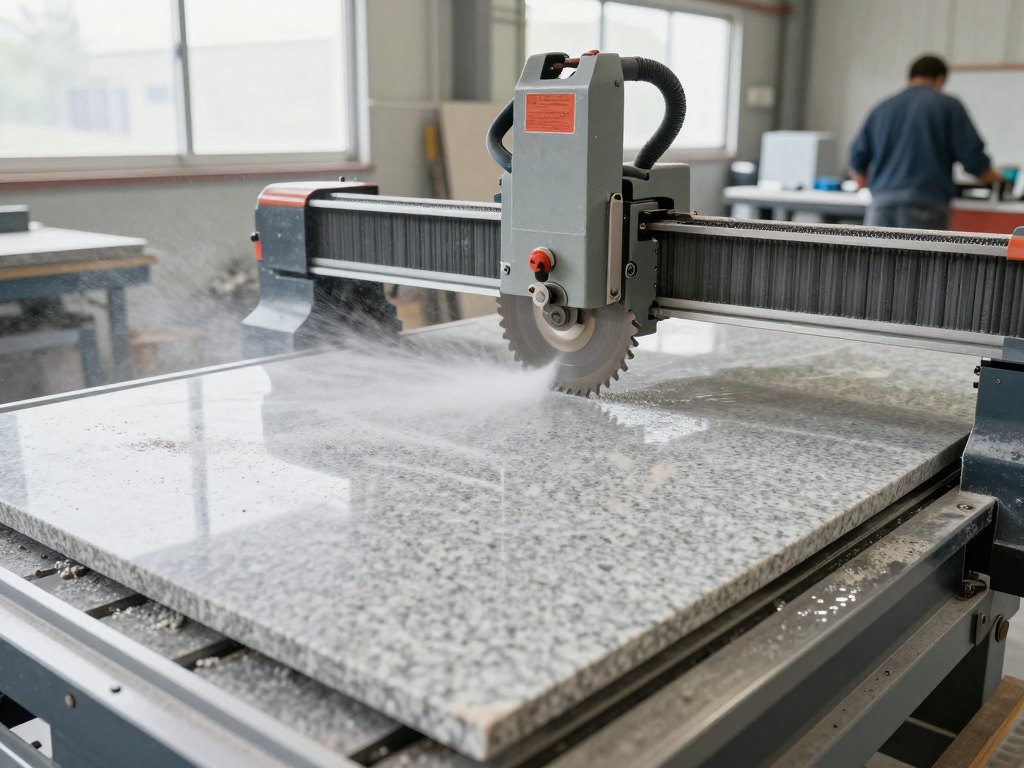
Why stone programming feels harder than it should
Stone is an unforgiving material. A wrong cutting mode, a badly defined tool or a poorly built model can ruin an expensive slab, and the cost of one mistake is often higher than the cost of learning the software properly.
Many workshops buy a CNC machine and then learn the control software by trial and error. Someone clicks through the menus, copies settings from an old job and hopes the result is right. It works until a new type of product appears: a curved cut, a profile, a relief surface.
This course is built around Easy Stone, a programme used to prepare jobs for stone processing machines. It does not assume you already know the buttons or the logic behind them. It starts with the interface and builds up step by step, so every function you use has a clear purpose.
The lessons are organised the way a real job goes: understand the programme, draw or build the model, define the tool, then choose the processing method and the correct modes.
What you will be able to do
- Navigate the Easy Stone menus with confidence
Understand what each button does and where to find the function you need.
- Import and export files correctly
Move drawings and models in and out of the programme without losing work.
- Draw and edit 2D geometry
Use the drawing and editing tools to prepare accurate outlines.
- Build 3D objects
Create the volumetric models that complex stone products require.
- Create tools correctly
Define cutting tools properly and group them into reusable sets.
- Plan straight, 45-degree and curved cuts
Choose the right sawing method for slabs and shaped parts.
- Process profiles and relief surfaces with a disc
Apply different processing solutions to profiled edges and relief.
- Machine side surfaces
Use side processing for relief and profile areas that a top-down pass cannot reach.
- Work within correct processing modes
Keep to sensible cutting modes to protect both the tool and the material.
- 4
- modules
- 16
- lessons
- 5
- tool and modelling topics
- 8
- disc processing methods
The method behind the lessons
Every lesson follows the same logic: a function is introduced, its purpose is explained, and then it is applied to a task you would meet in a stone workshop. You never learn a button in isolation; you learn what problem it solves and when to choose it over the alternatives.
The course separates three things that beginners often mix together: the model, the tool and the processing method. A good model is not enough if the tool is defined badly, and a good tool will not help if the wrong strategy is chosen. Learning them in this order makes errors much easier to find.
Throughout the programme the emphasis is on correct processing modes. Stone punishes aggressive settings, so each method is shown together with the reasoning behind sensible modes, not only the clicks needed to create the program.
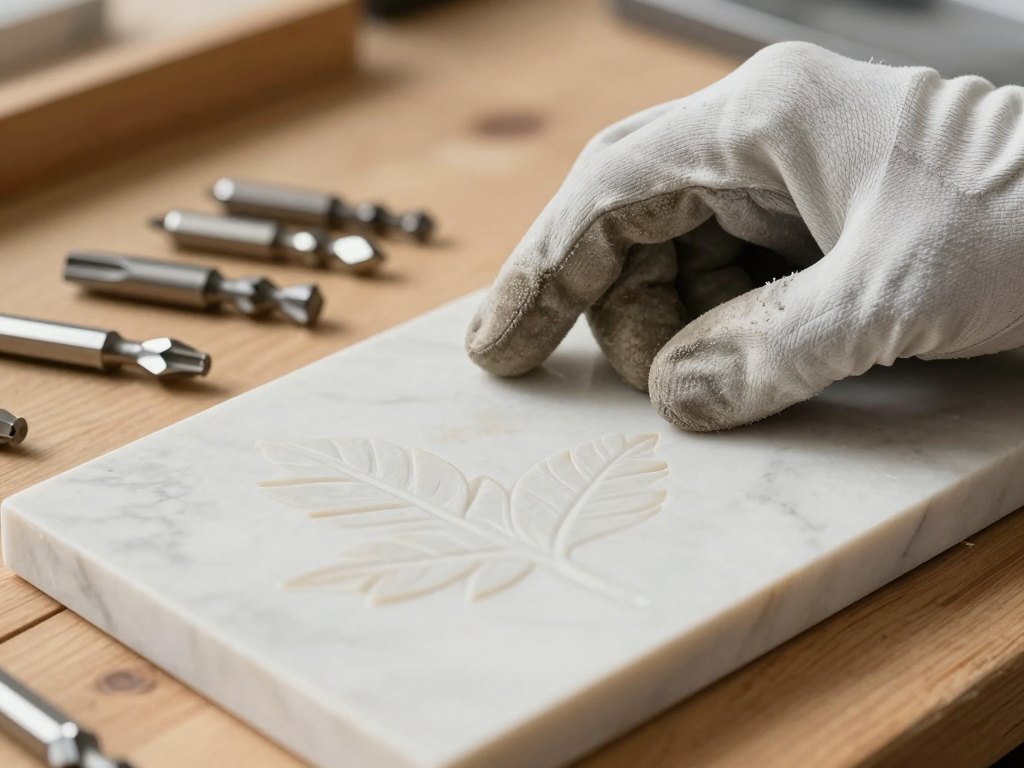
Who this programme is built for
The course suits people who work with stone and CNC equipment: machine operators who want to move into programming, workshop owners who want to understand what their staff are doing, and designers who prepare files for stone production.
You do not need to be a professional programmer. If you can work comfortably with a computer and are familiar with how stone is cut and shaped, you can follow the lessons. The first module exists precisely so that nobody has to guess what the interface is doing.
If you already use Easy Stone, the later modules will help you replace habits and copied settings with methods you understand, especially in disc cutting, where mode and strategy choices matter a great deal.
How the course works
The course is delivered online. You work through the lessons in order, because each module relies on the previous one: the interface comes first, then modelling and tools, then the processing methods that use them.
Each lesson focuses on one task and shows the relevant functions in the programme, with examples of how they apply to real stone products. You can pause, repeat a section and return to it while you work on your own files.
The programme is designed around practice. The best way to learn is to open Easy Stone next to the lesson and repeat each step on a sample model. Plan a few hours a week and you will move through the material at a comfortable pace.
The programme
Four modules covering the programme's main menu, modelling, tools and disc processing.
1Module 1 — The main menu of the programmeGet oriented in the interface and learn the helper functions.3 lessons
- A tour of the interface and the main menu
- Importing and exporting files
- Helper functions that speed up everyday work
2Module 2 — Modelling and toolsDraw, edit and build 3D objects, then define tools correctly.5 lessons
- Drawing in the programme
- Editing drawn geometry
- Building 3D objects
- Creating a tool correctly
- Grouping tools into sets
3Module 3 — Disc cutting: straight and shaped cutsMethods of sawing from simple slab cuts to curved paths.4 lessons
- The straight cut
- The 45-degree cut
- The curved cut and other sawing methods
- Keeping to correct processing modes
4Module 4 — Disc processing of profiles, relief and sidesProcess profiled and relief surfaces and side areas with a disc.4 lessons
- Methods for processing profiles and relief surfaces
- Choosing between different processing solutions
- Side processing of relief surfaces and profiles
- Worked examples of side processing
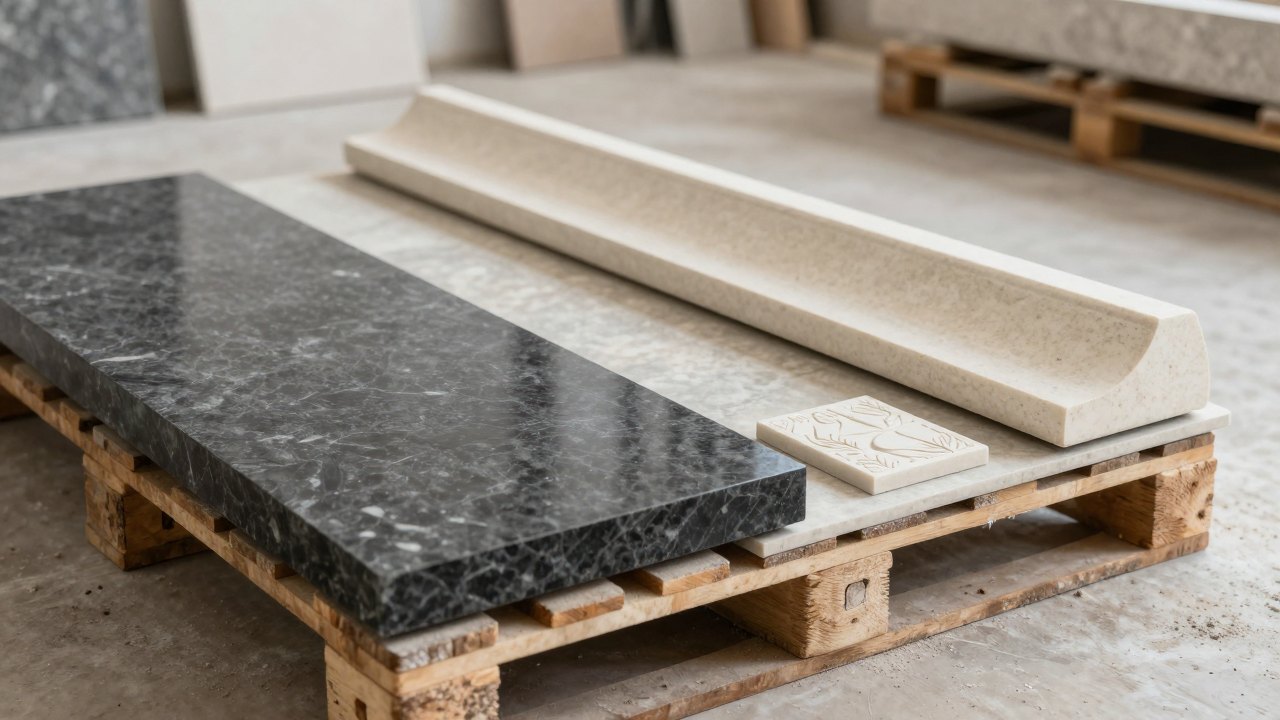
What you get
- Structured video lessons
Sixteen lessons arranged in four modules, in the order you would use them on a real job.
- Step-by-step demonstrations
Every function is shown inside the programme, so you can repeat it on your own files.
- Practical examples
Examples of cutting and processing methods that apply to real stone products.
- Access on any device
Study from a computer or watch on a phone or tablet when you are away from your desk.
- Lasting access to the material
Return to any lesson whenever a new type of job appears.
- 14-day refund policy
If the course is not what you expected, you can ask for your money back within 14 days.
Is this course for you?
This course is for you if…
- You operate or plan to operate a CNC machine for stone and need to prepare jobs yourself.
- You own or manage a stone workshop and want your team to share one reliable method.
- You are a designer who prepares files for stone production and wants to understand processing.
- You already use Easy Stone but rely on copied settings and want to know why they work.
Probably not a fit if…
- You are looking for a general introduction to stone as a material, with no software work.
- You do not have access to Easy Stone and do not plan to use it.
- You expect one-to-one consulting on your own files rather than a course to study.
- You want to learn three-axis milling, five-axis or lathe processing; these lie outside this programme.
After the course
When you finish, the Easy Stone menus no longer feel like a wall of buttons. You know where to import a file, how to correct a model and how to set up the tools a job needs.
You can look at a stone product and decide how the disc should cut it: a straight cut, a 45-degree cut, a curved path, a profile or a relief surface. You know which modes to respect and why.
Most importantly, you work with understanding rather than guesswork. That means fewer ruined slabs, less time spent redoing programs, and more confidence taking on unfamiliar products.
Questions before you buy
How much time do I need each week?
Plan for a few hours a week. The lessons are short and focused, and you will learn faster if you repeat each step in Easy Stone yourself. You can go faster or slower depending on your schedule.
Do I need any experience first?
No prior experience with the programme is needed, because the course begins with the interface. It helps to be comfortable with a computer and to know the basics of how stone is cut.
Do I need to own Easy Stone?
The lessons are most useful when you can open the programme and follow each step on a sample model, so we recommend having it installed while you study.
How does access work after payment?
Once your payment is confirmed you receive access to the course materials in your account. You can start with the first lesson straight away and work at your own pace.
What format are the lessons in?
The lessons are video demonstrations that show the programme in action, with practical examples of the processing methods covered.
Does the material stay available?
Yes. Once you have access, you can return to any lesson whenever you need a refresher or face a new type of job.
What is the refund policy?
You can request a full refund within 14 days of purchase if the course is not right for you.
Does the course cover milling and five-axis work?
This course covers the main menu, modelling, tools and disc processing. Milling, five-axis and lathe processing are not part of this programme.
Start working with Easy Stone on solid ground
Learn the interface, modelling, tools and disc processing in one structured programme.