Photography · All levels
Shoot sharp, expressive portraits and edit them with confidence
A two-part programme that takes you from choosing equipment and setting up your camera to a clear, repeatable workflow for artistic photo editing.
- Two parts: shooting and editing
- 8 structured modules
- Self-paced video lessons
- Adobe Camera RAW and Photoshop
- Bonus materials and actions
- 14-day money-back guarantee
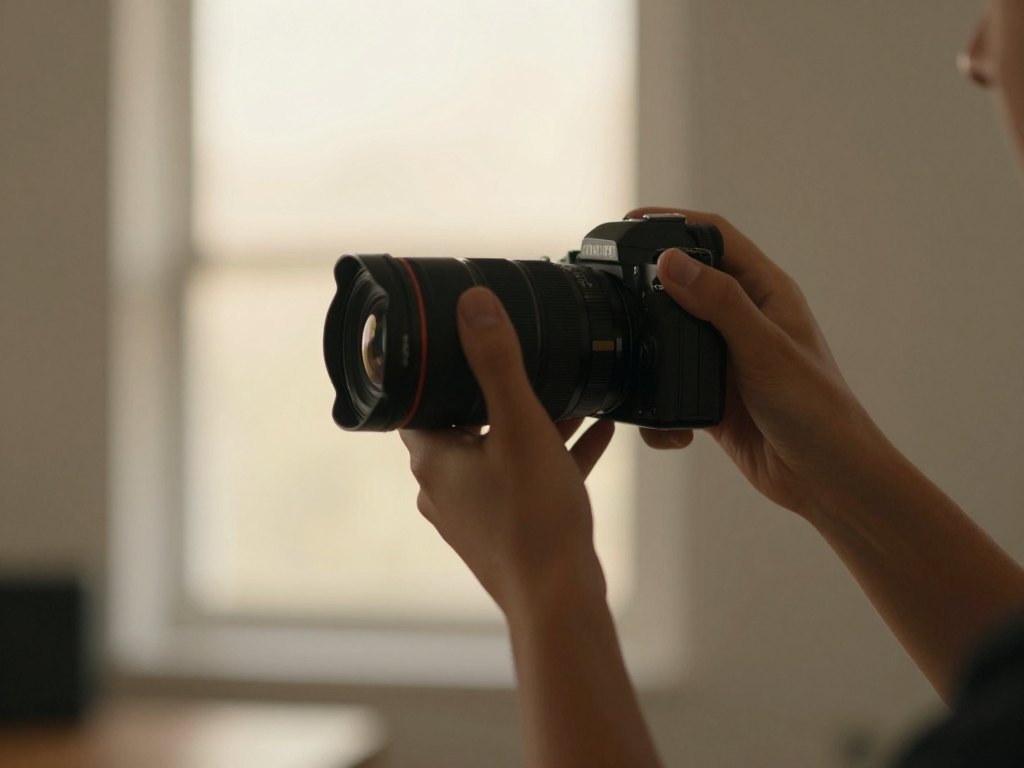
Why good photos take more than a good camera
Many people buy a camera, shoot hundreds of frames and still feel that the results are flat. The pictures are slightly soft, the colours look muddy, the light is harsh at midday and the background never blurs the way it does in the work you admire. The problem is rarely the equipment. It is usually a handful of missing fundamentals and no clear system for turning a raw file into a finished image.
Self-teaching usually means piecing together short videos and articles that contradict each other. You learn what ISO is in one place, what the rule of thirds is in another, and nobody shows you how those decisions connect from the moment you choose a location to the moment you export the final picture.
This programme puts everything in one order. It starts with the equipment and the camera, moves through light, composition, colour and working with people in front of the lens, and then continues into artistic editing. The aim is that you produce a strong source image in the camera and know exactly what to do with it afterwards.
The material is built around portrait work, with a particular emphasis on children and family photography, but the principles of exposure, light, composition and colour apply to any genre you want to shoot.
What you will be able to do
- Choose equipment that fits your work
Understand which cameras, lenses, lighting and computer setup are essential and which are nice extras.
- Set up your camera for correct exposure
Control ISO, aperture and shutter speed so frames are properly exposed, clear and sharp.
- Diagnose blurry photos
Identify the causes of soft or out-of-focus frames and fix them while shooting.
- Work in any lighting
Use light schemes, backlight and midday sun, and pick locations that suit the shoot.
- Build balanced compositions
Apply perspective, symmetry, the golden ratio, the rule of thirds, rhythm and cropping rules.
- Use colour deliberately
Understand colour theory and colour schemes, and avoid unwanted colour casts in your frames.
- Prepare and pose your models
Plan a shoot, guide poses and draw natural emotions from the people you photograph.
- Develop RAW files in Adobe Camera RAW
Make a clean base correction and use gradients and brushes as creative tools.
- Retouch and finish in Photoshop
Work with skin, tone, contrast, backgrounds, hair and eyes using a clear step-by-step algorithm.
- Shape a recognisable style
Collect inspiration, edit consistently and assemble a portfolio that shows your approach.
- 2
- months of structured learning
- 2
- parts: shooting and editing
- 8
- modules in total
- 12
- months of access to the lessons
A single workflow from shutter to final file
The central idea of the programme is that shooting and editing are one process, not two separate skills. Decisions you make in the camera, such as the white balance, the exposure and the depth of field, determine how much you can do later. For that reason, one of the lessons is dedicated to the shooting parameters that make editing easier.
In the editing part, you follow a fixed order: what to start with, what to finish with, how to select the best frames quickly, and how to move from base correction to creative work. Having a defined sequence helps you avoid the common trap of endlessly adjusting sliders without a clear goal.
The lessons also explain why each choice is made. You do not just copy settings; you learn what each tool does, so you can adapt the method to your own subjects and taste.
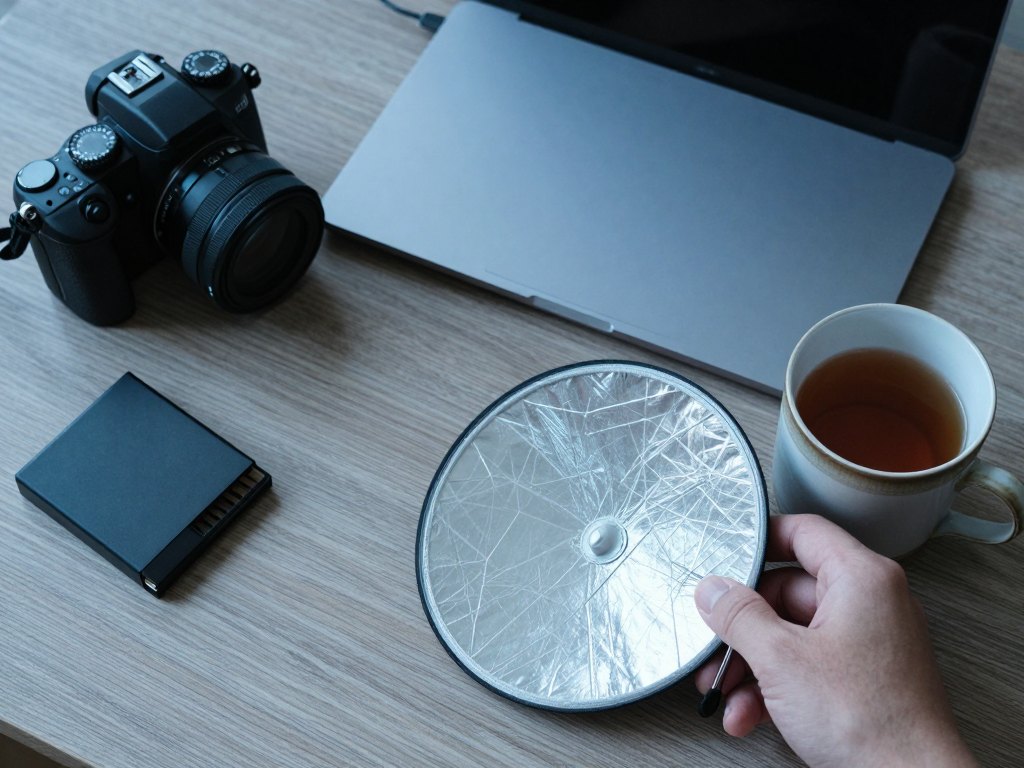
How the course works
The programme is delivered as self-paced video lessons. You can watch them on your own schedule, pause to try a setting on your camera, and return to any lesson later. The two-month duration is a suggested pace for working through the material while practising, not a fixed timetable that you must keep.
Part one covers the theory and practice of shooting across several modules, from equipment to working with models and developing your style. Part two focuses on artistic editing, starting with an introduction, then Adobe Camera RAW and Adobe Photoshop.
Alongside the lessons you receive additional materials and a set of Photoshop actions that support the editing workflow. The version offered here is the self-paced one, so it does not include personal feedback on your assignments. It is best suited to people who are comfortable practising independently and comparing their results with the examples in the lessons.
The programme
Part one teaches you to shoot; part two teaches you to edit. The modules below follow the order of the lessons.
1Module 1 — Choosing your equipmentUnderstand what you actually need before you spend money.4 lessons
- Which cameras are on the market and how to choose for child and family photography
- Lens types and purposes, with the pros and cons of popular options
- Choosing a computer, laptop and monitor for photo work
- Additional lighting equipment: types, tasks and selection
2Module 2 — Camera settings and the shooting processGet a correctly exposed, sharp source image straight out of the camera.6 lessons
- Camera modes and essential settings
- Correct exposure
- Safe ISO, types of noise and how to avoid them
- Aperture and shutter speed choices
- Sharpness, clarity and every cause of blurry frames
- White balance and depth of field: keeping everyone sharp with a soft background
3Module 3 — Light and locationsLearn to see light and use it in any conditions.6 lessons
- Types of light and what makes light beautiful
- Lighting schemes and how to apply them
- Shooting in backlight: tips and nuances
- Shooting at midday
- Choosing locations and finding the strengths of any space
- Shooting in different seasons
4Module 4 — Artistic techniques and compositionBorrow tools from painting to build depth, volume and balance.6 lessons
- Pictorial devices from painting that work in photography
- Creating volume, airiness and dynamics at the shooting stage
- Creating a 3D effect: aerial, geometric and tonal perspective
- Balanced frames: symmetry, the golden ratio, the rule of thirds and rhythm
- Viewpoint, angle and cropping rules
- Placing objects in the frame
5Module 5 — Colour in photographyUse colour on purpose rather than by accident.4 lessons
- Colour theory basics
- Colour schemes and harmonious combinations
- What clean colour means in a photograph
- Spotting and removing unwanted colour casts
6Module 6 — Working with models and developing your stylePrepare shoots, guide people and shape your portfolio.5 lessons
- Preparing for a shoot, emotions and posing
- Specifics of different types of shoots
- Working with animals in the frame
- Sources of inspiration and where to look for them
- Creating your own style and building a portfolio
7Module 7 — Developing RAW files in Adobe Camera RAWBuild a clean foundation for every image.5 lessons
- The editing approach and where to begin and end
- Selecting photos efficiently
- Converting RAW files with high-quality base correction
- Gradients and brushes as creative tools, and dealing with colour casts
- Artistic techniques available at the RAW stage, plus cropping and transforming
8Module 8 — Artistic editing in Adobe PhotoshopRetouch, add atmosphere and finish the image.6 lessons
- Combining photos, transplanting elements and adding a sky
- Face and body reshaping, and background cleanup and blurring
- Skin retouching, skin tone and tone evening for children and adults
- Contrast, light and shadow drawing, and overall colour treatment
- Plugins, actions and hot keys
- Finishing touches: accents, haze, snow, dust, detail, hair and eyes
What you get
- Two complete parts
Shooting theory and practice, followed by artistic photo editing.
- Self-paced video lessons
Watch when it suits you and revisit any lesson as often as you like.
- Additional materials
Extra resources that support the lessons.
- A set of Photoshop actions
Actions used in the editing workflow, so you can follow along and adapt them.
- A bonus lesson in the light module
An extra lesson added to the lighting material.
- 12 months of access
Enough time to work through both parts and come back to them.
- 14-day money-back guarantee
If the course is not right for you, you can request a refund within 14 days.
Is this course for you?
This course is for you if…
- Beginners who want to learn photography in a logical order rather than from scattered videos
- Practising photographers who want to tighten their exposure, light and composition
- Bloggers who want to create more engaging pictures for their own content
- Creative people who enjoy photography and want a clear editing system
- Photographers focused on children and family portraits
Probably not a fit if…
- Anyone looking for personal feedback on their images, as this version does not include it
- People who want a short quick-fix tutorial rather than a full programme
- Those who do not plan to practise with a camera between lessons
- Photographers interested mainly in studio product or landscape work, as the examples centre on portraits
After the course
By the end of the programme you should be able to set up your camera with confidence, read the light on a location and choose a viewpoint and framing deliberately. Blurry and badly exposed frames should become the exception rather than the rule.
In the editing room you will follow a clear sequence: select, develop in Adobe Camera RAW, retouch in Photoshop and add the finishing touches. Because the order is consistent, your pictures will look like a coherent body of work rather than a set of experiments.
You will also have a clearer sense of your own taste, a plan for building a portfolio and a library of lessons to return to whenever you take on a new kind of shoot.
Questions before you buy
How much time do I need each week?
The suggested pace is about two months. Plan a few hours a week for watching lessons and practising with your camera. Since the course is self-paced, you can go faster or slower.
Do I need any experience?
No. The programme starts with equipment and camera settings, so beginners can follow it. Practising photographers will find the sections on light, composition, colour and editing useful too.
What equipment and software do I need?
You need a camera on which you can control exposure settings, and a computer with Adobe Camera RAW and Adobe Photoshop for the editing part. The first module helps you decide what is worth buying.
How does access work after payment?
Once your payment is confirmed you receive access to the lessons and can start right away. Access is provided for 12 months.
Is there a refund policy?
Yes. You can request a refund within 14 days of purchase if the course is not what you expected.
What format are the lessons in?
The lessons are recorded videos accompanied by additional materials and a set of Photoshop actions. You can watch them at any time on your own schedule.
Will the material stay available?
Yes. The lessons and materials stay available throughout your 12 months of access, so you can rewatch any lesson whenever you need it.
Will I get feedback on my work?
This version is self-paced and does not include personal feedback. You will compare your results with the examples shown in the lessons and refine them as you practise.
Start building your photography skills
Work through shooting and editing in one structured programme, at your own pace.