Photography · All levels
Build a complete photography skill set, from camera to final edit
A three-month online programme that teaches you to get strong, well-lit, well-composed frames in the camera, so editing becomes a finishing touch rather than a rescue.
- 21 video lessons
- Homework with feedback
- Participant chat
- Online group meetings
- 14-day refund
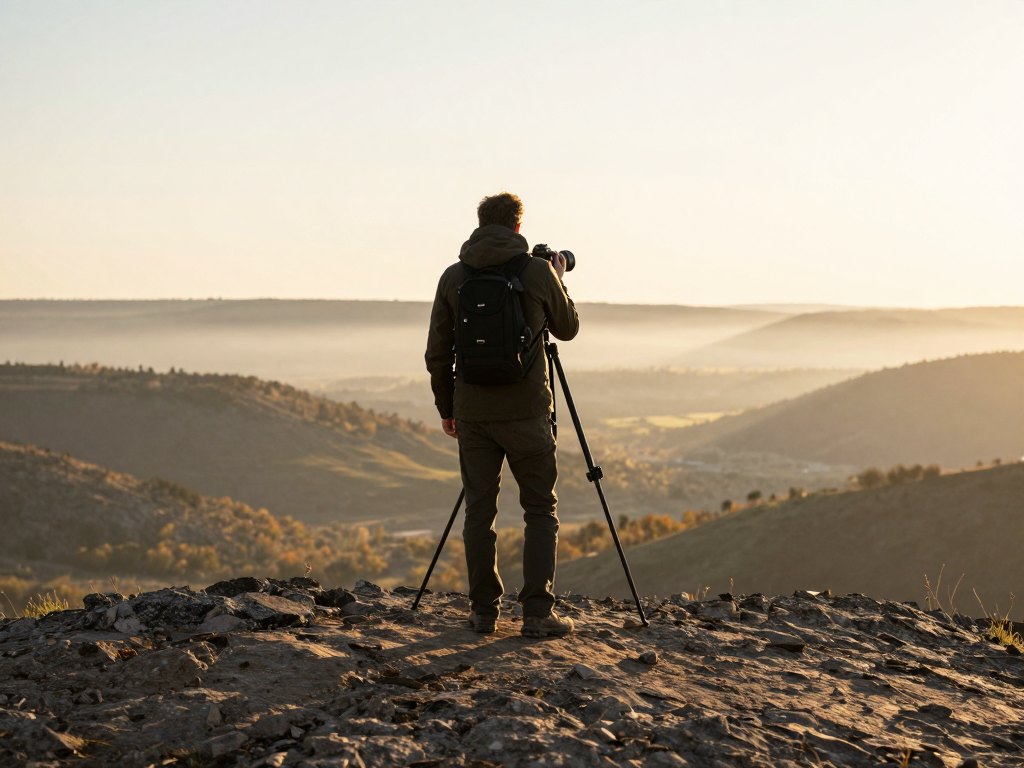
Why the source file matters more than the edit
Many photographers know the feeling: the shoot is over, the frames look flat or soft, and the evening disappears into Photoshop trying to fix what the camera did not capture. Editing can polish a good frame, but it rarely saves a weak one.
This course starts from the opposite end. It treats the source file, the frame straight out of the camera, as the foundation of everything. When focus, light, composition and colour are right at the moment of the shot, the rest of the workflow gets shorter and the results get more consistent.
The programme is built for two kinds of learners. If you are new, it gives you a clear order in which to learn the camera, light and editing, without chaos or overload. If you already shoot, it helps you replace guesswork with a repeatable system and close the gaps that cause unstable results.
Over three months you move step by step from equipment and settings to light, flash, editing and working with people, with homework along the way to turn each idea into a habit.
What you will be able to do
- Set up your camera for any shoot
Understand how every key setting changes the final frame.
- Get consistently sharp images
Control the focus point and avoid the usual causes of blur.
- Read and use light in different conditions
Work with natural light outdoors, light indoors and studio pulse light.
- Build frames with deliberate composition
See how composition shapes the way a picture is perceived.
- Use flash with confidence
Know how a flash works, how to set it up and what result to expect.
- Edit a photo from source file to final image
Work in Lightroom and Photoshop with layers, masks and curves.
- Direct a model during a shoot
Build contact, guide poses and bring out emotion in the frame.
- Control colour in clothing, skin tones and overall style
Create a consistent visual look across your work.
- Present your work and find your niche
Learn the basics of photographer marketing and working with clients.
- 3 months
- of guided learning
- 21
- video lessons
- 12 months
- of access to the materials
- 8
- modules in the programme
The method: shoot it right, then refine it
The central idea of the course is simple: every decision you make before pressing the shutter saves time afterwards. Settings, focus, light and composition are taught first and in depth, because they determine how much the source file can give you.
Editing is then taught as a complete cycle, from preparing source files and basic correction in Lightroom to retouching, colour work and export in Photoshop. You learn the logic behind each step, so you can apply it to your own style rather than copy a recipe.
Practical lessons are tied to real shooting situations: seasons, locations, studio setups with continuous and pulse light, backlight, greenery, emotions and special effects. The goal is that you recognise the situation in front of you and know what to do.
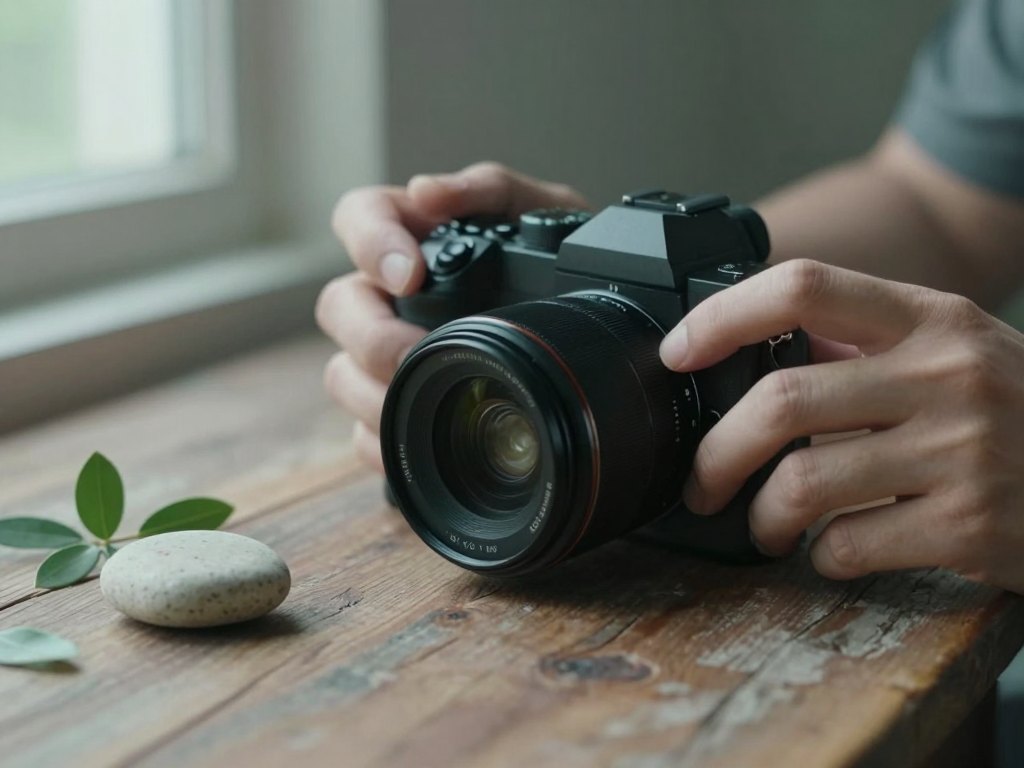
How the course works
The course runs for three months and is delivered online on a learning platform. The suggested pace is one lesson every two days, but you can study at your own speed and watch the lessons whenever suits you.
Lessons are video-based and typically take between 20 minutes and an hour, around 60 minutes on average. Most lessons come with bonuses, extra materials, instructions and written notes so you can revisit key points quickly.
Many lessons include homework. During the three months you receive feedback on your assignments and answers to your questions, take part in a participants' chat and join online group meetings. The final project is reviewed as well, so you finish with a checked piece of work.
Access to the course materials lasts 12 months from purchase.
The programme
Eight modules take you from equipment and settings through light and editing to creative techniques, working with people and the business side of photography.
1Module 1 — Equipment and camera settingsKnow your tools and set them up for the shoot.5 topics
- Cameras
- Lenses
- Accessories and additional equipment
- Core camera settings
- Setting up the camera during a shoot
2Module 2 — Focus, sharpness and motion blurMake sharp frames the rule, not the exception.2 topics
- How to get consistently sharp frames and control the focus point
- Causes of motion blur and missed focus, and how to avoid them
3Module 3 — Composition and lightLearn to see light and build the frame.5 topics
- Composition: theory
- Light: theory
- Light in nature
- Light indoors
- Studio light with a pulse flash
4Module 4 — FlashUnderstand the flash and predict its result.3 topics
- How a flash is built
- How to set up a flash
- Evaluating the result
5Module 5 — Editing in Lightroom and PhotoshopProcess source files from the first correction to export.6 topics
- Lightroom: the essentials
- Basic correction of exposure, colour and contrast without losing quality
- Preparing source files for editing and export
- Photoshop: setup and core tools
- Layers and masks
- Curves and colour spaces
6Module 6 — Preparing for a shoot and working with peoplePlan the session and guide the model.4 topics
- Preparing for a shoot and working with a client
- Finding locations and shooting through the seasons
- Practical on-location lesson: working with a model and scouting locations
- Capturing emotion in the frame
7Module 7 — Creative techniquesAdd depth, colour control and special looks.6 topics
- Colour and clothing
- Skin tones
- The 3D effect
- Working with greenery
- Backlight
- Special effects
8Module 8 — Studio work, editing workflow and marketingBring everything together into a working process.5 topics
- Studio shooting with continuous light
- Studio shooting with pulse light
- Principles of editing by season
- Editing from A to Z: workflow and logic
- Marketing basics for a photographer
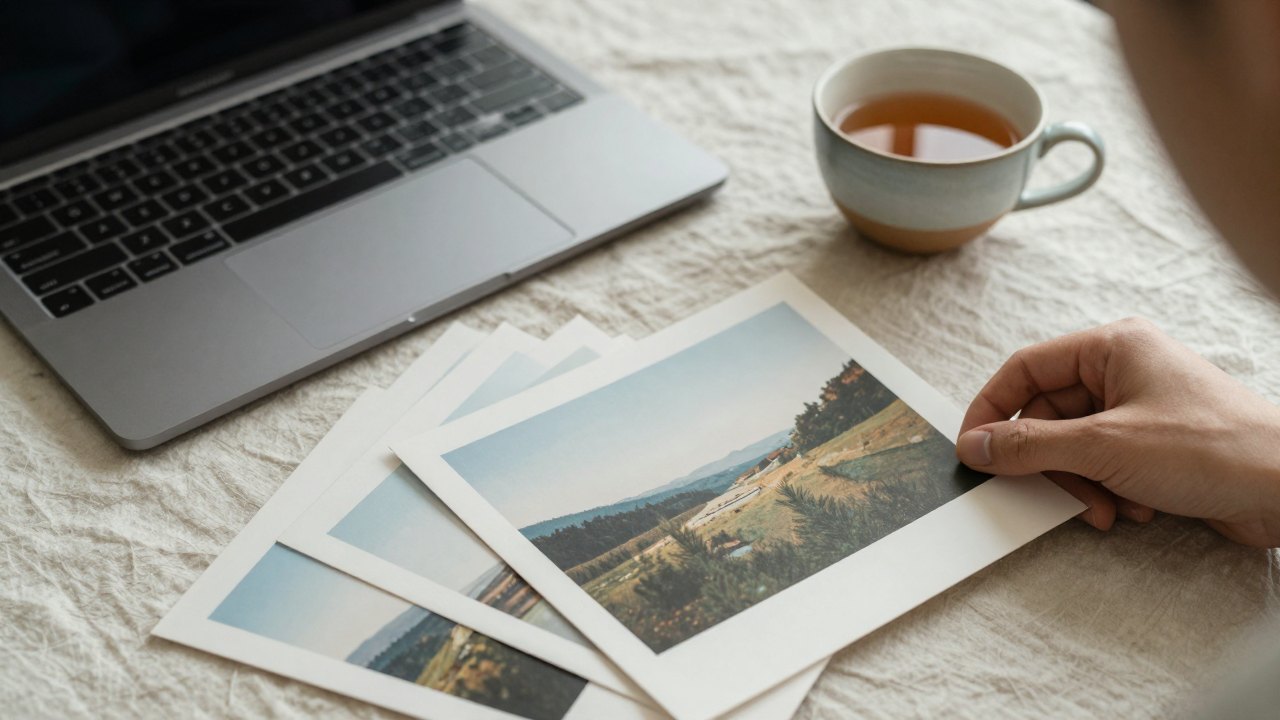
What you get
- 21 video lessons
Short and focused, roughly 20 to 60 minutes each.
- Extra materials
Bonuses, instructions and written notes for most lessons.
- Homework assignments
Practical tasks that help you apply and retain each topic.
- Feedback on your work
Support and answers to your questions throughout the three months.
- Participants' chat
A place to ask questions and share progress with other learners.
- Online group meetings
Live sessions where topics are discussed and questions answered.
- Final project review
Your closing assignment is checked and commented on.
- 12 months of access
Study at your own pace and return to lessons whenever you need.
Is this course for you?
This course is for you if…
- Beginners who want a solid foundation in cameras, light and editing without feeling overwhelmed
- Photographers with experience who feel their results are unstable and want a clear shooting system
- People who rely on heavy editing to fix mistakes and want to get better frames in the camera
- Anyone who wants to combine shooting, editing and the basics of presenting their work in one programme
Probably not a fit if…
- Those looking for a quick trick that replaces practice; the course relies on homework and regular shooting
- People who want only advanced retouching and are not interested in camera technique or light
- Learners who cannot spend any regular time on lessons and assignments during the three months
After the course
By the end of the programme you are a confident camera user. You understand how settings affect the image, you can see light and composition before you shoot, and you know how to bring a frame from source file to finished photo.
These are foundational skills that apply in any genre, from portraits to family and outdoor work. Because your source files are stronger, editing takes less time and the results look more consistent from one session to the next.
You also leave with a clearer picture of how to find your niche, present your work and communicate with clients, so you can decide where to take your photography next.
Questions before you buy
How much time do I need each week?
The suggested pace is one lesson every two days. Lessons last from 20 minutes to about an hour, plus time for homework and practice shooting. You are free to go faster or slower.
Do I need any experience?
No. The course starts with equipment and basic settings, so complete beginners can follow it. Photographers who already shoot will find material to fill gaps and build a system.
What equipment do I need?
You need a camera whose settings you can control manually. The lessons on lenses, accessories and flash will help you decide what else is worth adding.
How does access work after payment?
After payment you receive access to the lessons online. The course lasts three months, and your access to the materials runs for 12 months from purchase.
What format are the lessons in?
Self-paced video lessons, typically 20 to 60 minutes each, with extra materials, instructions and written notes for most of them. There are also online group meetings and a participants' chat.
Will I get feedback on my work?
Yes. Many lessons include homework, and during the three months you can ask questions and receive feedback. The final project is reviewed too.
Can I watch the lessons at any time?
Yes. You can study whenever it suits you and return to any lesson during your access period.
Do the materials stay available?
Yes. The lessons and extra materials remain available to you throughout your 12-month access period, so you can revisit them as often as you like.
What is the refund policy?
You can request a refund within 14 days of purchase if the course is not right for you.
Start building stronger frames
Join the three-month programme and learn to get it right in the camera, then finish it with confidence in the edit.