Design · Intermediate
Present ArchiCAD projects as sketches and photorealistic renders, fast
Four modules that take you from stylish 3D views inside ArchiCAD to a rendering plugin and AI-based visualisation, with no 3ds Max and no outsourced renders.
- 27 video lessons
- Four modules, about 11 hours
- Working 3D scene provided
- 12 months of access
- 14-day money-back guarantee
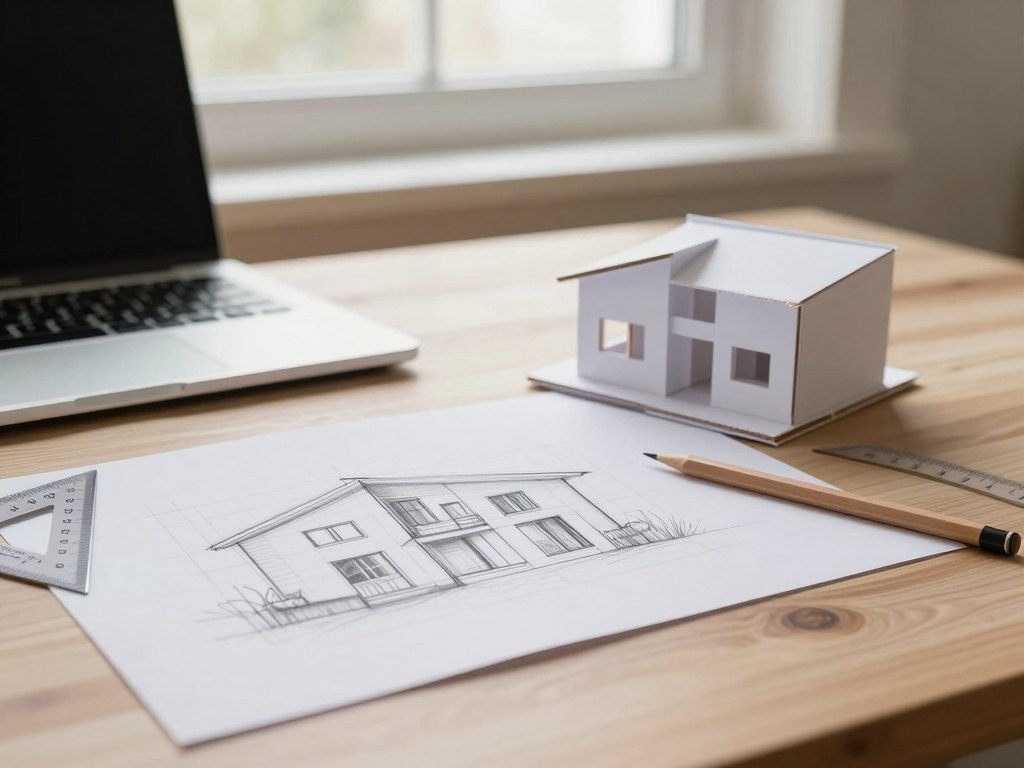
Why presenting a sketch project takes so long
If you already model in ArchiCAD, you know the feeling. The layout is ready and the client wants to see something now, but a polished image means hours of settings, a separate rendering programme, or a fee paid to someone who visualises for you.
Many designers end up showing flat drawings and hoping the client can imagine the space. Others lose whole evenings to materials, lights and render tests, then redo everything after the next round of edits.
This course is built around a different idea: use everything ArchiCAD can already do for presentation, add one fast rendering plugin, and finish with AI tools that turn your scene into a realistic picture or a short video. You keep control of the design and spend far less time on the routine.
What you will be able to do
- Save attractive 3D views in two ways
Set up views once and reuse them across the project.
- Configure 3D styles and lighting
Give sketch views a consistent, pleasant look.
- Texture objects and adjust materials
Upload your own materials and create a view from the window.
- Export an interactive presentation
Save the project in the BIMx format so a client can walk through the scene.
- Import and adapt your own 3D models
Build a personal library of models for ArchiCAD.
- Record a video presentation inside ArchiCAD
Produce and save a clip without extra software.
- Prepare a presentation with wall and ceiling sections
Show moving furniture, text callouts and dimensions.
- Render with a visualisation plugin
Save images, 360-degree panoramas, walkthroughs and video.
- Create realistic images with AI tools
Use collages, plugin output and post-processing, plus video with sound.
- 4
- modules
- 27
- video lessons
- 11 h
- of video content
- 12 months
- of access to the materials
From quick sketch to realistic image
The programme follows the order in which a real project develops. First you make the scene look good with the tools ArchiCAD already gives you, which is often enough for an early sketch discussion.
Next you extend those possibilities with your own models, an unrolled view that works as a sketch, a video, and a presentation with sections and callouts in the spirit of other BIM software.
Then you add a plugin for fast rendering and learn its settings, materials and object library. The final module shows how AI tools take a scene or a collage and turn it into a convincing image, and how to polish the result afterwards.
Each step produces something you can show a client, so you can stop at the level of detail the project needs.
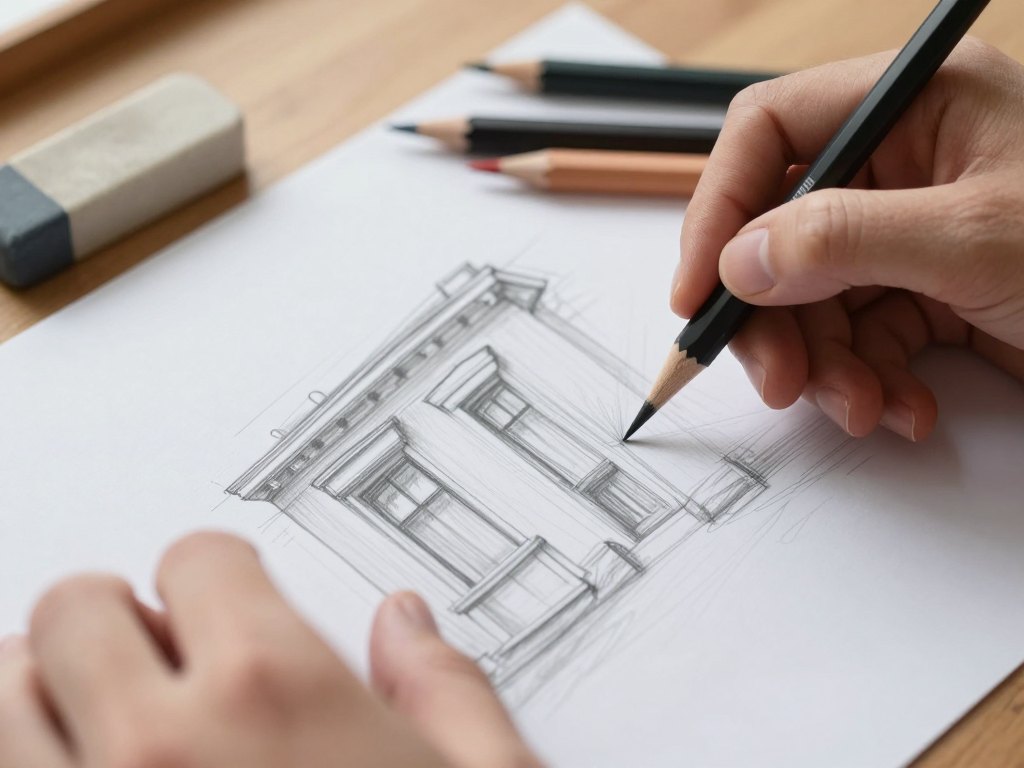
How the course works
The course is a library of recorded video lessons that you follow at your own pace. The recommended pace is about one month, which is roughly three hours of video per module plus time for your own practice. You can go faster or slower, and the lessons are short enough to fit into an evening.
You work on a ready-made scene. The working scene and all its 3D objects are provided, so you can follow every step on exactly the same material as in the video and then repeat it on your own project. Samples of lightweight 3D models for the scene come with the programme.
Because the lessons show real settings on screen, you can pause, rewind and repeat any step. After each module you will have a finished piece to compare with your own work: a saved view set, a BIMx file, a video, a rendered image or an AI result.
The programme
Four modules, 27 lessons. Lesson lengths range from about ten minutes to under an hour.
1Module 1 — Sketch visualisation inside ArchiCADMake a scene look attractive using only built-in tools.5 lessons · about 3 hours
- Setting up and saving attractive views in two ways
- Configuring 3D styles
- Creating lighting for 3D views
- Texturing, material settings, uploading your own materials and creating a view from the window
- Saving the project in BIMx format, in colour and in white, for an interactive walkthrough
2Module 2 — More ways to present a project in ArchiCADModels, unrolled views, video, sections and collages.5 lessons · about 3 hours
- Loading your own 3D models, adapting them for ArchiCAD and building a model library
- Setting up an unrolled view that works as a sketch
- Making and saving a video presentation
- Creating a presentation with wall and ceiling sections, moving furniture, text callouts and dimensions
- Creating a collage directly in the 3D scene
3Module 3 — A plugin for fast visualisationInstall a rendering plugin and master its main tools.11 lessons · about 3 hours
- Installing and launching the plugin
- Getting to know the interface
- Image quality and the main settings
- Texturing, material settings, keywords for materials and dynamic textures
- The library of proxy objects (assets)
- Saving as an image, a 360-degree panorama and a standalone walkthrough
- Saving a video presentation and adjusting video settings
- Creating a winter background behind the window
- Artificial lighting
- Decorating the project
- Creating a bedside cabinet
4Module 4 — Visualisation with AI toolsTurn scenes and collages into realistic images and video.6 lessons · 2 h 15 min
- Introduction to AI image tools
- Getting started
- Creating a collage with AI in two ways
- Using AI together with the plugin output
- Post-processing images in two ways
- Video and audio with AI tools
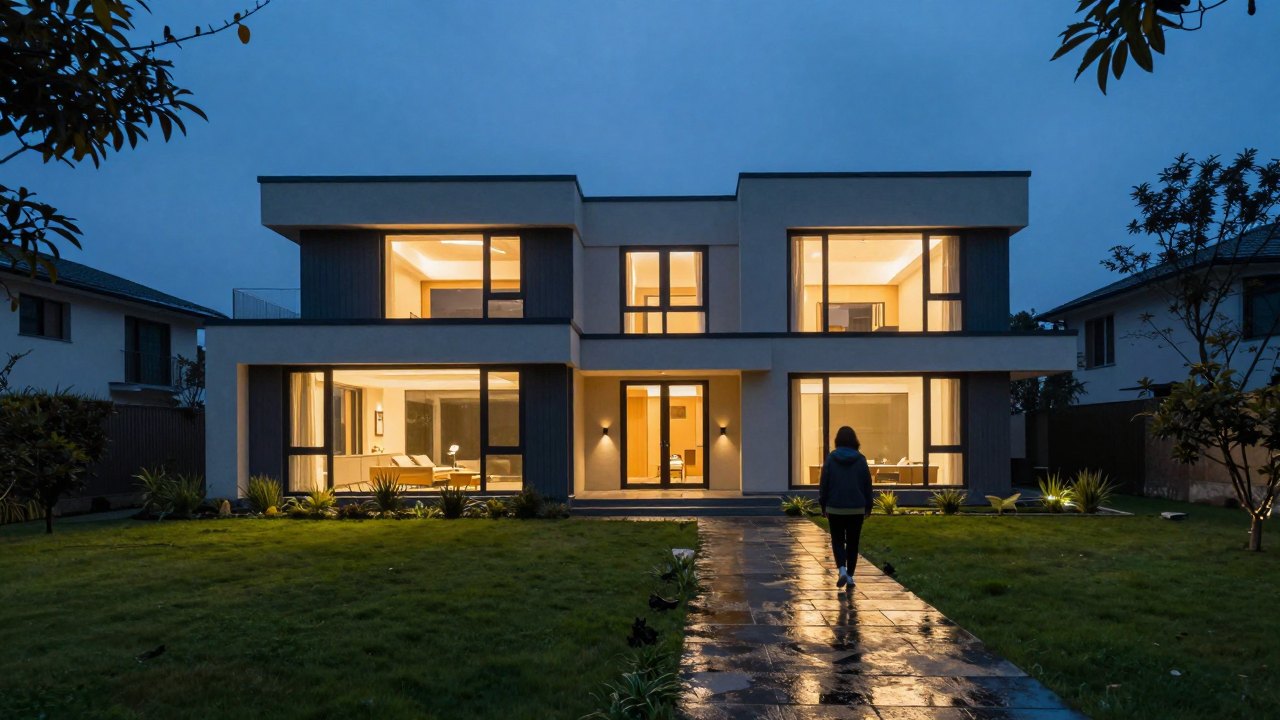
What you get
- 27 recorded video lessons
Four modules covering ArchiCAD views, presentation, a plugin and AI visualisation.
- A ready working scene
The scene and all 3D objects are provided so you can practise straight away.
- Samples of lightweight 3D models
Included for the working scene.
- Step-by-step settings on screen
Every setting is shown in the video, so you can repeat it.
- Interactive and video outputs
Learn to produce BIMx files, panoramas, walkthroughs and clips.
- 12 months of access
Return to any lesson during that time.
- Installment options
Interest-free instalments from different banks may be offered at checkout.
- 14-day money-back guarantee
If the course is not right for you, ask for a refund within 14 days.
Is this course for you?
This course is for you if…
- You already work in ArchiCAD and want faster, better-looking presentations.
- You are an interior designer or architect who shows sketch projects to clients.
- You want photorealistic images without learning a separate rendering programme.
- You would like to add video and interactive walkthroughs to your project presentations.
- You prefer learning from short recorded lessons at your own pace.
Probably not a fit if…
- You have never opened ArchiCAD; the course assumes you can already model.
- You are looking for a full course on drawing and documentation in ArchiCAD.
- Your computer does not meet the graphics and ArchiCAD version requirements below.
- You expect AI tools to replace design decisions; here they speed up presentation only.
After the course
You will have a repeatable way to present any sketch project. You can set up views, styles and lighting quickly, export a walkthrough the client can explore on their own, and record a short video without leaving ArchiCAD.
When a project needs a more realistic image, you will use the plugin and AI tools instead of waiting for someone else to render it. You will also know how to build a personal library of models, so each new scene starts faster than the last.
The result is less time spent on routine and fewer long evenings of test renders, and more time for the design itself.
Questions before you order
How much time do I need per week?
The video content is about 11 hours in total. Following the suggested pace of one month, plan roughly three hours of lessons a week plus time to practise on the working scene or your own project.
Do I need any experience?
Yes. The course is for people who already work in ArchiCAD and can model a scene. No experience with other rendering programmes or with AI tools is needed.
What computer do I need?
You need ArchiCAD version 21 or later; on a Mac, version 27 or 28 or later. The graphics card should have at least 2 GB of memory, with 4 GB recommended. A fast wired internet connection is recommended for the model library, panoramas and online walkthroughs.
How does access work after payment?
After payment you receive access to the lessons and materials on the learning platform. Access lasts 12 months, and you can watch the lessons at any time of day.
What format are the lessons in?
Recorded video lessons in which the settings are shown on screen. A working scene and sample models are provided so you can repeat each step.
Will the materials stay available?
Yes, for the whole 12-month access period you can return to any lesson and download the provided materials as often as you like.
What is your refund policy?
You can request a full refund within 14 days of purchase if the course is not what you expected.
Do I need a separate renderer or 3ds Max?
No. The course uses ArchiCAD, a rendering plugin for it and AI tools, so you can reach realistic images without a separate visualiser or 3ds Max.
Can I pay in instalments?
Interest-free instalments from various banks may be available. The details are shown when you place the order.
Start presenting your projects faster
Get the four modules, the working scene and 12 months of access.